
Why this becomes a problem
Home labs often grow one purchase at a time. An old Windows PC runs Hyper-V, a small Linux server uses KVM, a Mac provides Apple-silicon testing, and a NAS stores images. Each platform may work alone, but daily administration fragments across scripts and dashboards. The common pain points are forgotten machine ownership, unsafe port forwarding, snapshots mistaken for backups, incompatible image formats, capacity hidden on idle hosts and no recovery path when the only management VM is down.
How VMBook approaches it
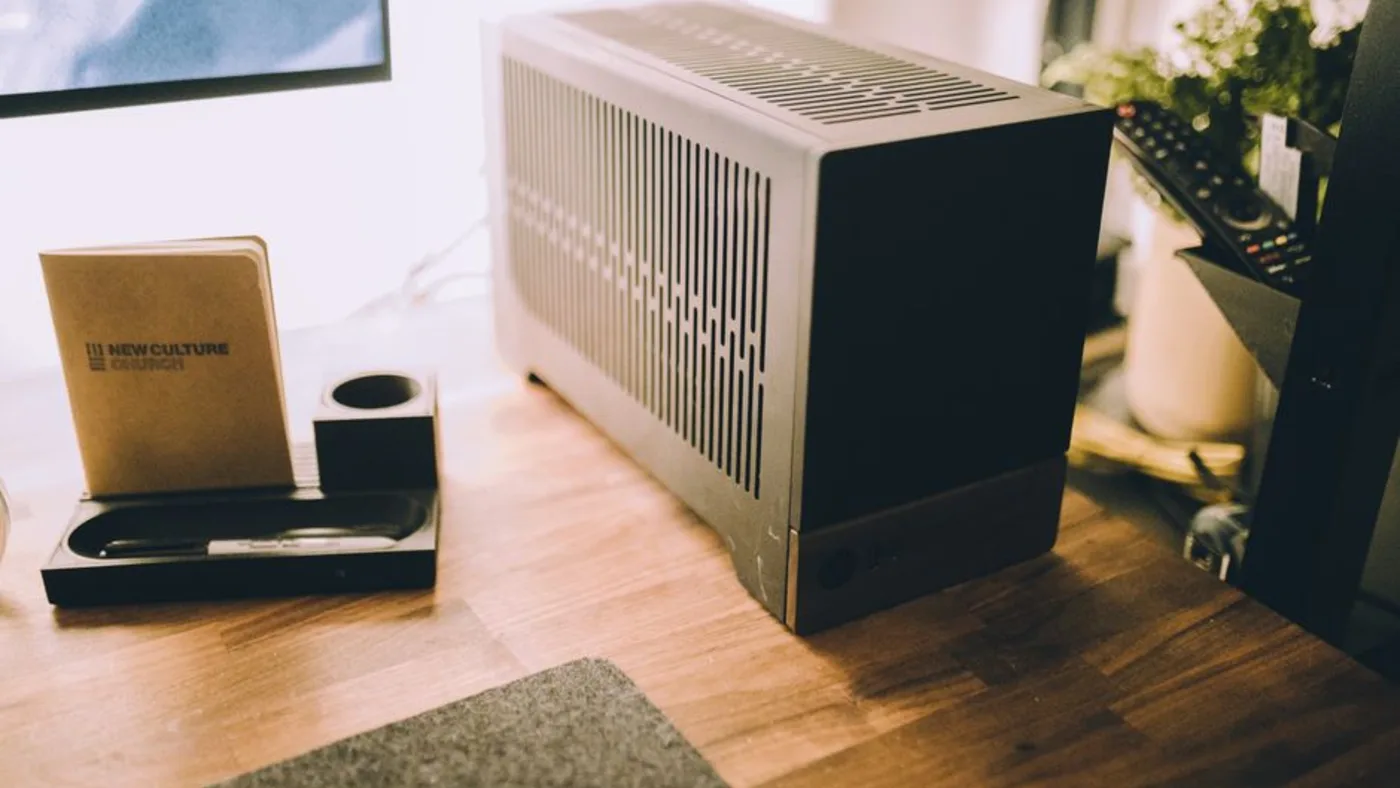
VMBook treats a home lab as sites, computers, platforms and machines rather than demanding a dedicated cluster operating system. A personal Windows 11 computer can keep Hyper-V and WSL2 while VMBook uses QEMU through WHPX; a Linux node can expose QEMU/KVM or libvirt machines; remote hosts can be grouped without hiding their native platform. The same structure scales conceptually from a desk-side mini PC to a rack and later to an office or data-center site.
Recommended workflow
- List the services you actually need, their architecture and acceptable downtime before buying hardware.
- Start with one host, hardware virtualization enabled and enough memory for the simultaneous guests rather than every defined VM.
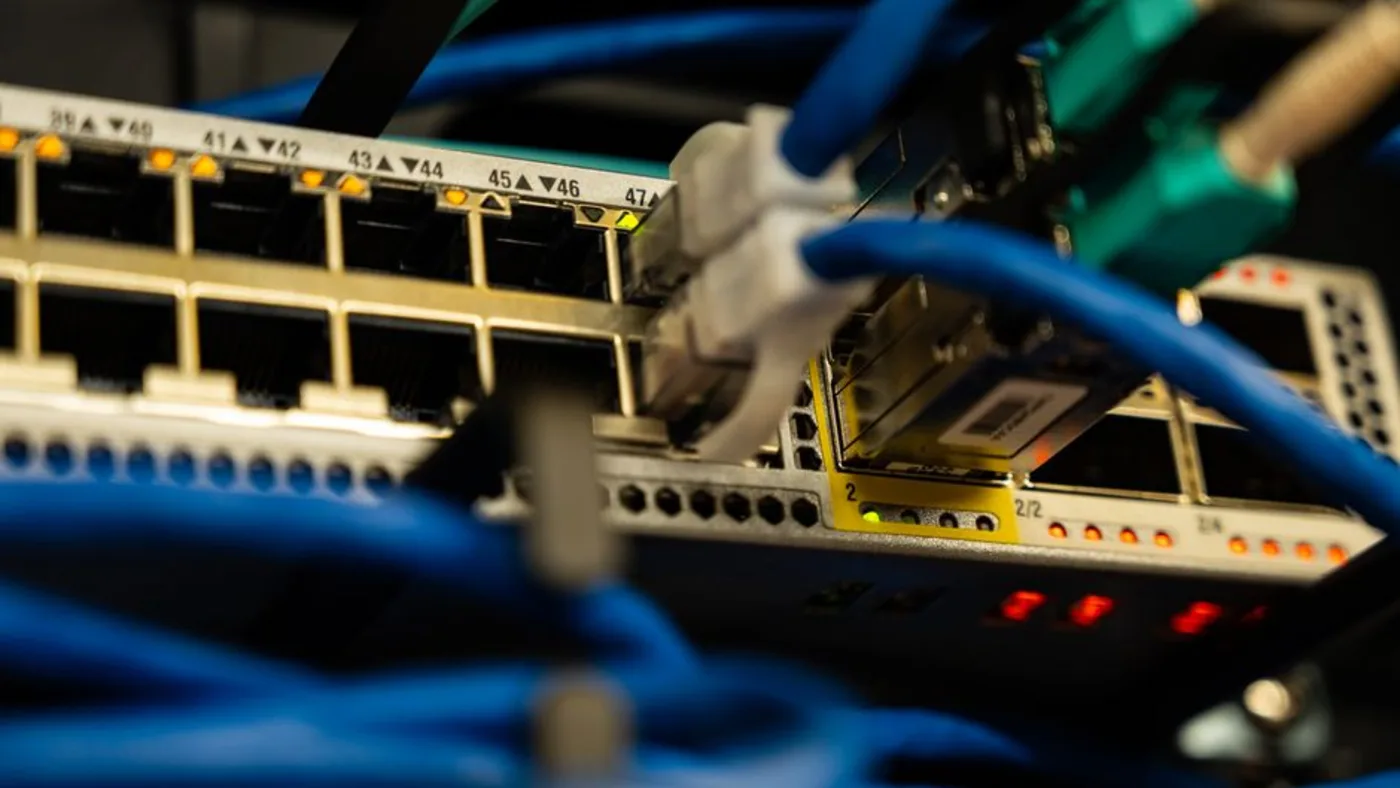
- Separate trusted management, ordinary client and intentionally unsafe lab traffic with appropriate switches, VLANs or host networks.
- Store installation media and base images once, then use copy-on-write layers where the recovery plan permits them.
- Back up valuable guest data outside the VM and test restoration; a snapshot alone remains tied to its image chain and host.
- Add a second node only when capacity, maintenance or failure testing justifies its power and operational cost.
- Use a VPN or controlled gateway for remote access and keep BMC, hypervisor and VMBook management endpoints off the public internet.
Limits and checks
VMBook 0.1 should first be evaluated with disposable lab workloads. It does not yet claim mature high availability, automatic distributed scheduling, enterprise SSO or a storage cluster. A mixed-platform inventory is useful, but moving a running guest between different hypervisors, CPU architectures or firmware models is not automatically safe. Measure idle power, memory pressure, storage latency and restore time on the actual hardware.
Primary documentation
- VMBook homelab solution
- QEMU system emulation documentation
- libvirt domain management documentation
- Microsoft Hyper-V documentation
Frequently asked questions
What problem does this guide solve?
A good homelab starts with workloads and recovery, not rack size. One quiet mini PC can host several test machines; a multi-node rack adds capacity and failure domains but also power, heat, switching, storage and maintenance. Use a VM manager that can begin on one computer and keep the same inventory model as the lab grows.
How does VMBook help?
VMBook treats a home lab as sites, computers, platforms and machines rather than demanding a dedicated cluster operating system. A personal Windows 11 computer can keep Hyper-V and WSL2 while VMBook uses QEMU through WHPX; a Linux node can expose QEMU/KVM or libvirt machines; remote hosts can be grouped without hiding their native platform. The same structure scales conceptually from a desk-side mini PC to a rack and later to an office or data-center site.
What should I verify before using it?
VMBook 0.1 should first be evaluated with disposable lab workloads. It does not yet claim mature high availability, automatic distributed scheduling, enterprise SSO or a storage cluster. A mixed-platform inventory is useful, but moving a running guest between different hypervisors, CPU architectures or firmware models is not automatically safe. Measure idle power, memory pressure, storage latency and restore time on the actual hardware.

