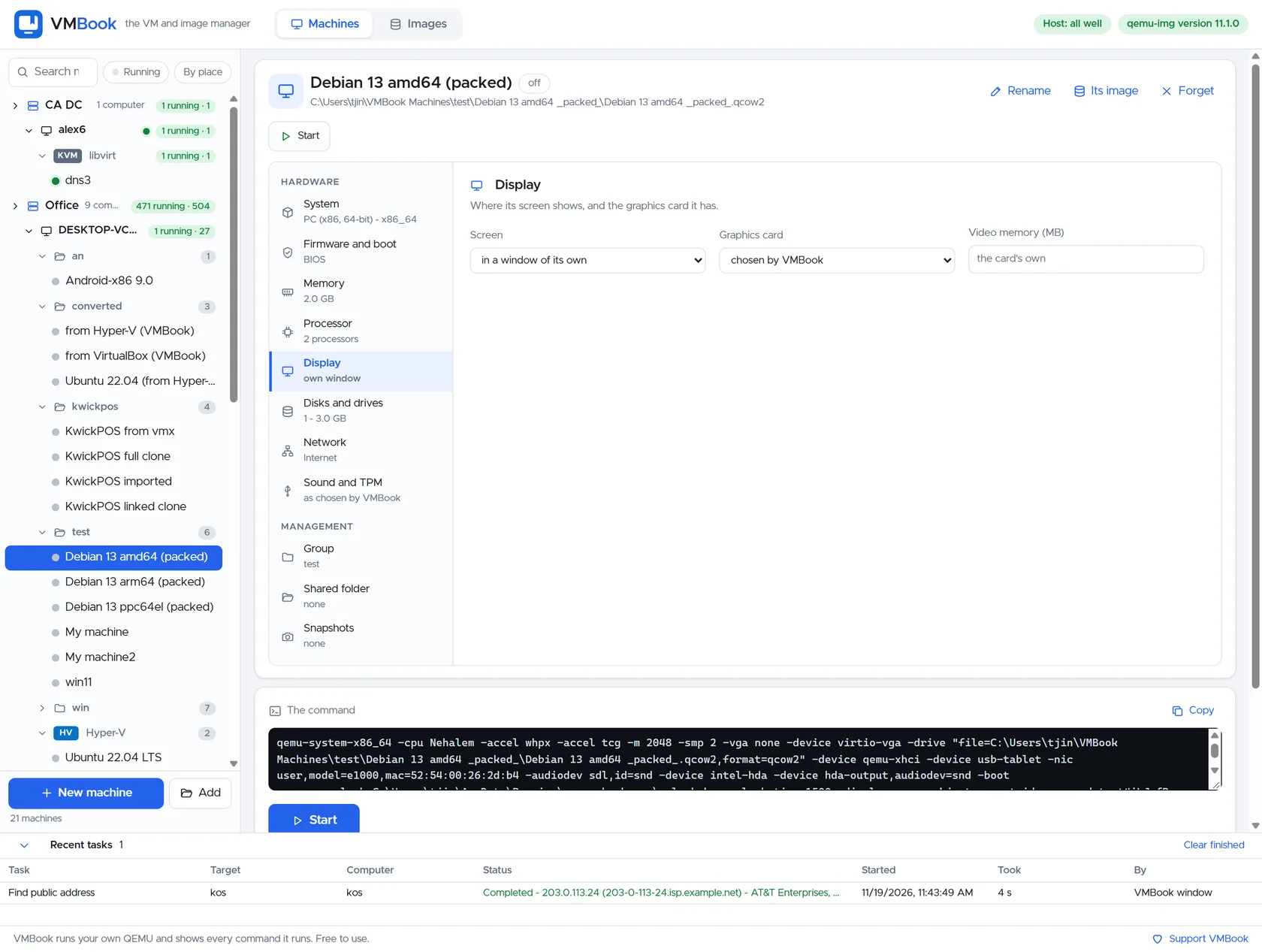
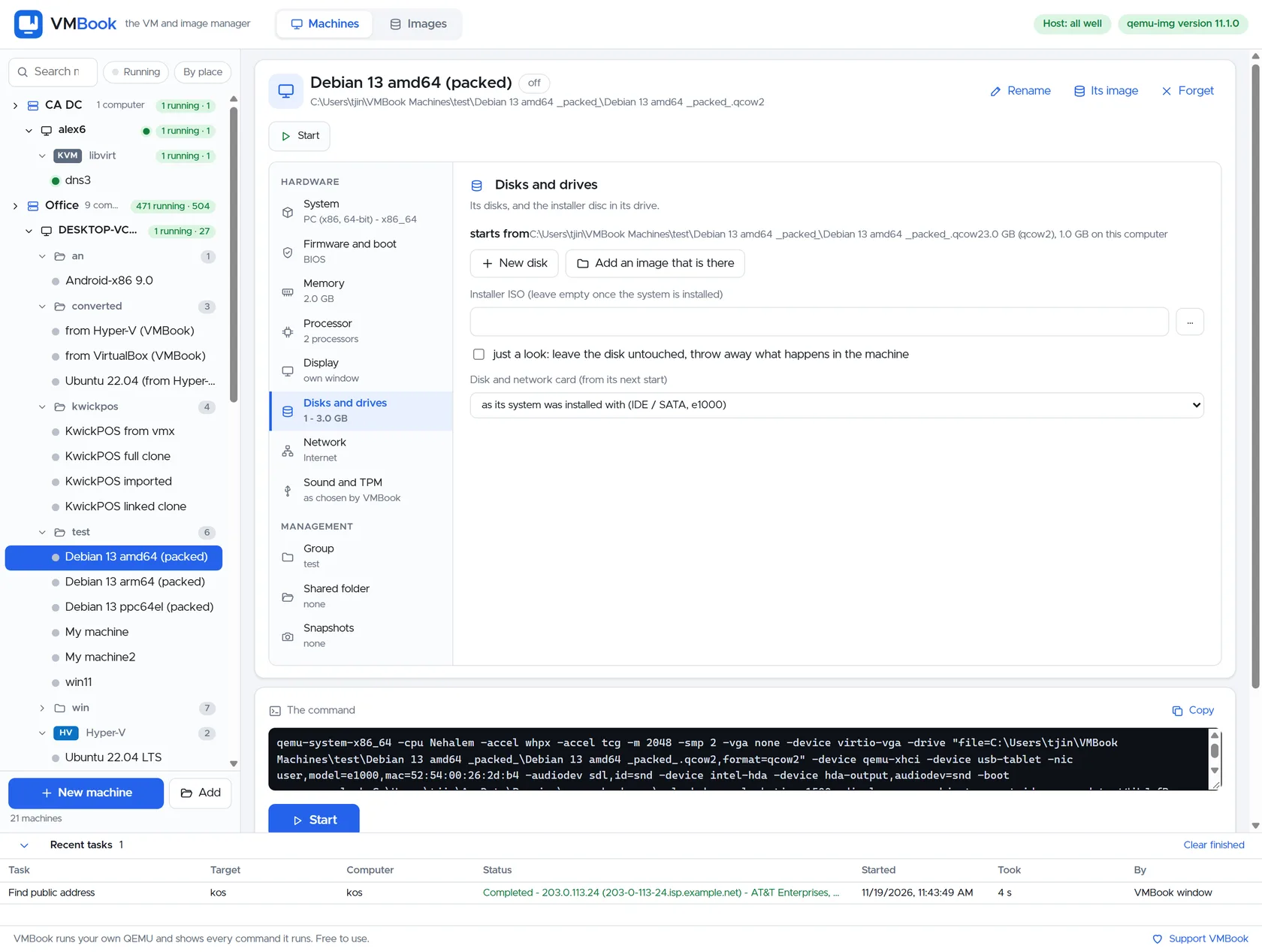
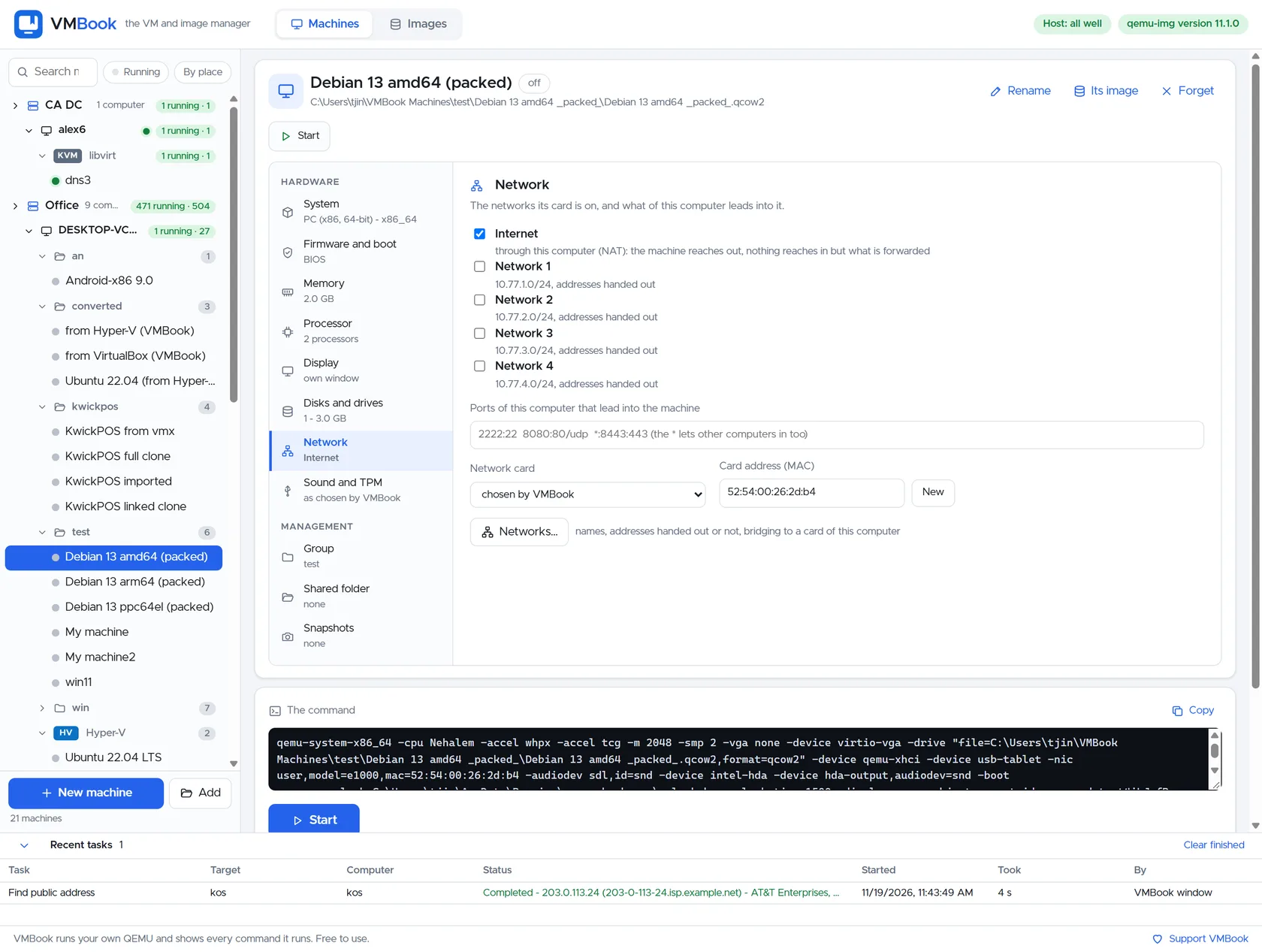
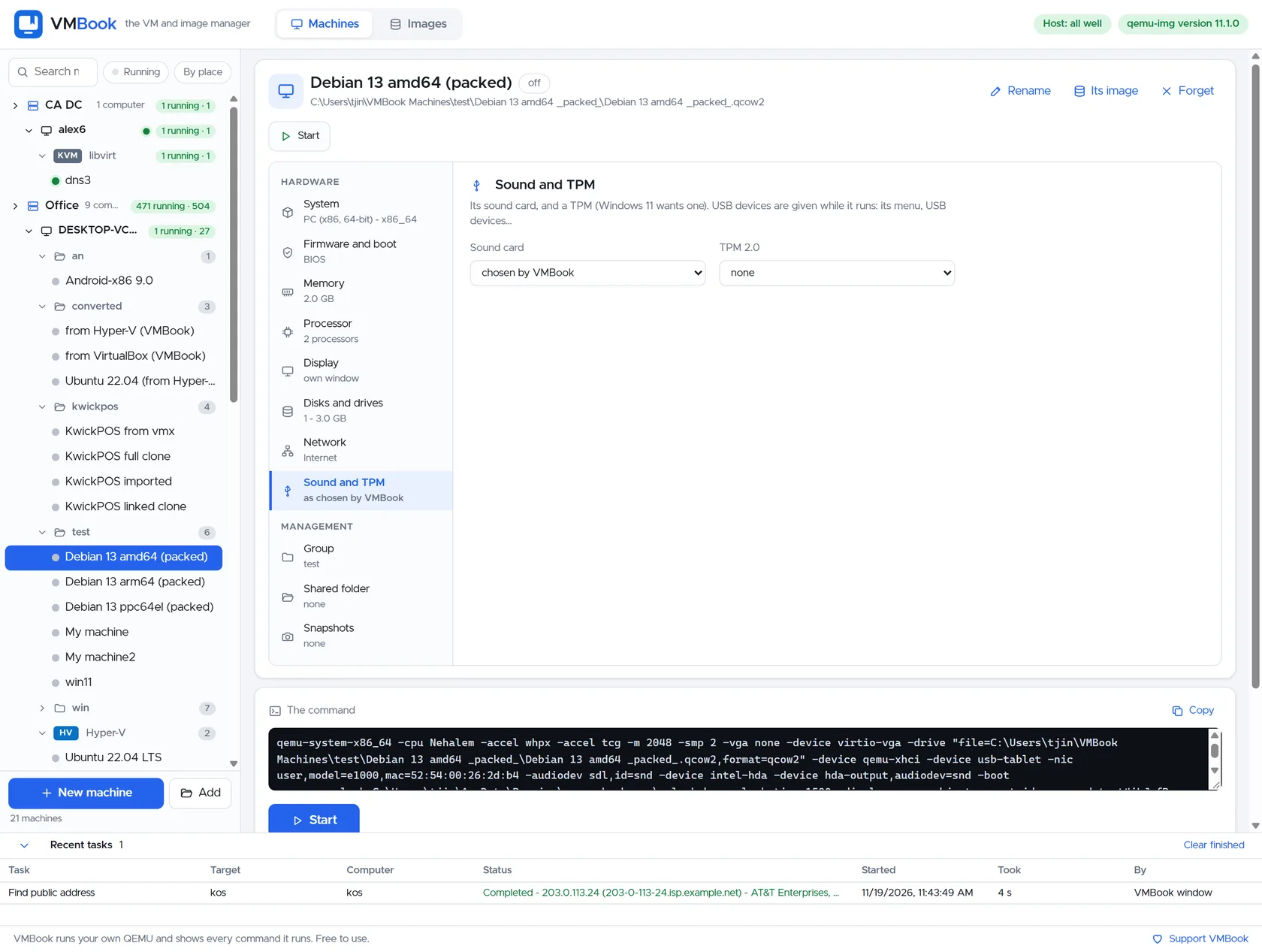
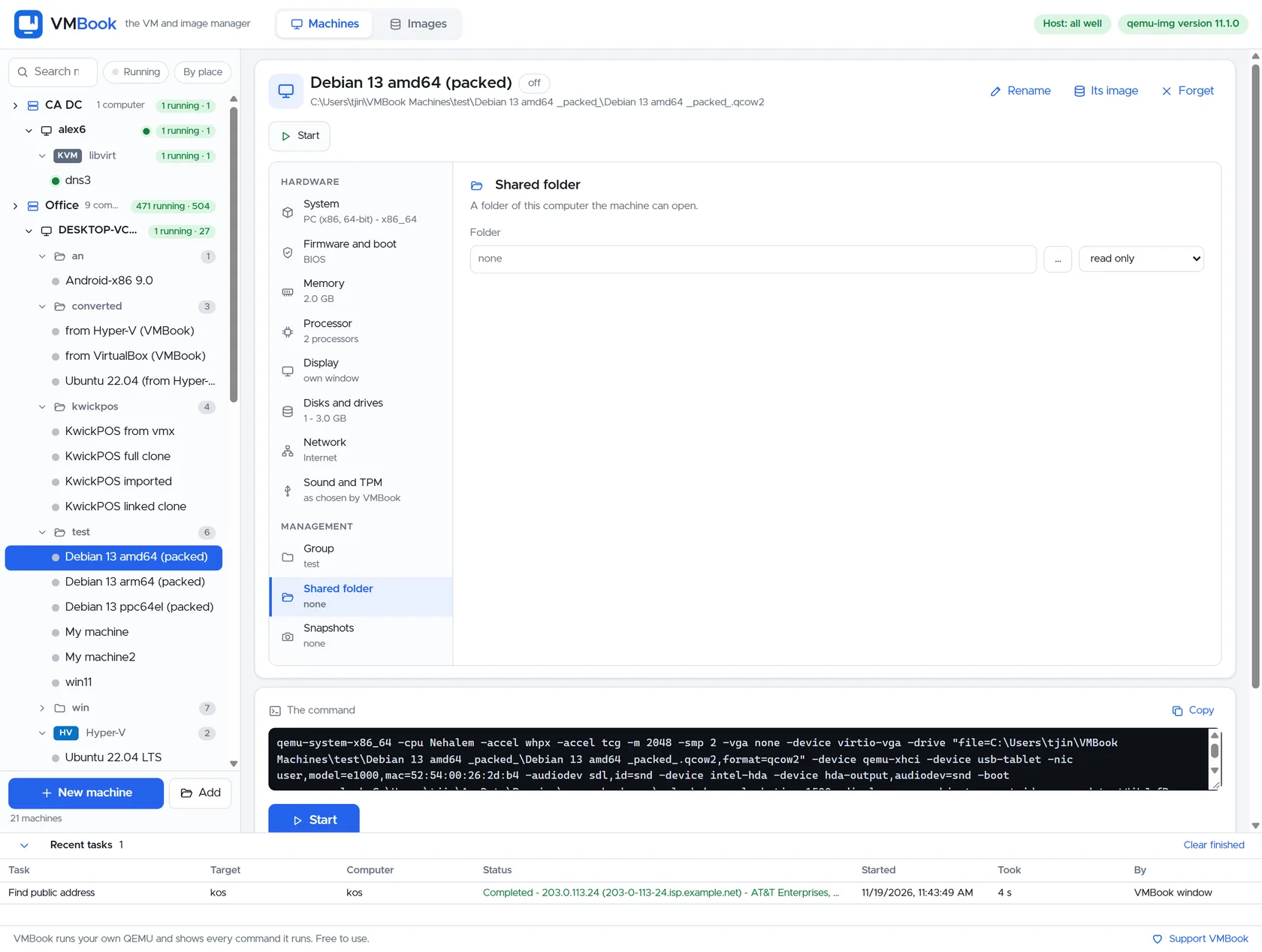
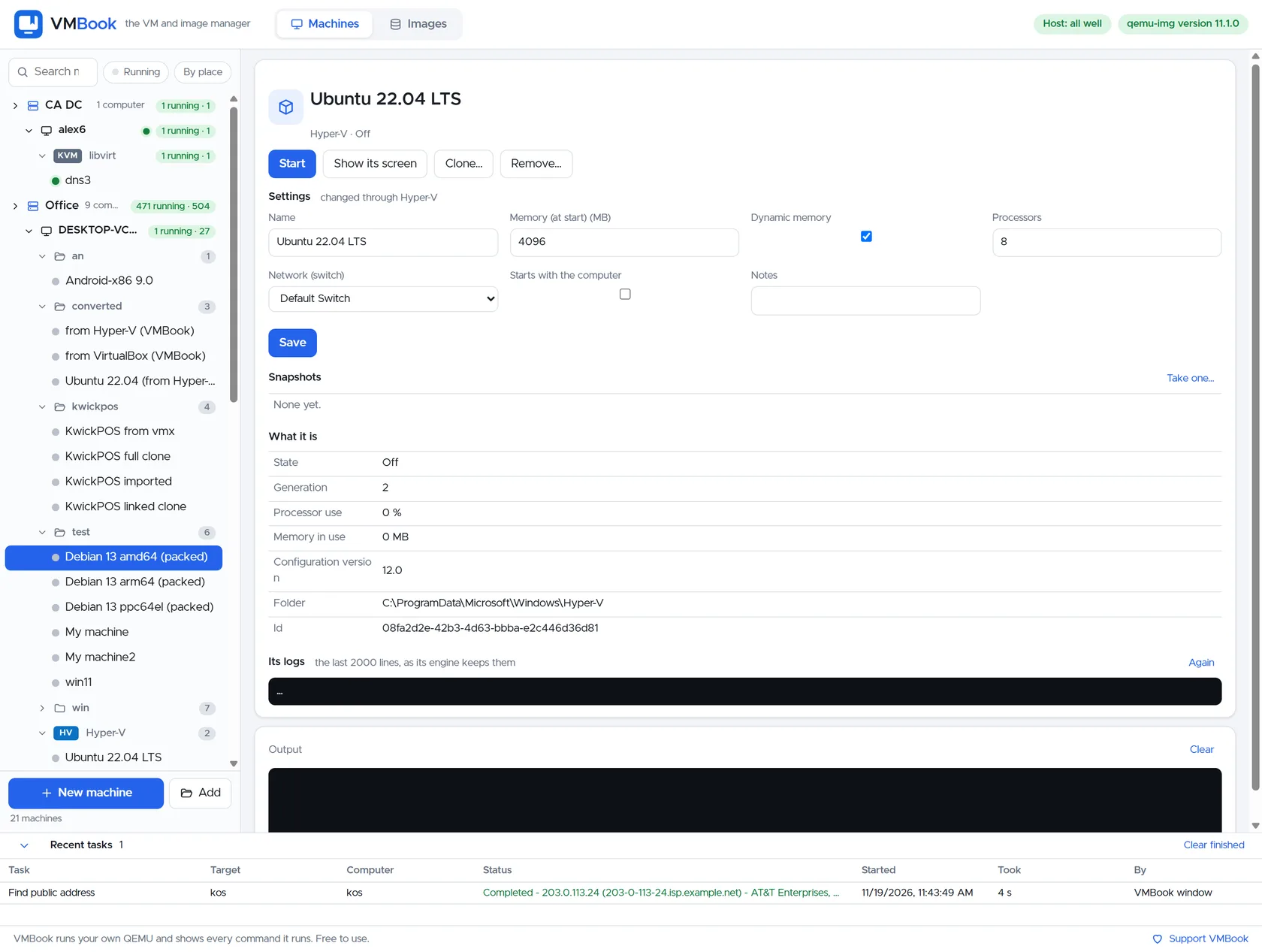
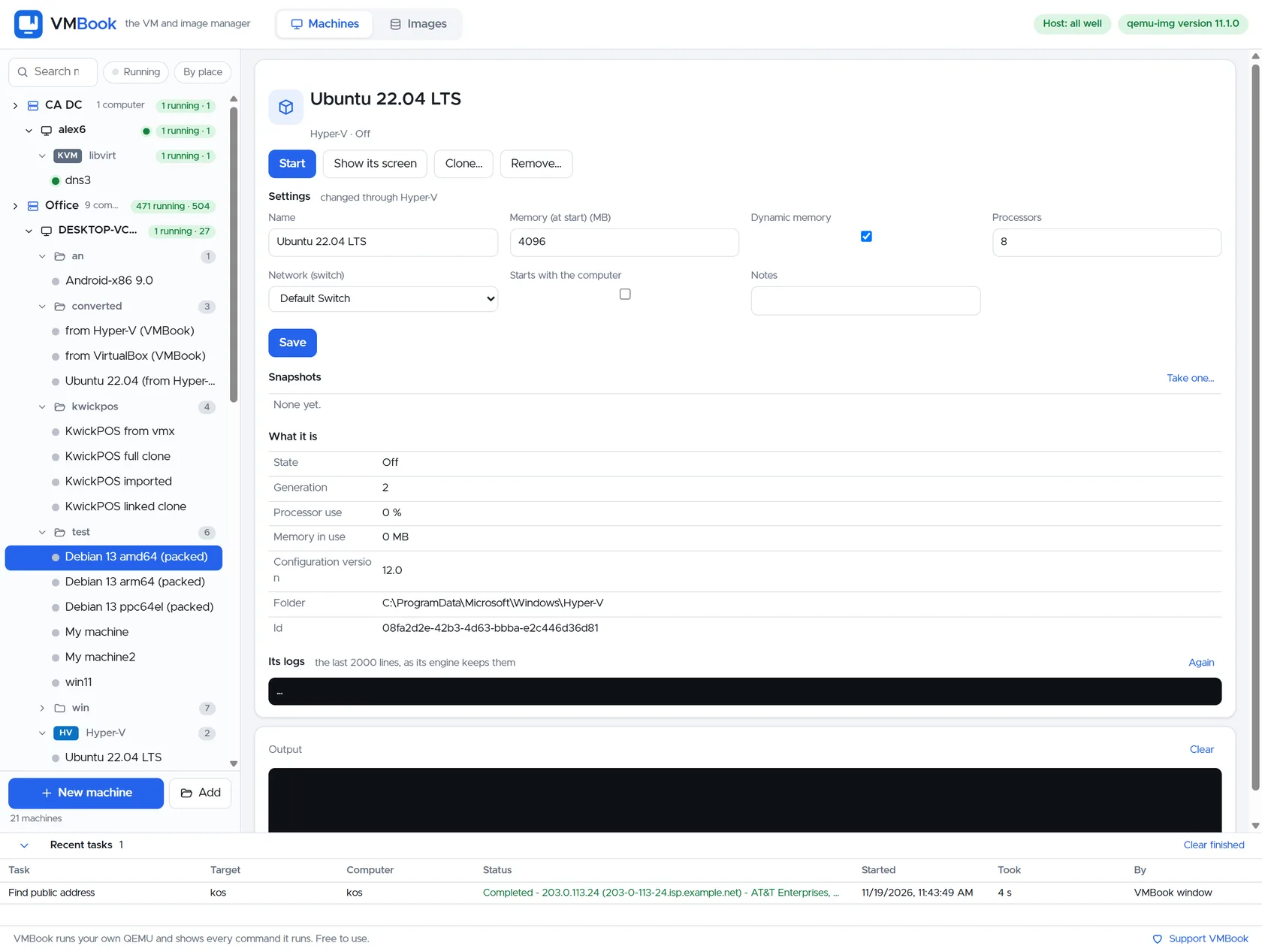
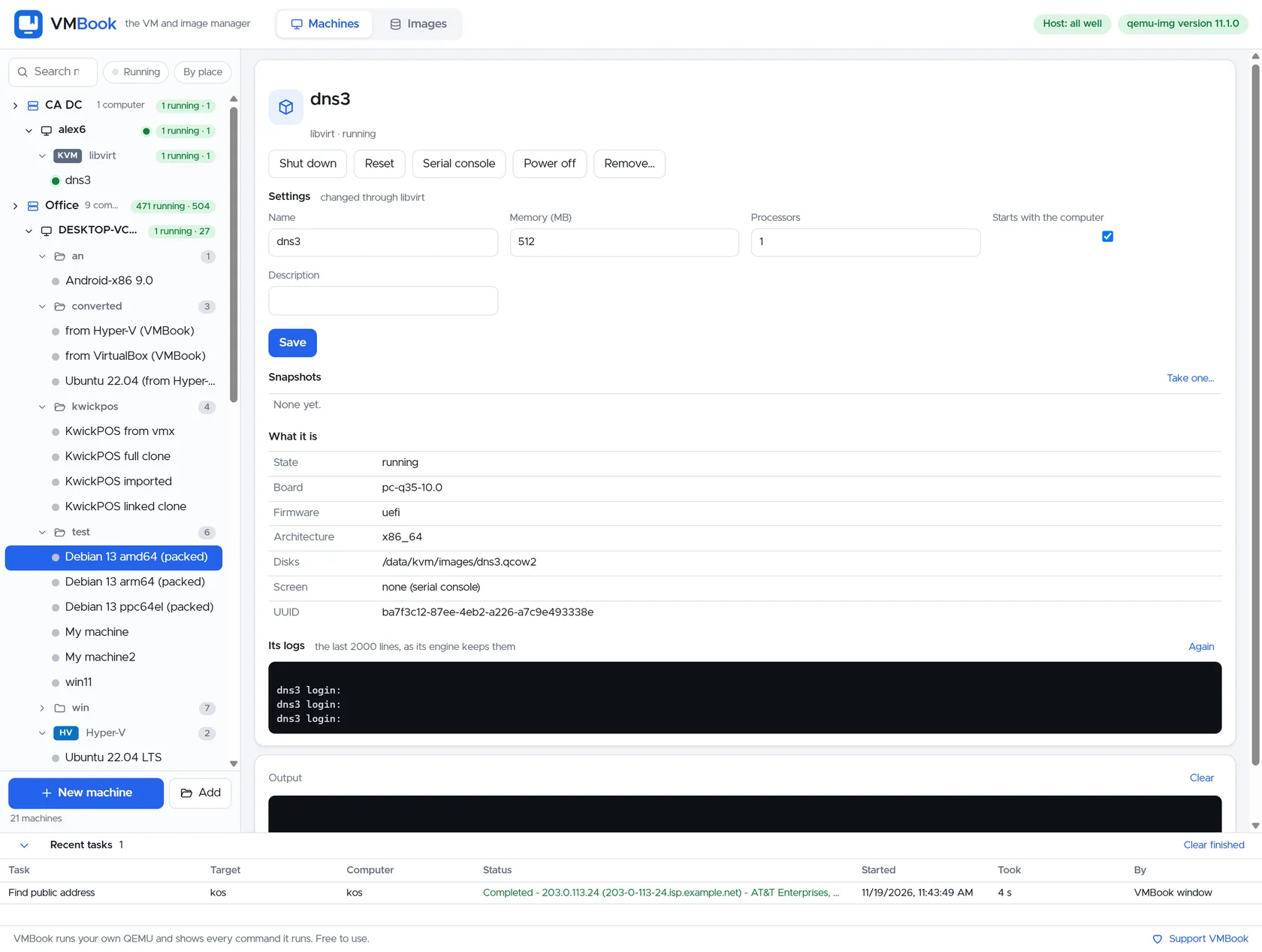
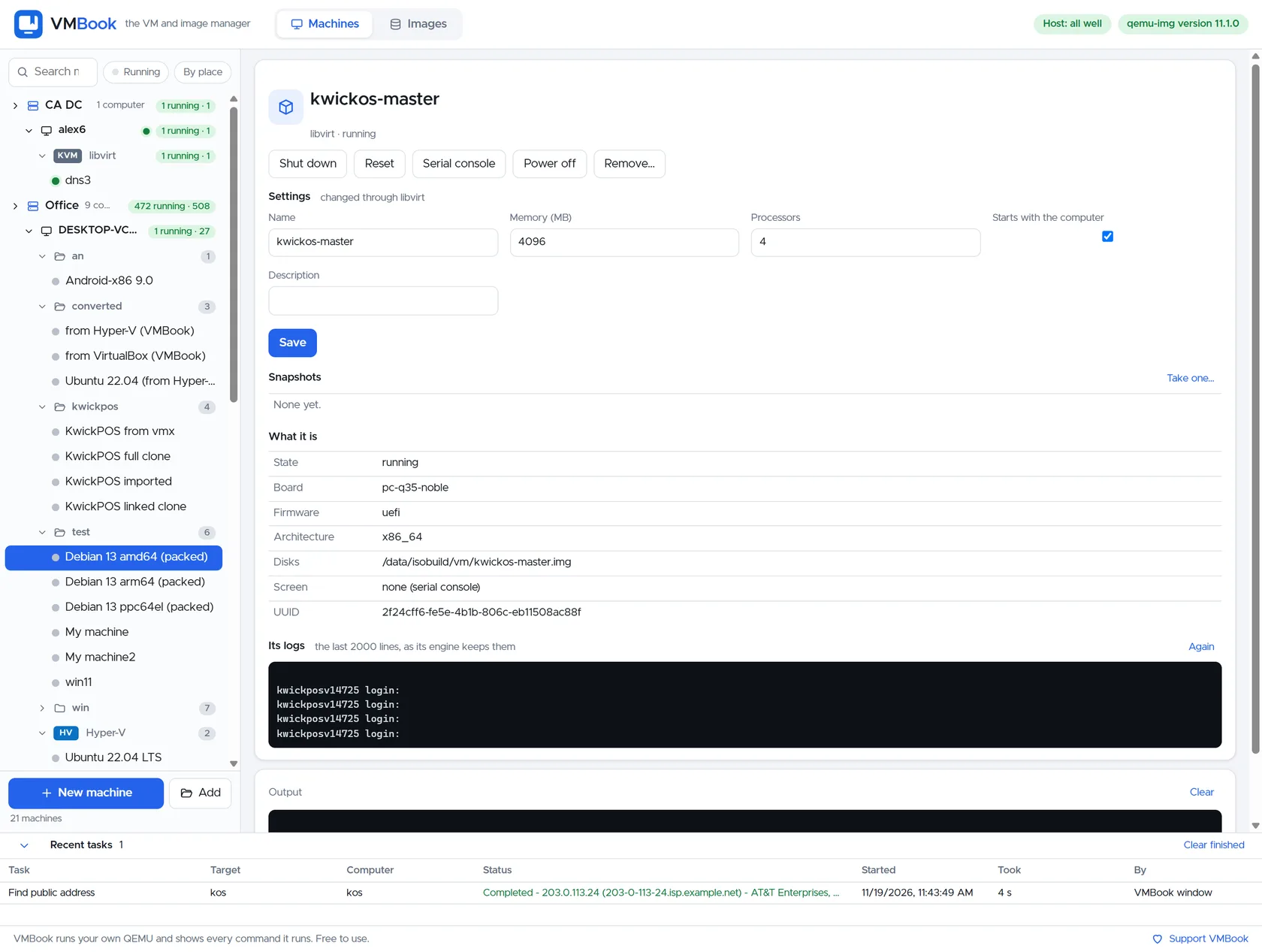
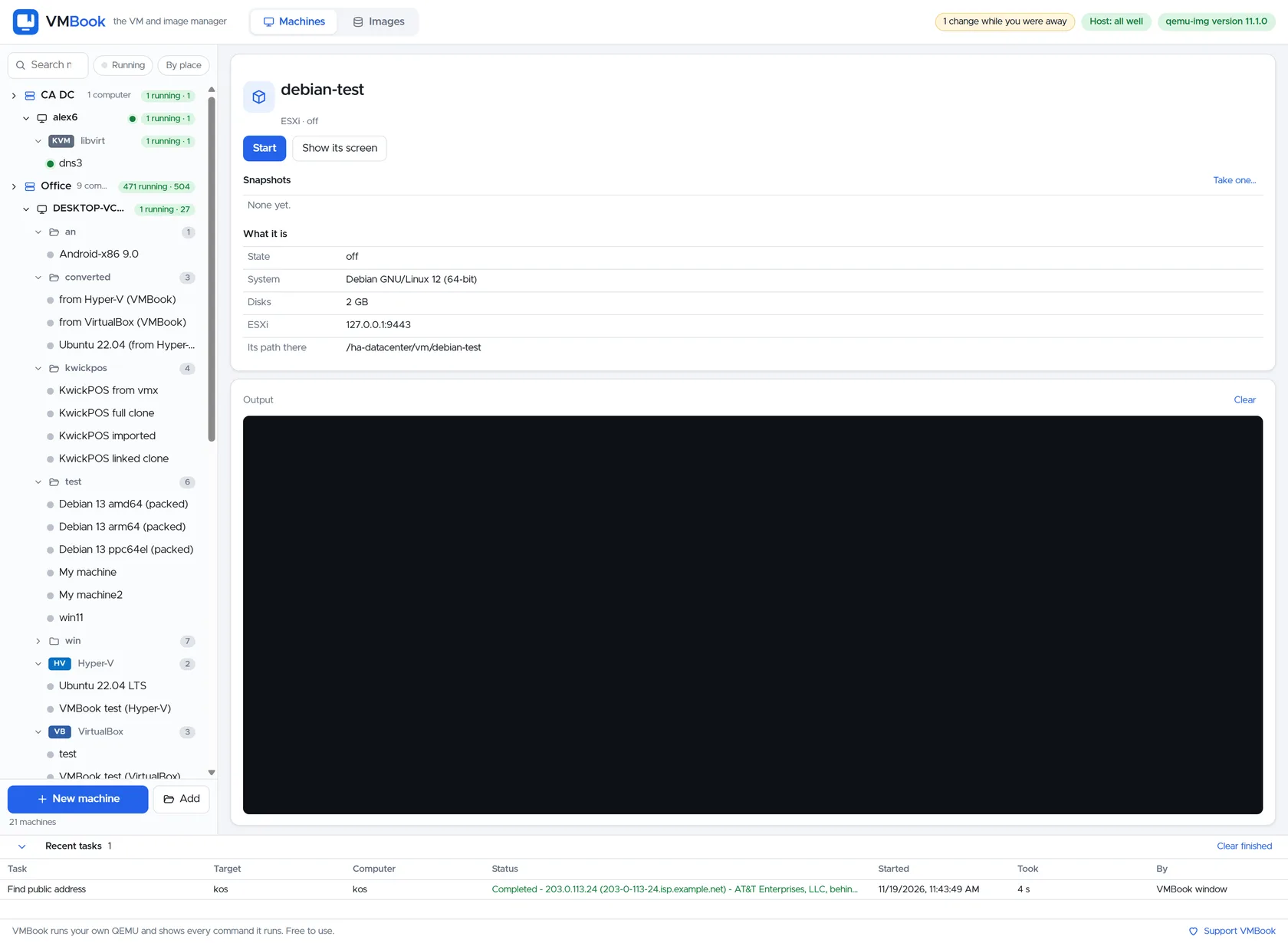
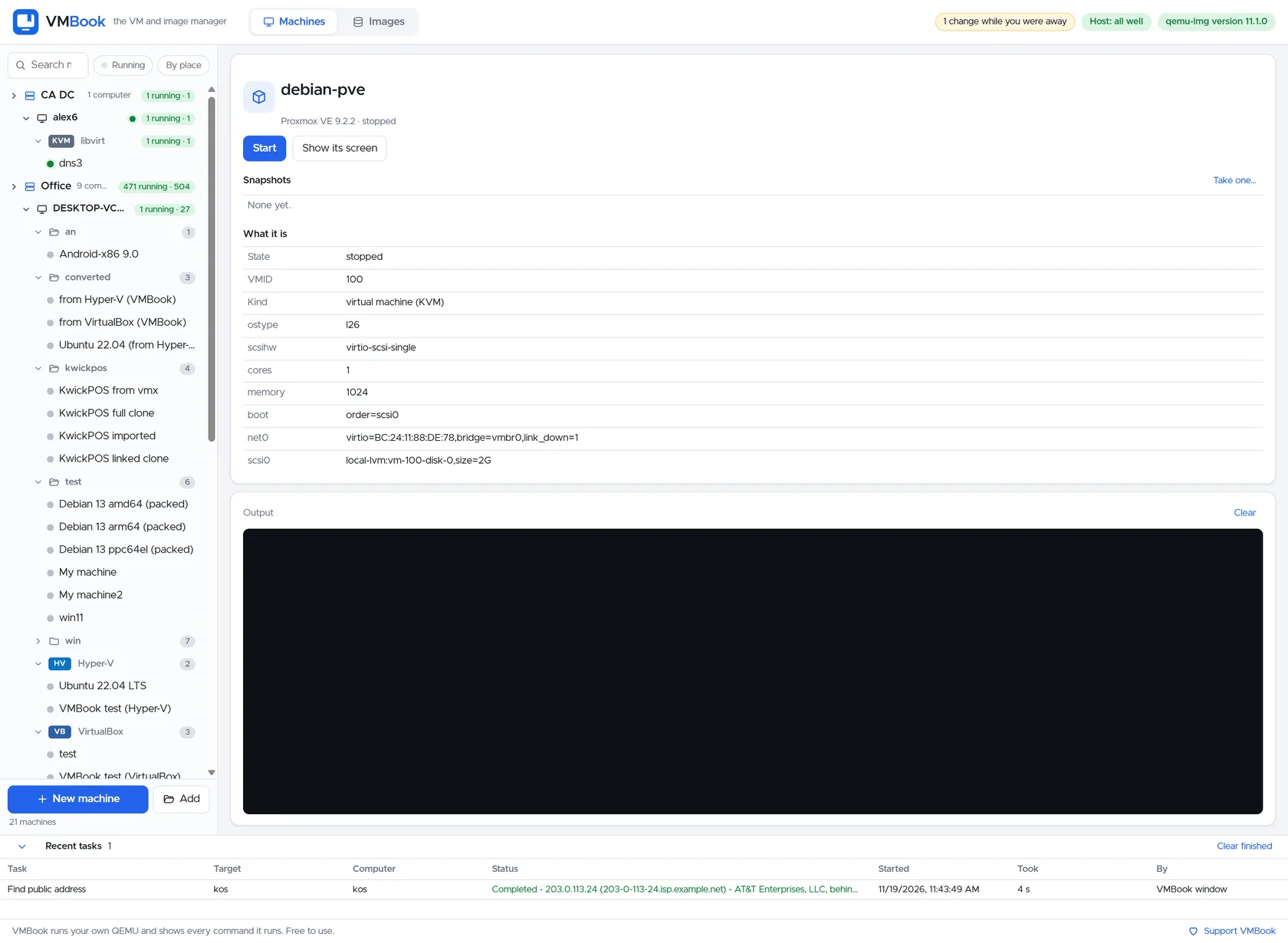
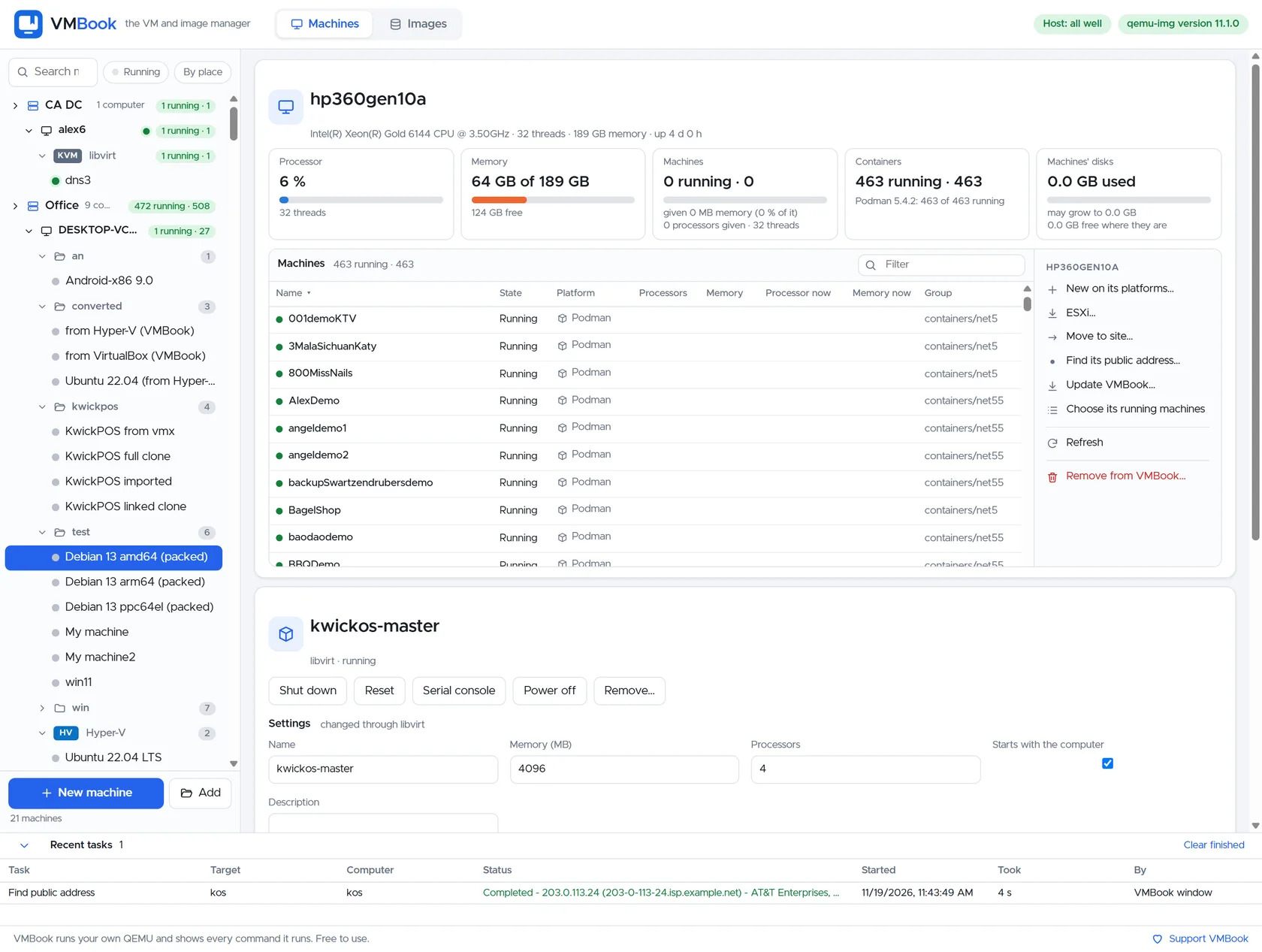
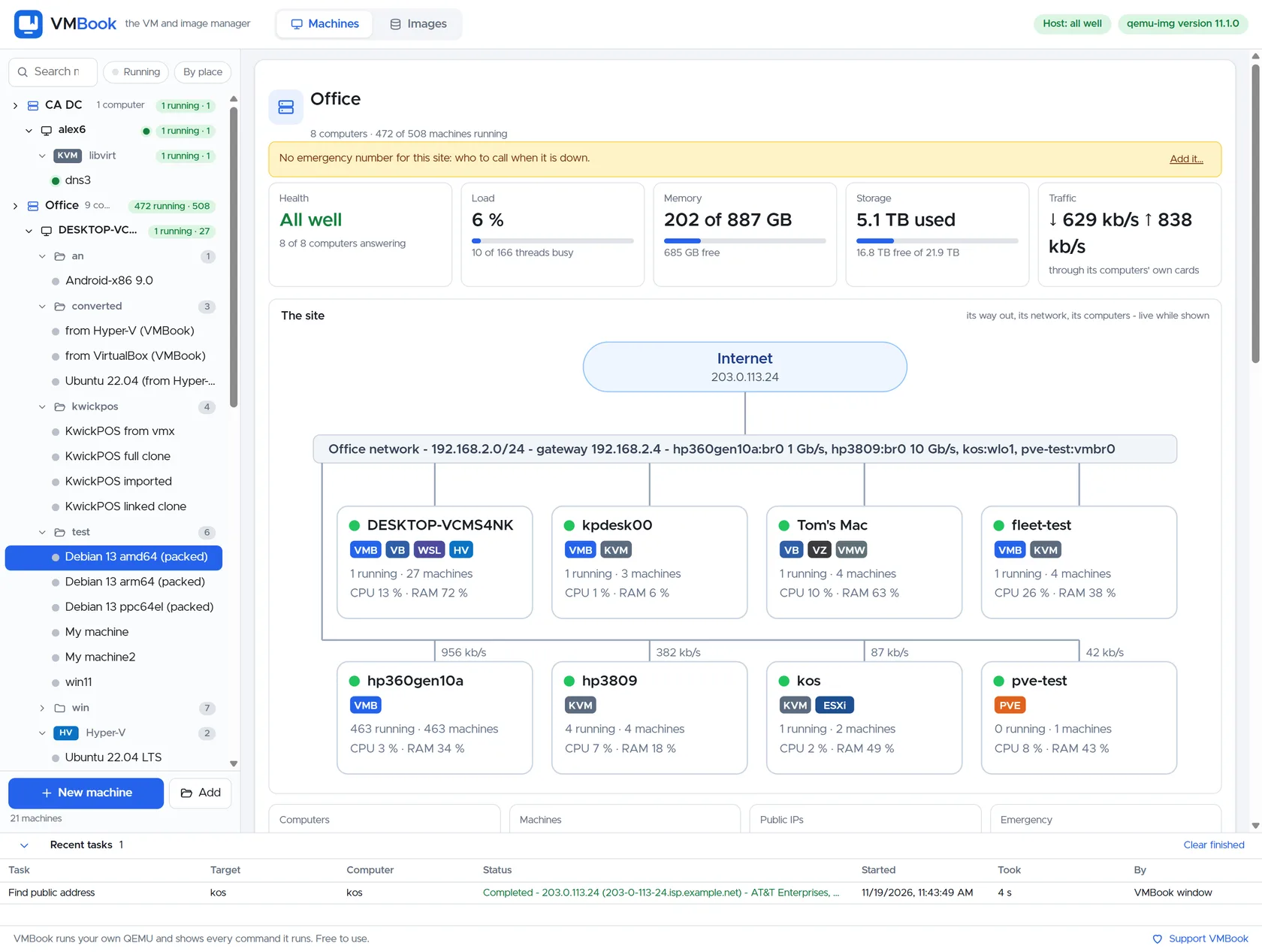
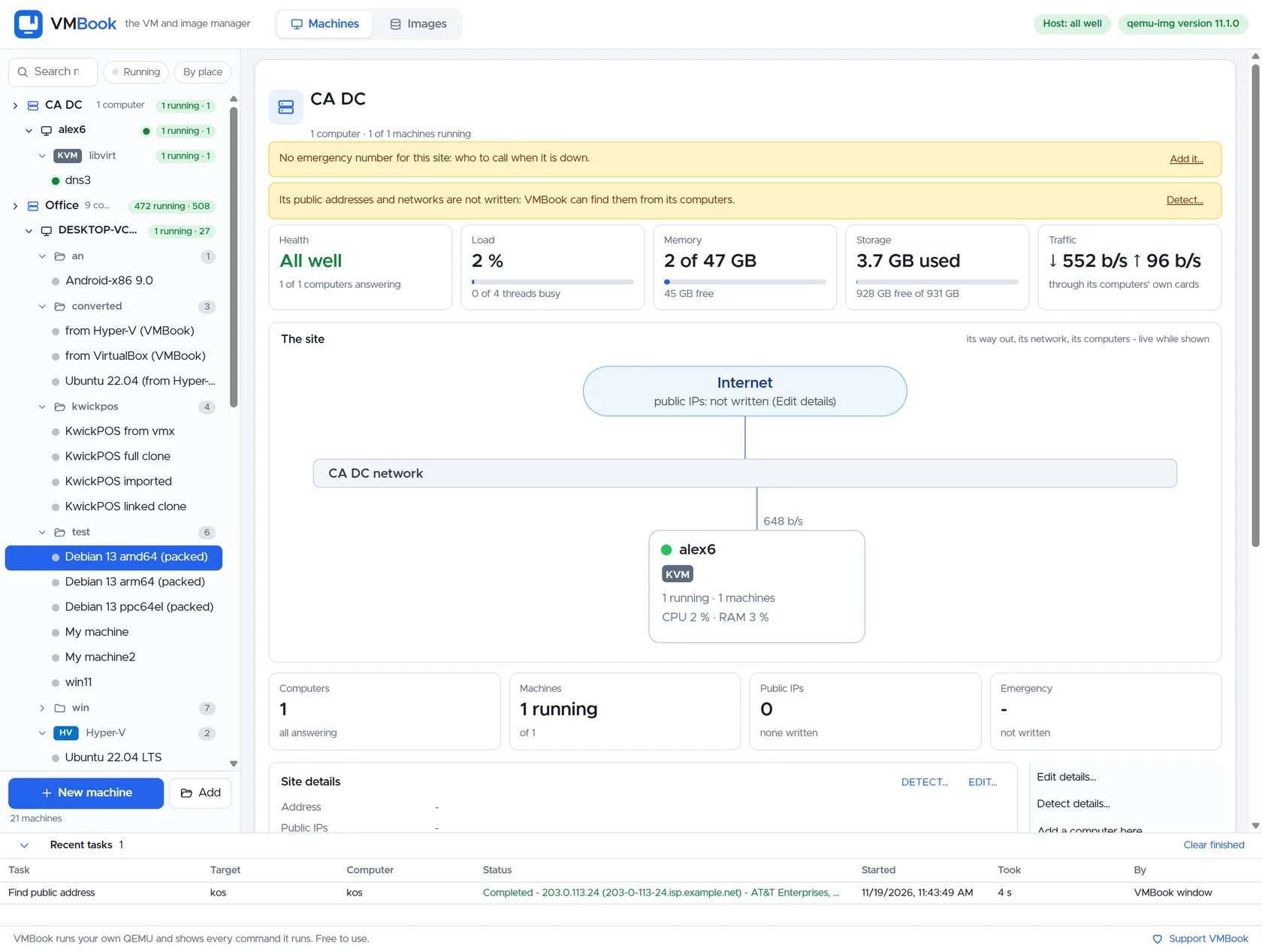
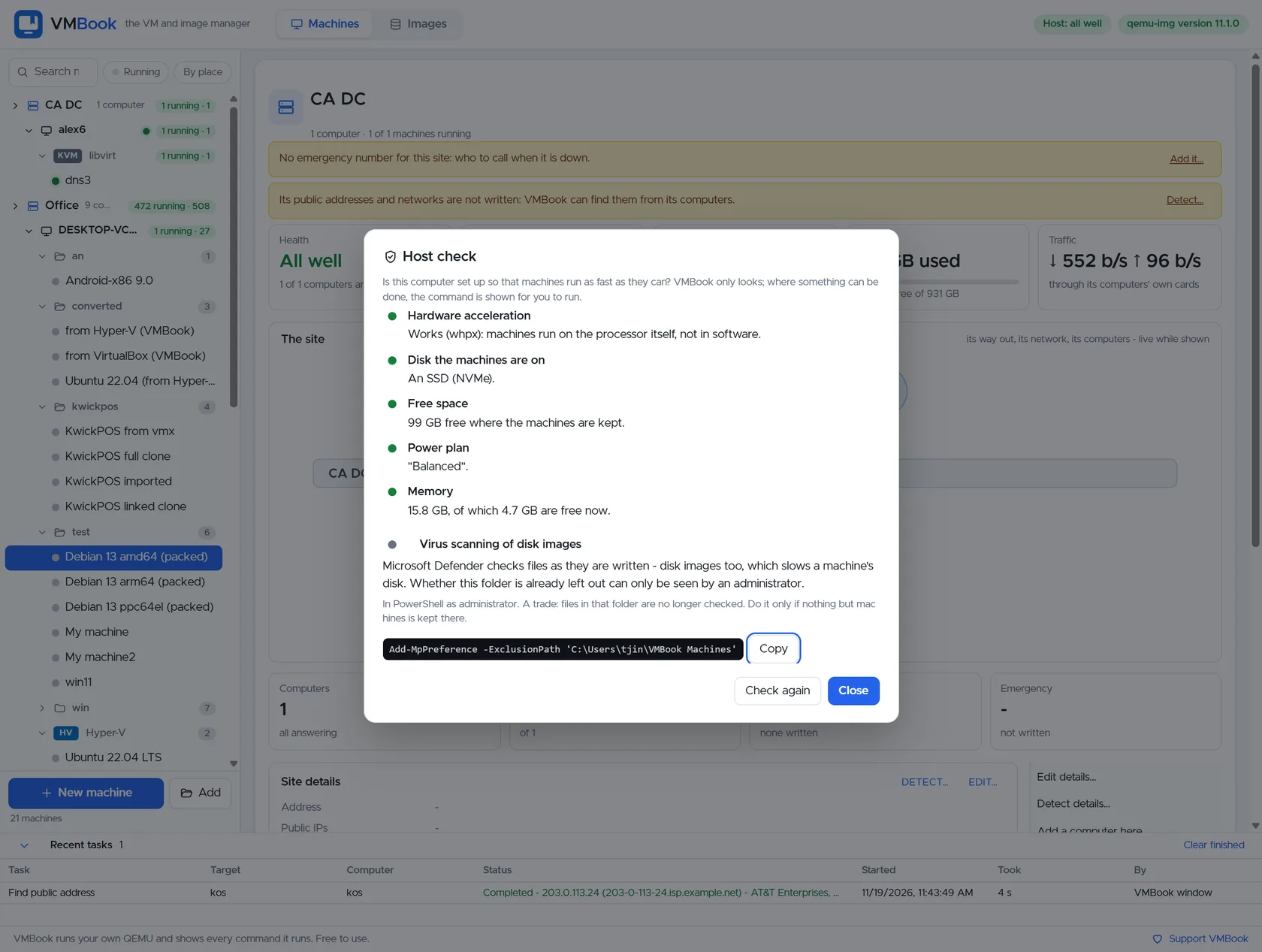
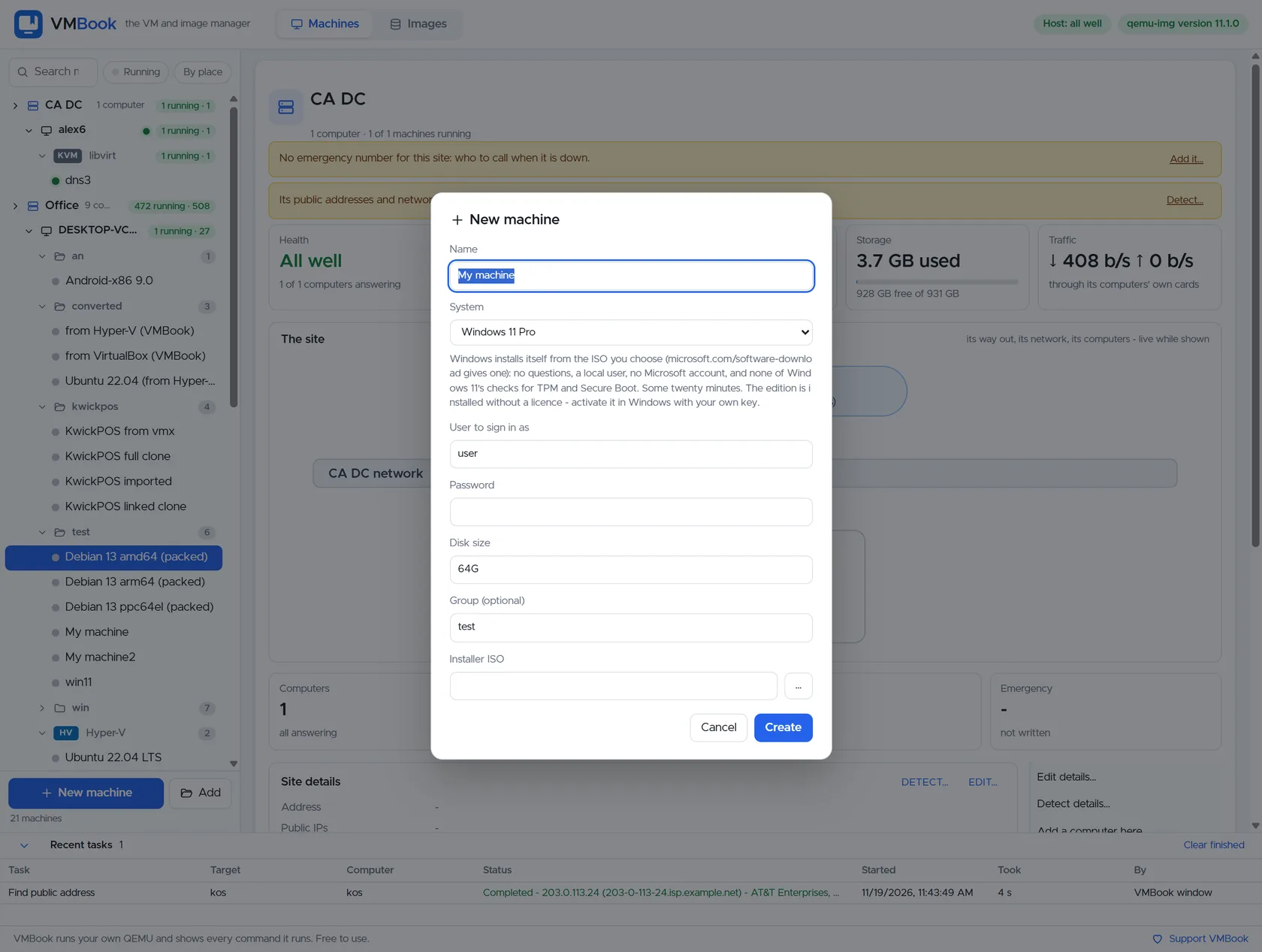
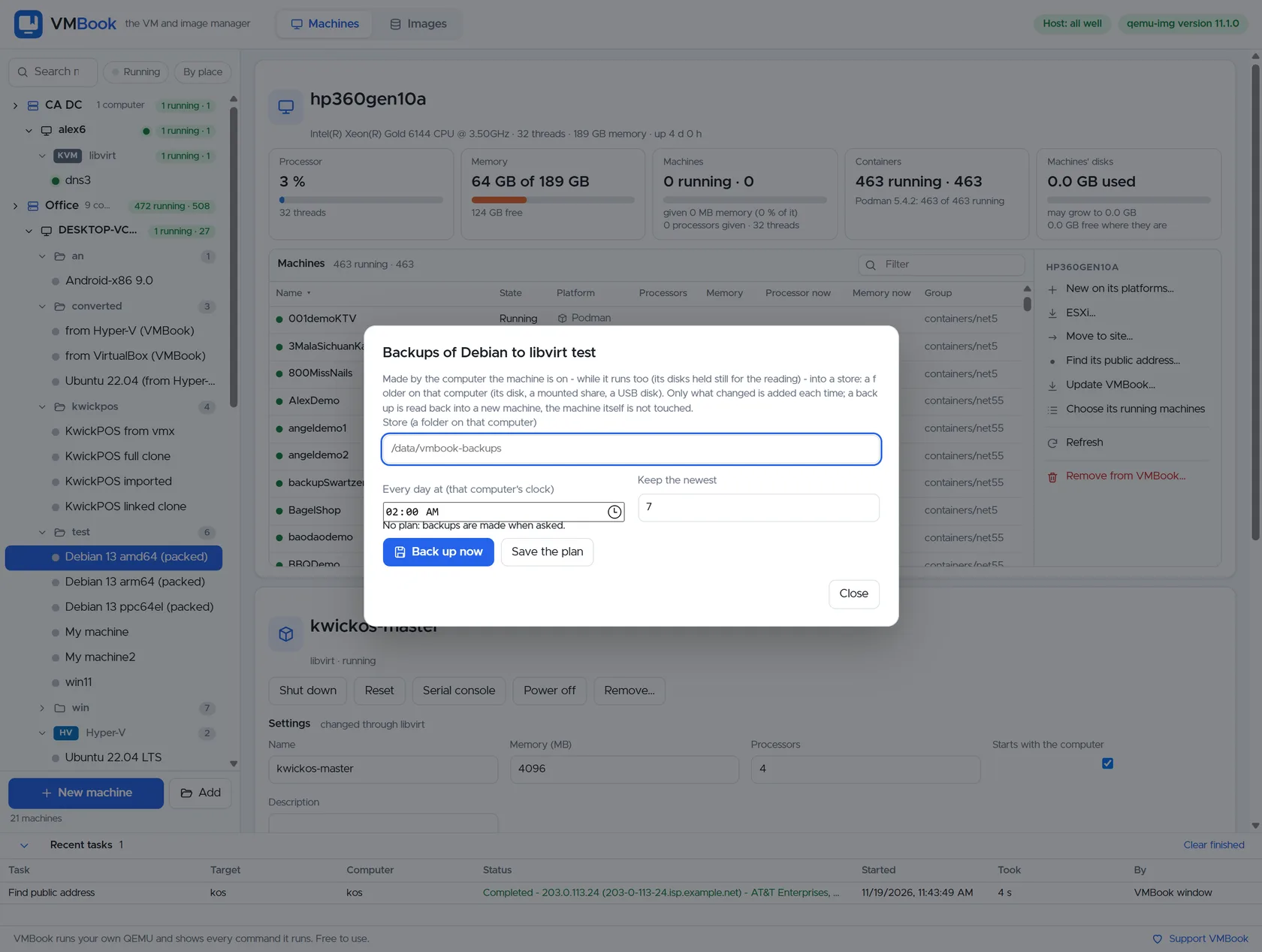
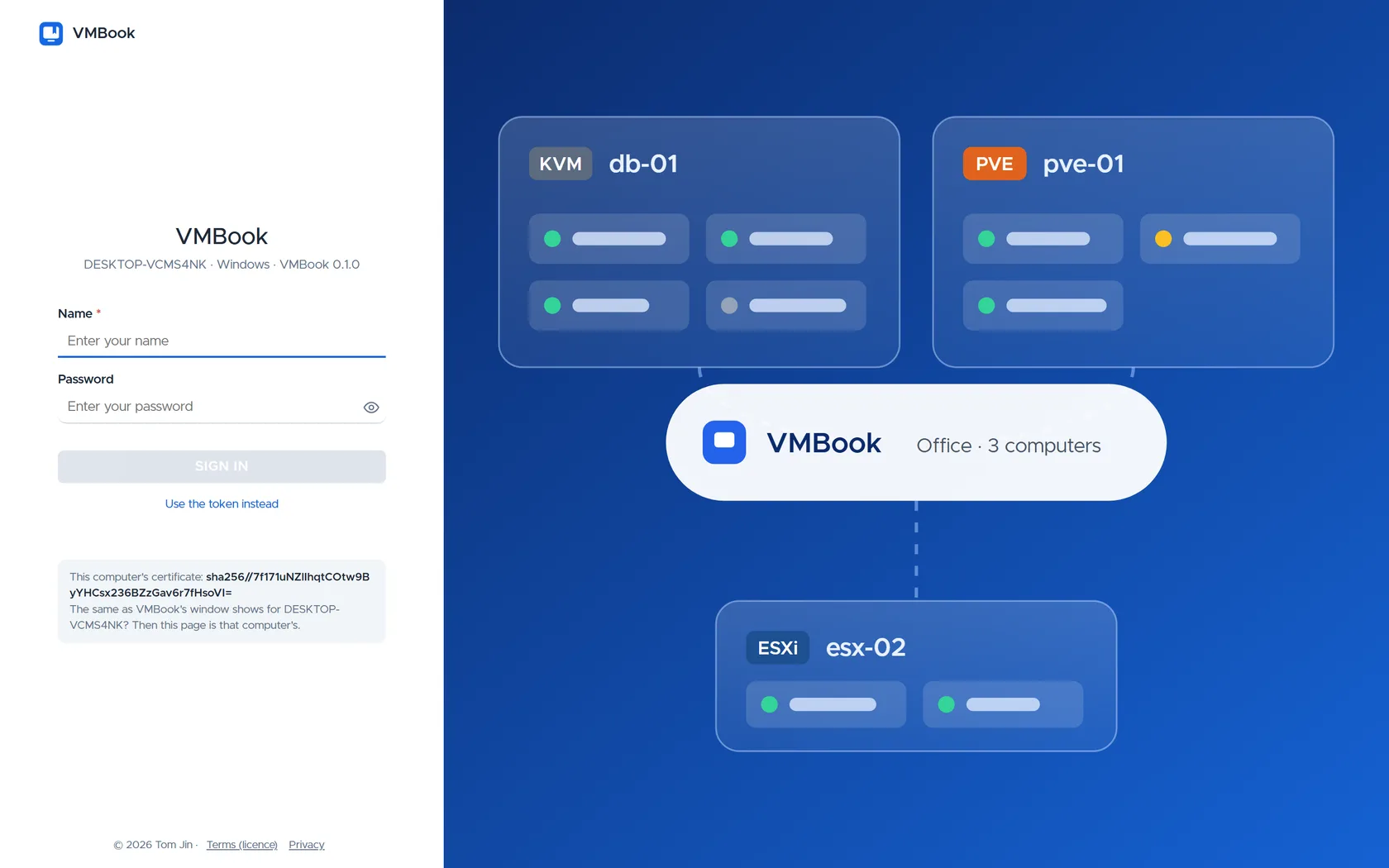
These are real screens from the current product—not concept renderings. They show one desktop workflow expanding into remote hosts, mixed hypervisors, sites, images and recovery.
Use the screenshots to inspect what VMBook exposes before downloading it. The interface keeps machines attached to their real owner—QEMU, Hyper-V, libvirt, ESXi or Proxmox—while presenting a common operational inventory.
Machines and QEMU hardware
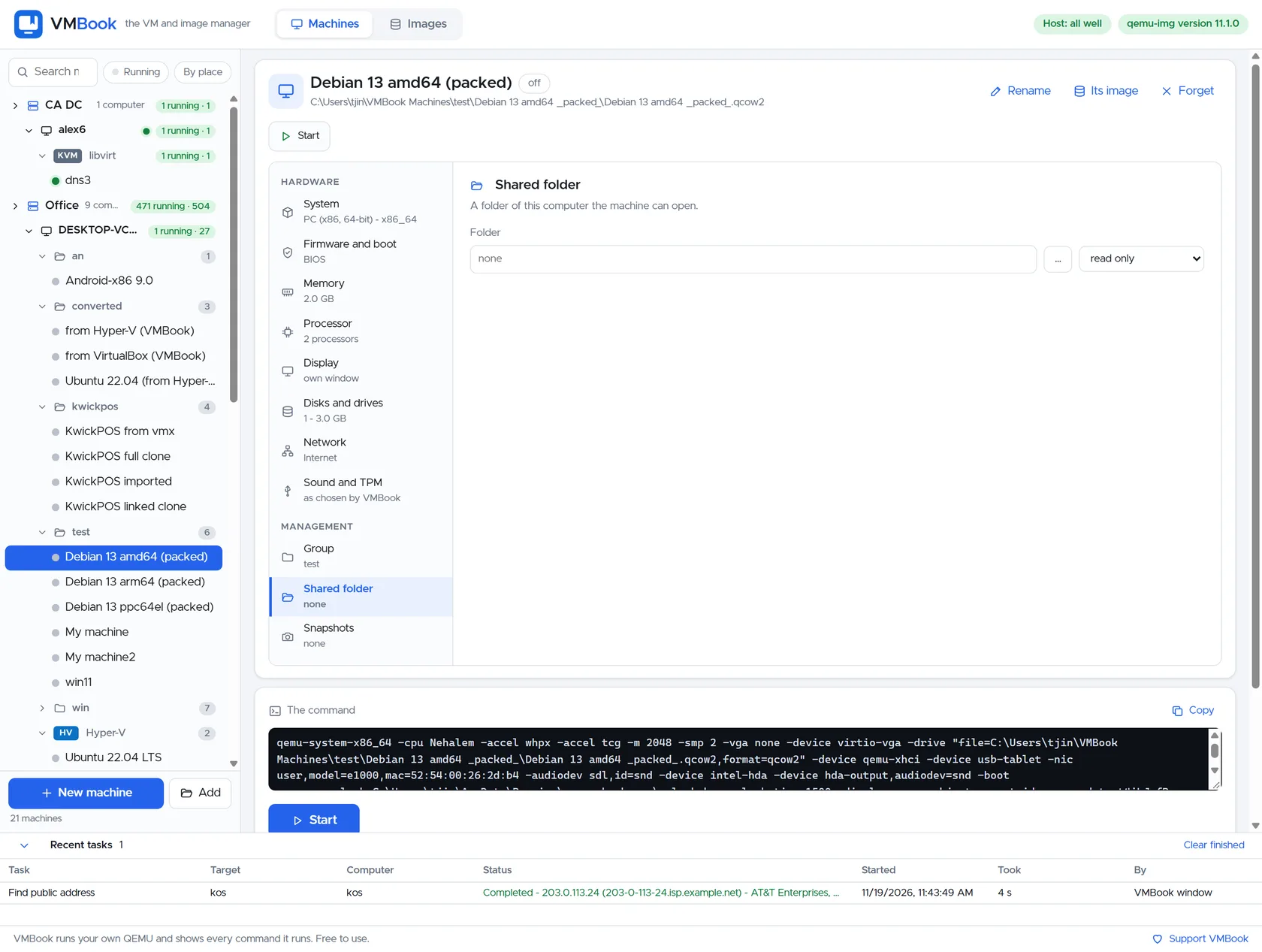
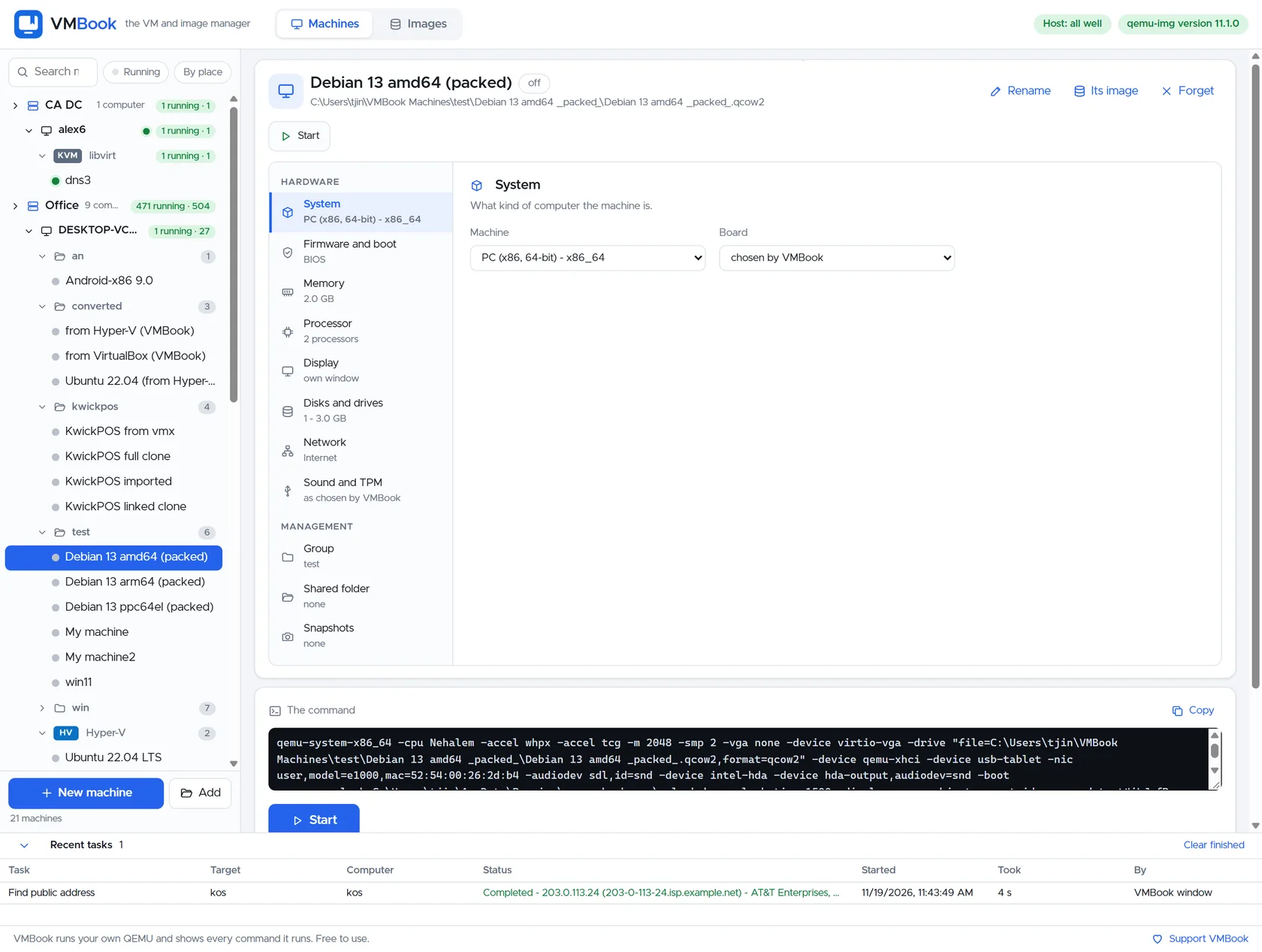
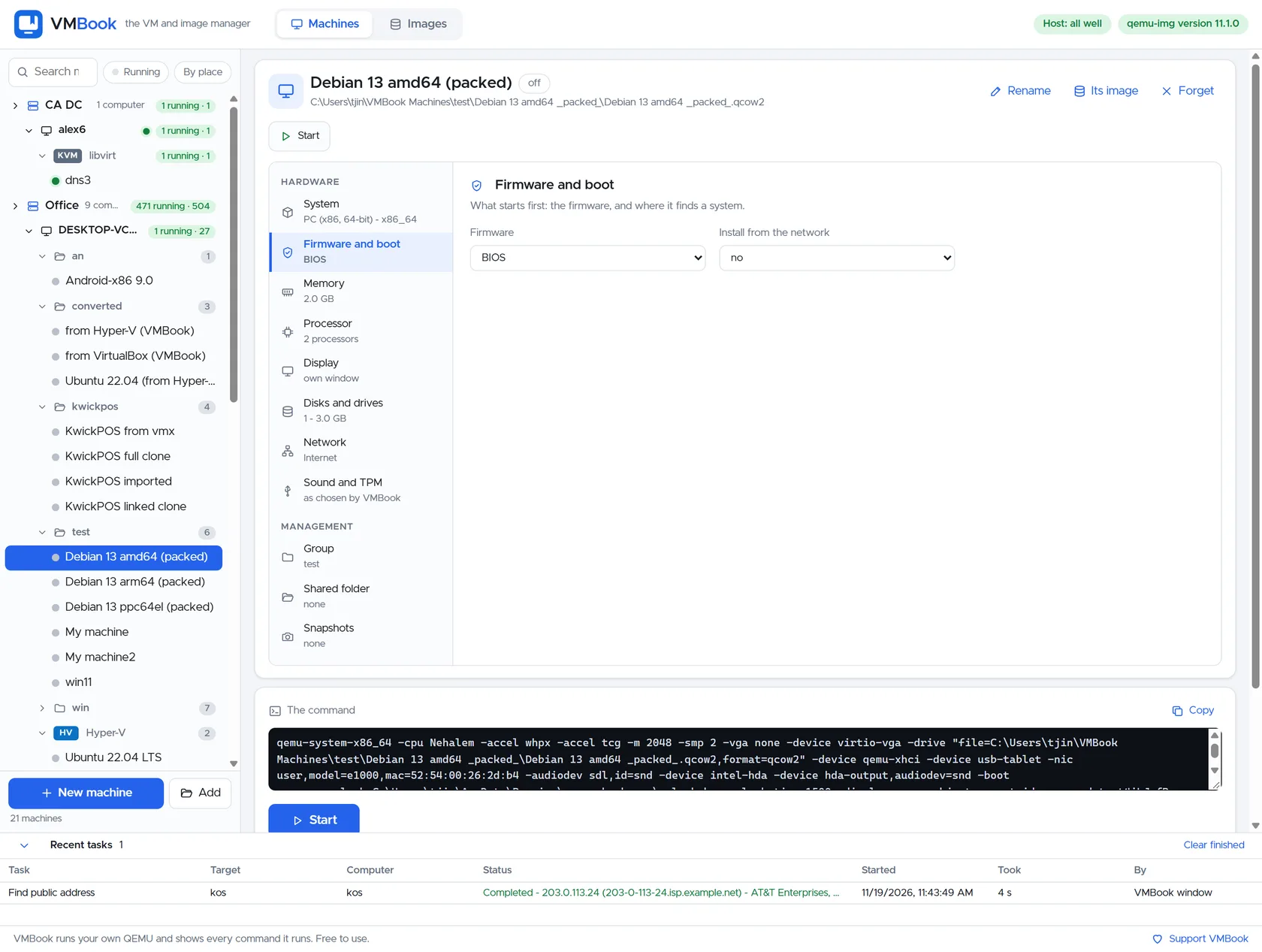
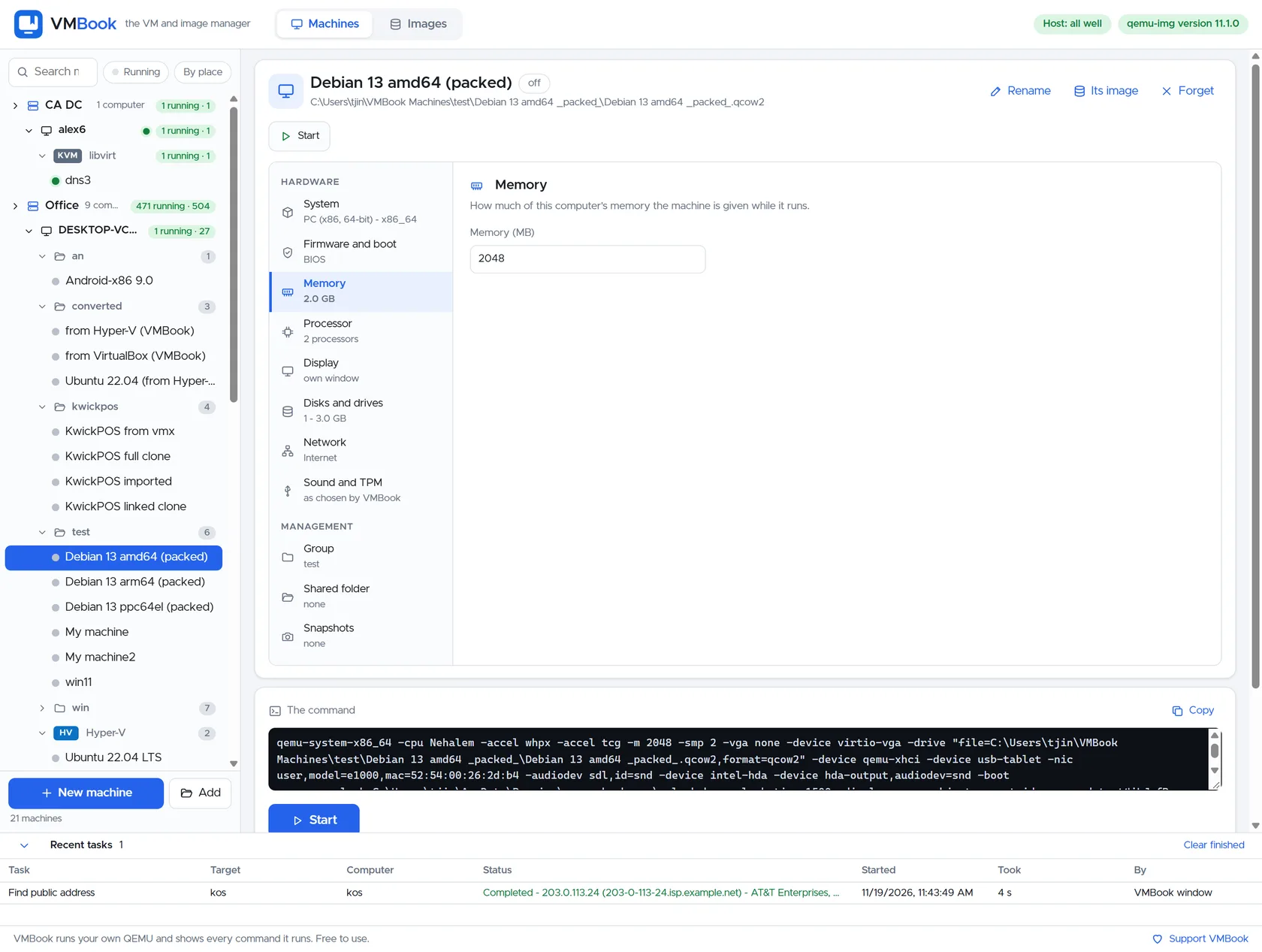
Machine overviewVMBook machine inventory with groups, architectures, Hyper-V and the visible QEMU command.System settingsChoose the virtual board, architecture and machine type.Firmware and bootConfigure BIOS or UEFI firmware and boot behavior.Memory settingsSet guest memory while keeping the machine definition readable.Display settingsChoose how the guest display opens and which virtual graphics device it uses.Disks and drivesAttach and manage virtual disks and removable media.Virtual networkingSelect VM networks, adapters and address behavior.Sound and TPMConfigure guest sound hardware and trusted-platform support.Shared foldersExpose a host folder to a guest with an explicit access mode.
Native and remote platforms
Hyper-V machineManage a native Microsoft Hyper-V virtual machine in the same VMBook inventory.Hyper-V checkpointsInspect and manage checkpoint-aware Hyper-V workloads.Remote machine runningA running libvirt guest with controls, hardware facts and serial output.Remote libvirt VMOperate a remote KVM/libvirt machine without replacing its native platform.VMware ESXi VMView and operate an ESXi-owned virtual machine from VMBook.Proxmox VMView a Proxmox-owned machine in the shared inventory.
Sites and production operations
More than 500 production machinesA live computer view with hundreds of running workloads, capacity and platform details.Live multi-platform office siteEight computers and hundreds of workloads across desktop, server and data-center platforms.Remote data-center siteA second site with its own health, network, computers and machine totals.Host readiness checkVMBook checks acceleration, storage, networking and required host capabilities.
Creation, images and recovery
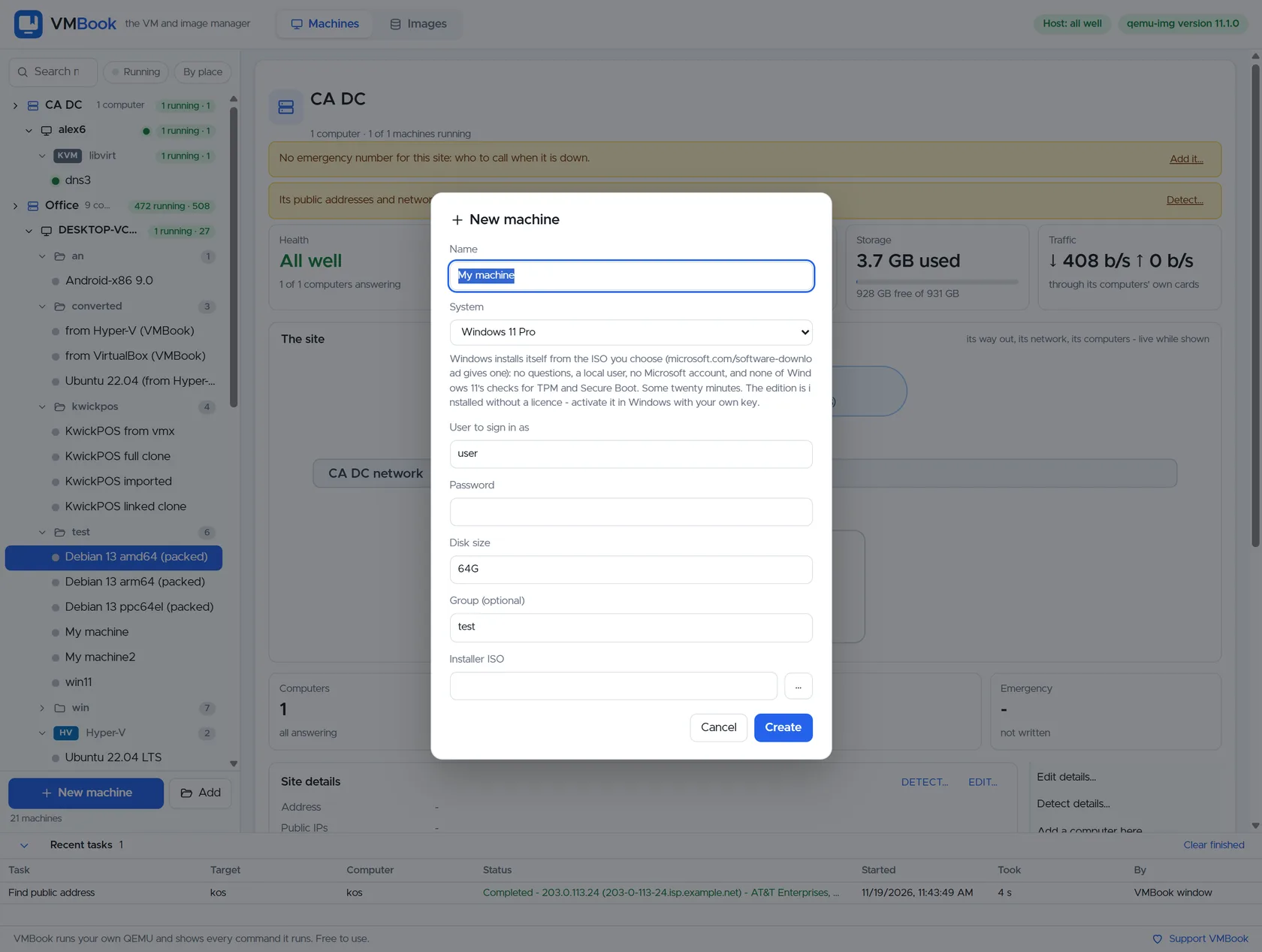
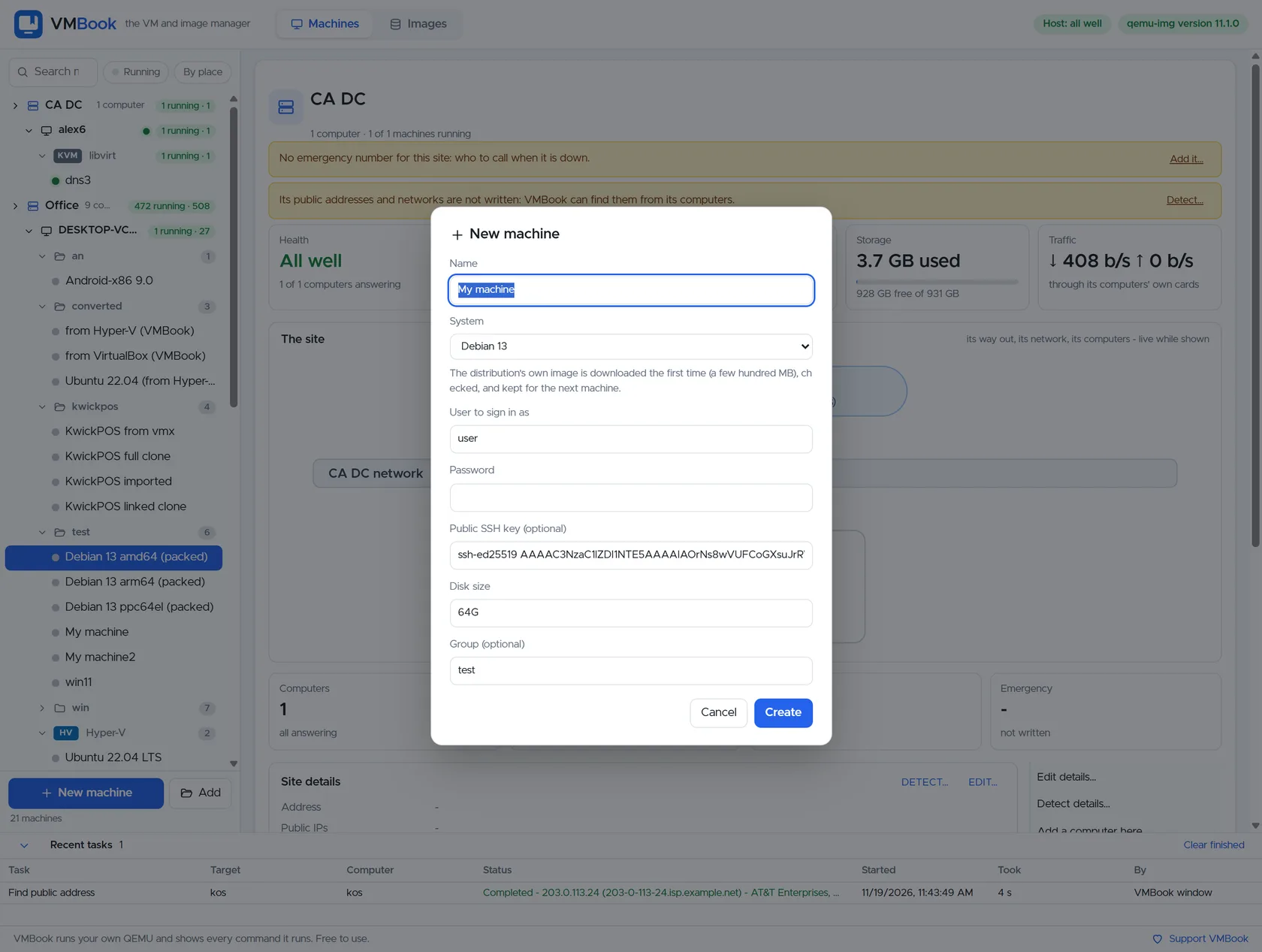
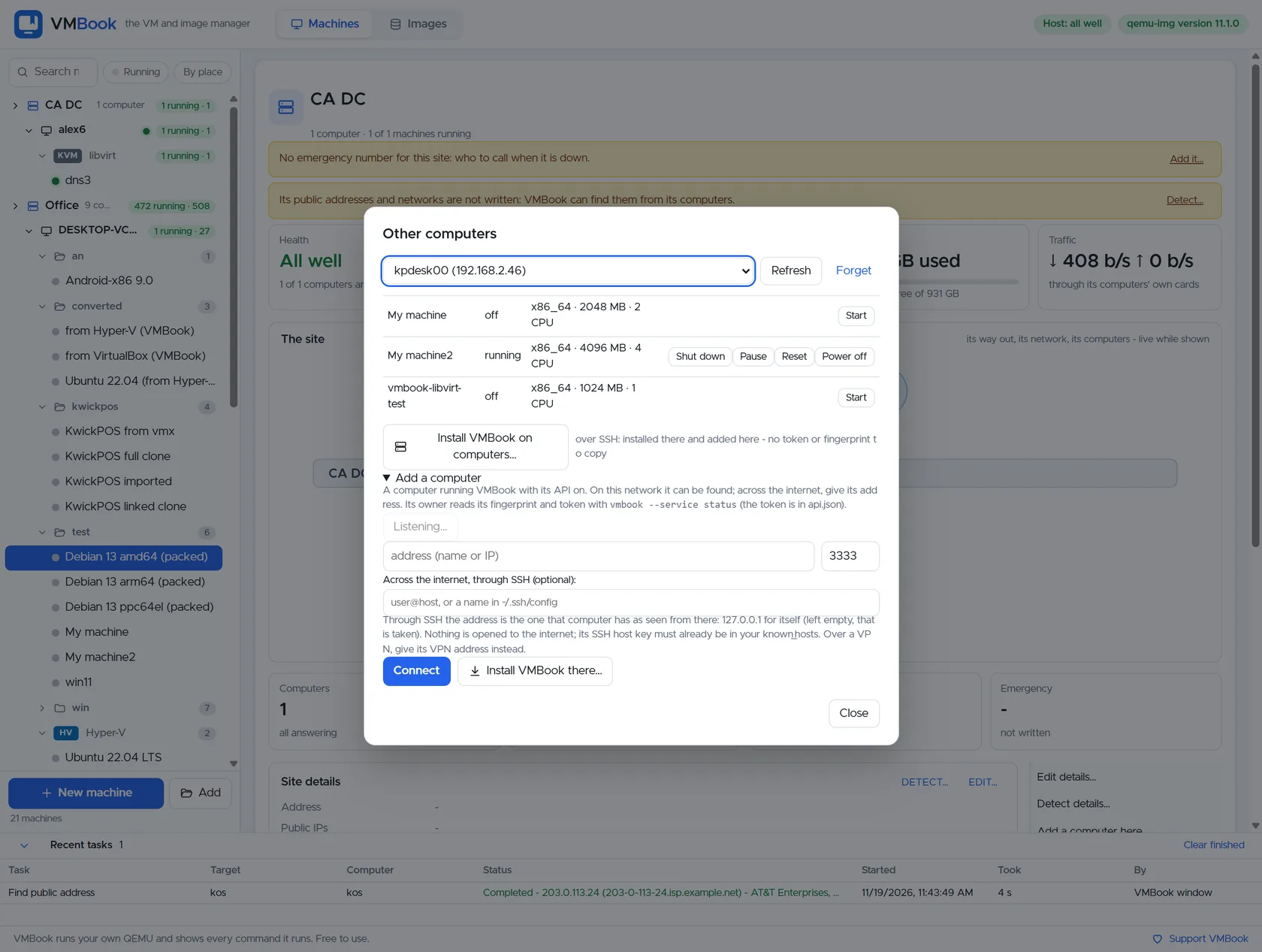
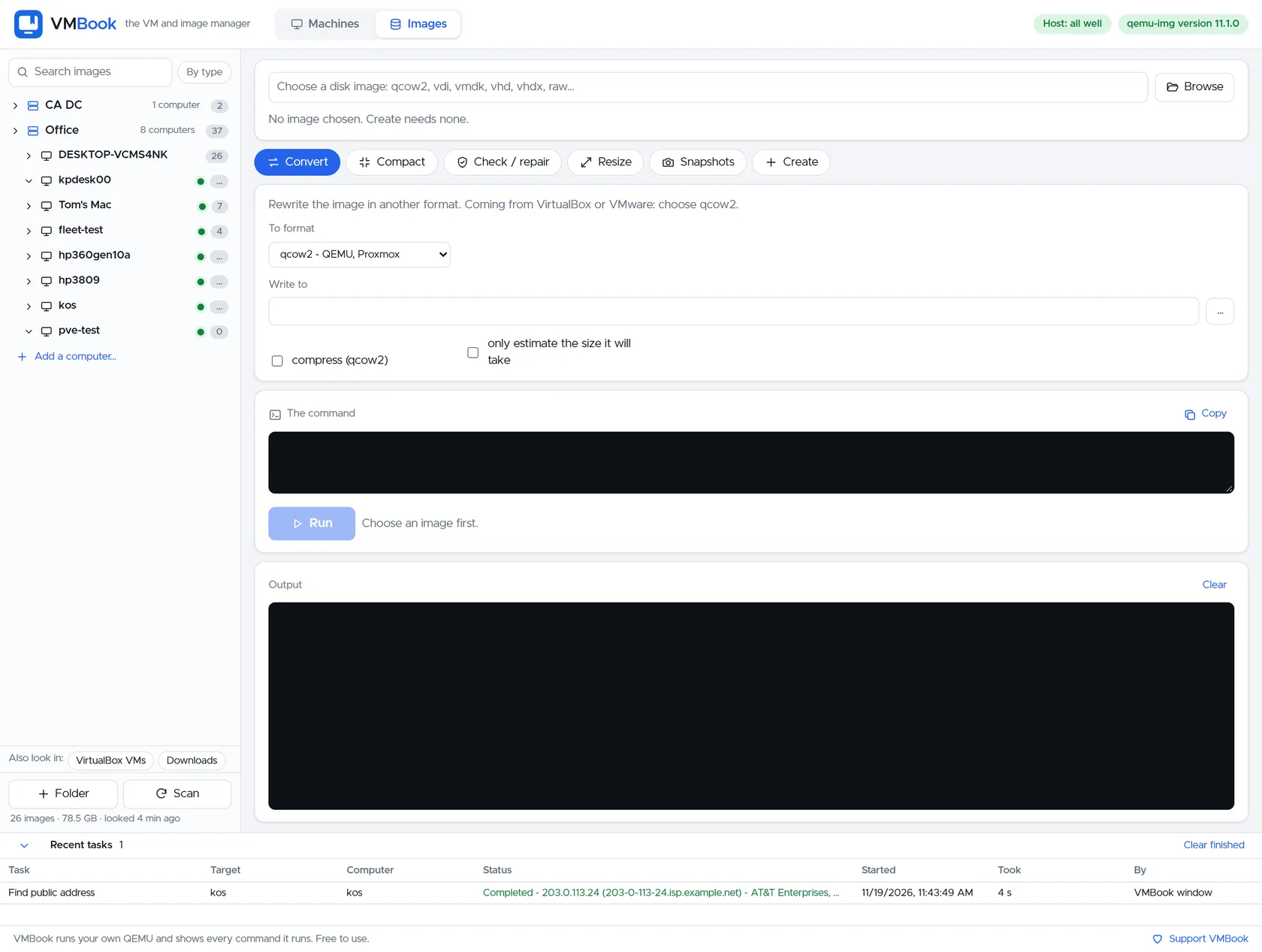
Create a new virtual machineStart a machine definition with an understandable guided workflow.Unattended Windows installationPrepare Windows installation details without hiding the resulting VM.Create from a cloud imageBuild a ready-to-use Linux guest from a verified cloud image.Add another computerConnect a remote VMBook computer and choose its management path.Virtual disk imagesConvert, inspect, compact, repair, resize and snapshot common disk formats.Back up a remote hostChoose backup destination, retention and machine scope.VMBook web sign-inSign in to the browser interface and see connected infrastructure before entering the console.
Run it yourself
See the same interface on your machines.
VMBook is free for personal, educational and commercial use.