
Why this becomes a problem
Searches for an ESXi alternative combine different needs: avoiding licensing changes, replacing vCenter workflows, running a home lab, supporting existing VMDK guests or simply managing one server. A rushed migration can lose virtual hardware assumptions, networking, snapshots, backup integration and operational knowledge even if the disk converts successfully.
How VMBook approaches it
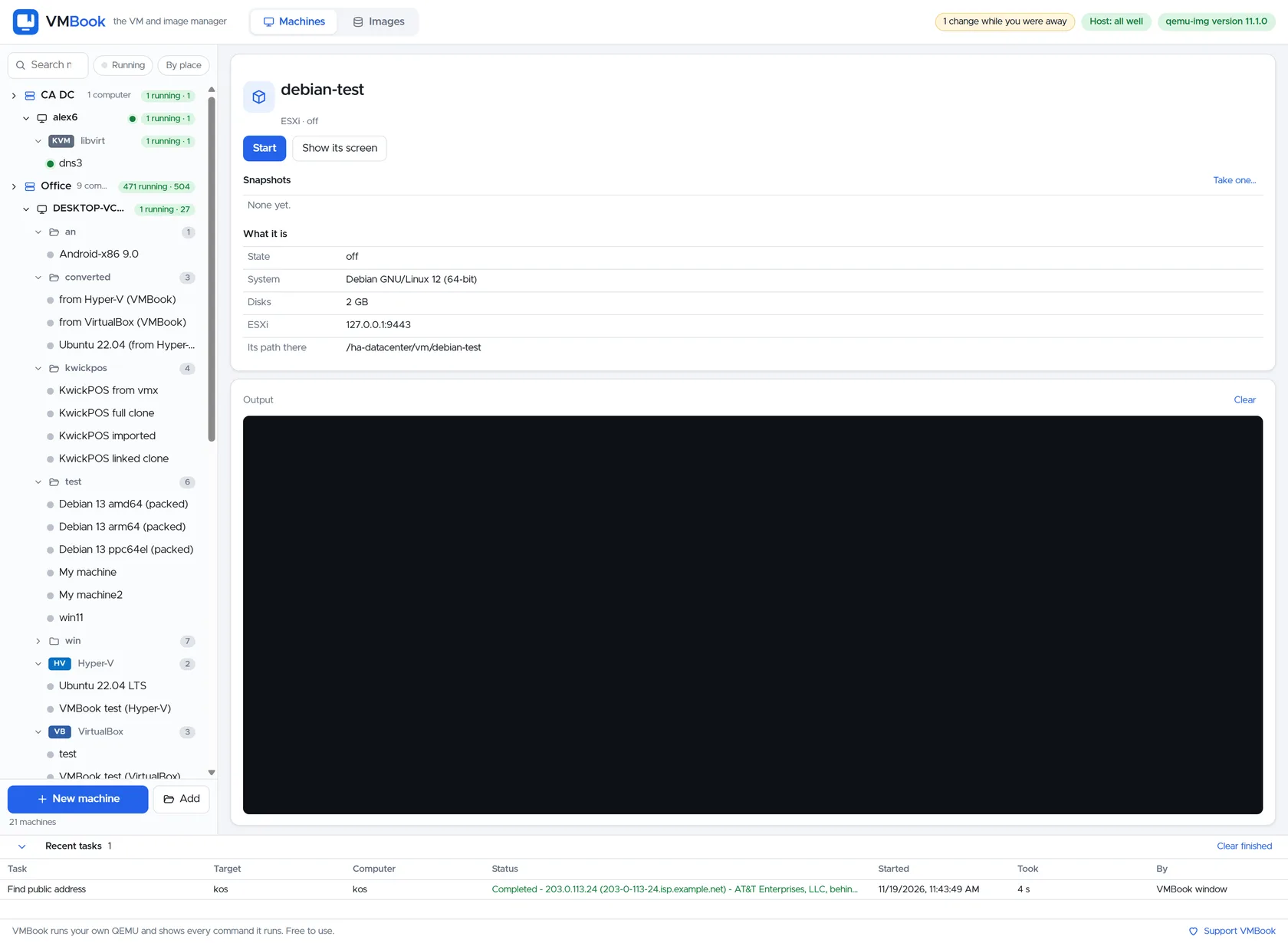
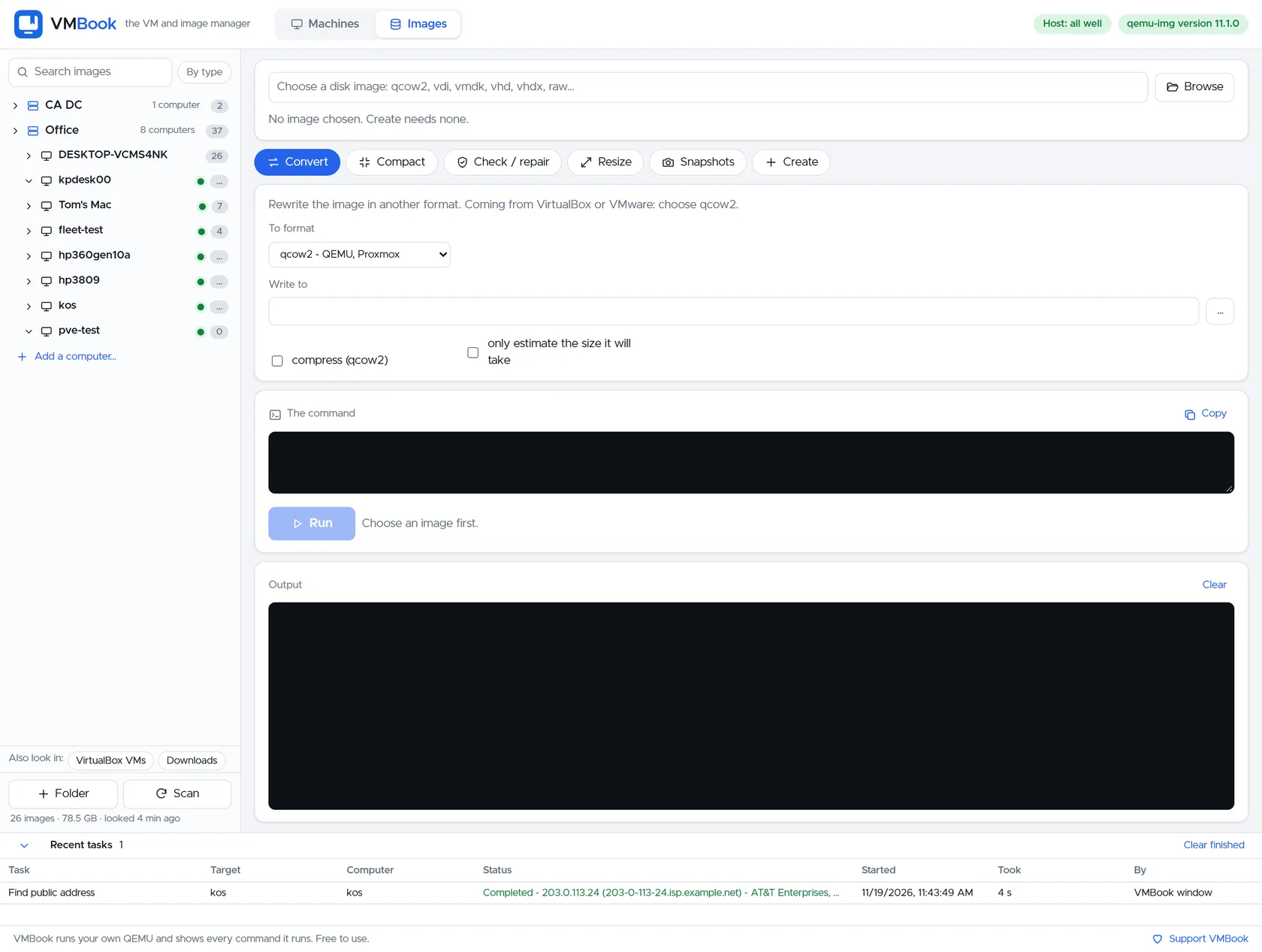
VMBook provides a common inventory for mixed transition periods. Existing ESXi machines remain owned by ESXi while QEMU/KVM, Hyper-V or Proxmox targets are introduced and tested. Image conversion and visible machine definitions support deliberate migration, while the product states where HA, distributed storage and enterprise identity remain outside version 0.1.
Recommended workflow
- Write down the ESXi features actually used, including networking, storage, backup and automation.
- Classify workloads by downtime tolerance, hardware dependencies and rollback requirements.
- Build a target host and validate one non-critical guest end to end.
- Keep the original VM powered off but intact until application owners accept the destination.
- Test backup restoration and monitoring rather than only the first boot.
- Run mixed platforms during transition only with a clear ownership and support map.
Limits and checks
Do not select a platform solely because it is free. Staff skills, compatible hardware, backups and recovery time often exceed license cost. VMBook 0.1 does not claim vMotion, DRS, mature HA or vCenter parity. Verify VMware terms and every candidate platform’s current documentation.
Primary documentation
Frequently asked questions
What problem does this guide solve?
VMBook is a free VM and image manager, not a drop-in bare-metal ESXi replacement. It can manage ESXi alongside QEMU, Hyper-V, libvirt and Proxmox while pursuing broader host operations. Choose a replacement hypervisor separately when the job requires booting the physical server directly into a mature HA platform.
How does VMBook help?
VMBook provides a common inventory for mixed transition periods. Existing ESXi machines remain owned by ESXi while QEMU/KVM, Hyper-V or Proxmox targets are introduced and tested. Image conversion and visible machine definitions support deliberate migration, while the product states where HA, distributed storage and enterprise identity remain outside version 0.1.
What should I verify before using it?
Do not select a platform solely because it is free. Staff skills, compatible hardware, backups and recovery time often exceed license cost. VMBook 0.1 does not claim vMotion, DRS, mature HA or vCenter parity. Verify VMware terms and every candidate platform’s current documentation.

