
Why this becomes a problem
The attractive benchmark hides operational costs. The host may lose its display GPU, devices in the same IOMMU group may not be safely separable, guest drivers can reject unexpected environments, and a GPU that does not reset cleanly can require a host reboot. Remote recovery matters because a failed guest display can leave no local console.
How VMBook approaches it
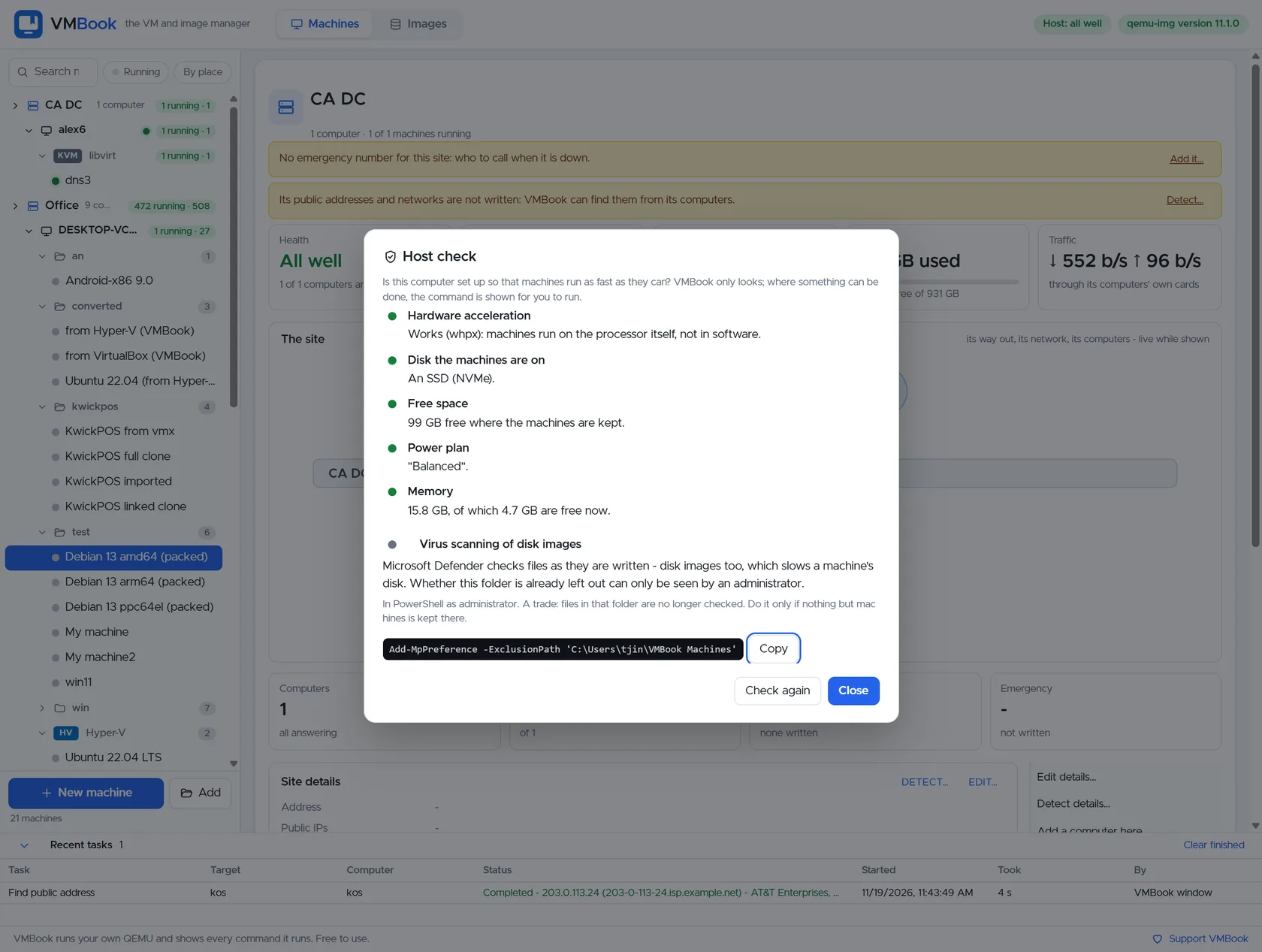
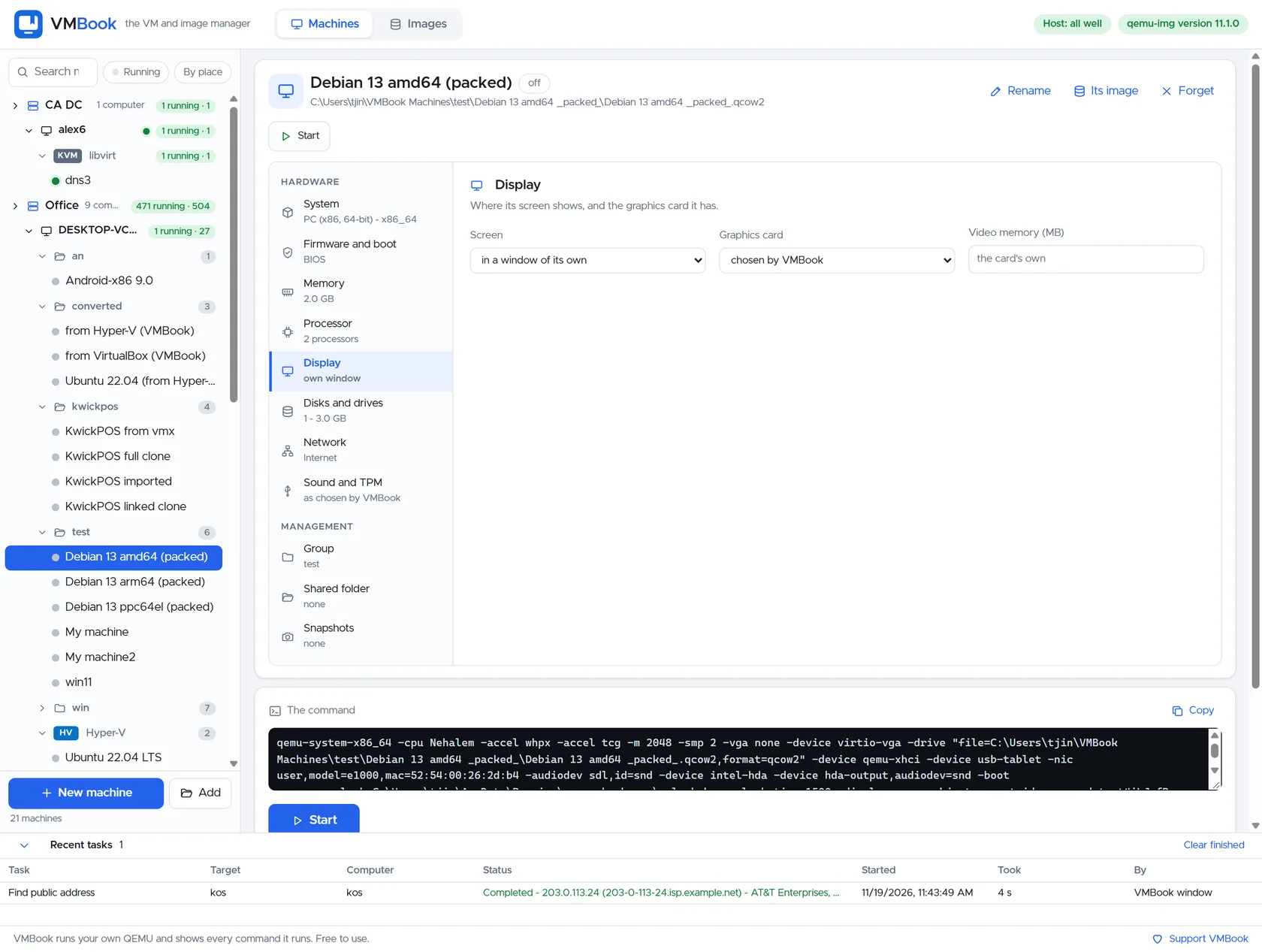
VMBook keeps display selection, machine ownership and the underlying command visible. A passthrough workflow should begin with host readiness, identify the device and its IOMMU group, reserve a management path, then attach hardware only to a disposable test guest. VMBook 0.1 should not be read as a promise of automated passthrough across every provider.
Recommended workflow
- Confirm CPU, motherboard, firmware and operating system IOMMU support.
- Keep a separate management GPU or reliable remote console before detaching the device from the host.
- Inspect IOMMU groups and include required audio or companion functions.
- Bind the device using the native hypervisor procedure and preserve rollback commands.
- Install guest drivers and test reboot, shutdown and device reset repeatedly.
- Measure the actual workload and document why passthrough is preferable to a native host or shared GPU service.
Limits and checks
GPU passthrough increases the blast radius of driver and firmware problems. Live migration, snapshots and suspend may be unavailable. Licensing and vGPU capabilities vary by vendor. Never copy an unreviewed command from another motherboard and assume its PCI addresses or isolation are safe.
Primary documentation
Frequently asked questions
What problem does this guide solve?
GPU passthrough assigns a physical PCIe device, usually with IOMMU isolation, to one guest. It can deliver near-native device access but reduces portability: the VM becomes tied to host hardware, drivers and reset behavior. It is different from a virtual display adapter or shared vGPU.
How does VMBook help?
VMBook keeps display selection, machine ownership and the underlying command visible. A passthrough workflow should begin with host readiness, identify the device and its IOMMU group, reserve a management path, then attach hardware only to a disposable test guest. VMBook 0.1 should not be read as a promise of automated passthrough across every provider.
What should I verify before using it?
GPU passthrough increases the blast radius of driver and firmware problems. Live migration, snapshots and suspend may be unavailable. Licensing and vGPU capabilities vary by vendor. Never copy an unreviewed command from another motherboard and assume its PCI addresses or isolation are safe.

