
Why this becomes a problem
Without nested acceleration, an inner hypervisor may refuse to start or fall back to extremely slow software emulation. Even when it works, CPU feature masking, memory pressure, timers, suspend behavior and virtual networking can differ from bare metal. Troubleshooting becomes ambiguous because a failure can belong to the physical host, outer hypervisor, outer guest, inner hypervisor or inner guest.
How VMBook approaches it
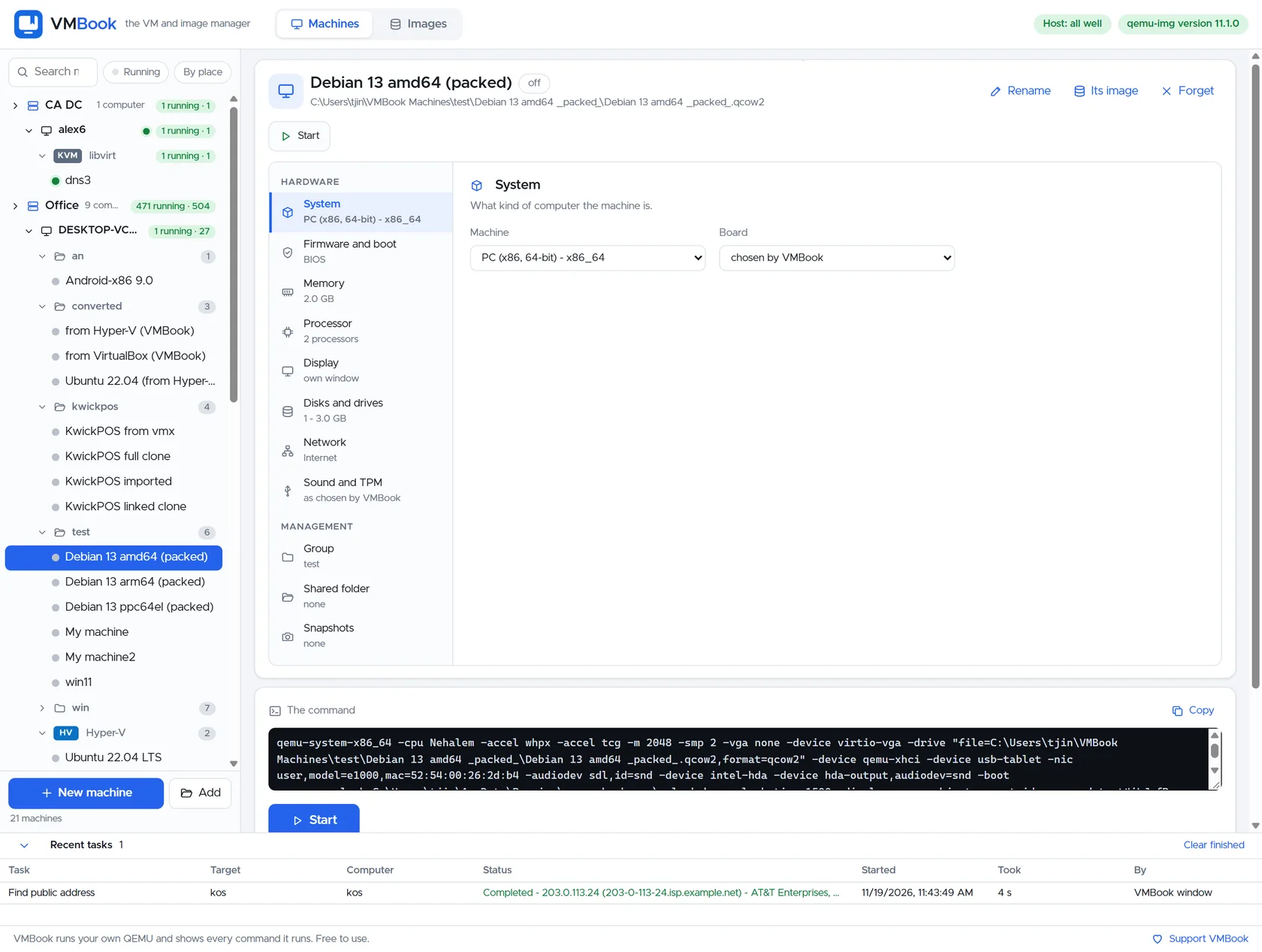
VMBook can keep the outer machine explicit and show its processor, memory, network and owning platform. Use a dedicated group for nested labs, name the layers clearly and expose virtualization extensions only on hosts tested for the chosen combination. The visible command and native-provider boundary help identify where a setting must actually change.
Recommended workflow
- Confirm the physical CPU and outer hypervisor support nested virtualization.
- Enable virtualization extensions for the outer guest using native platform controls.
- Reserve memory for both layers and avoid overcommitting a small host.
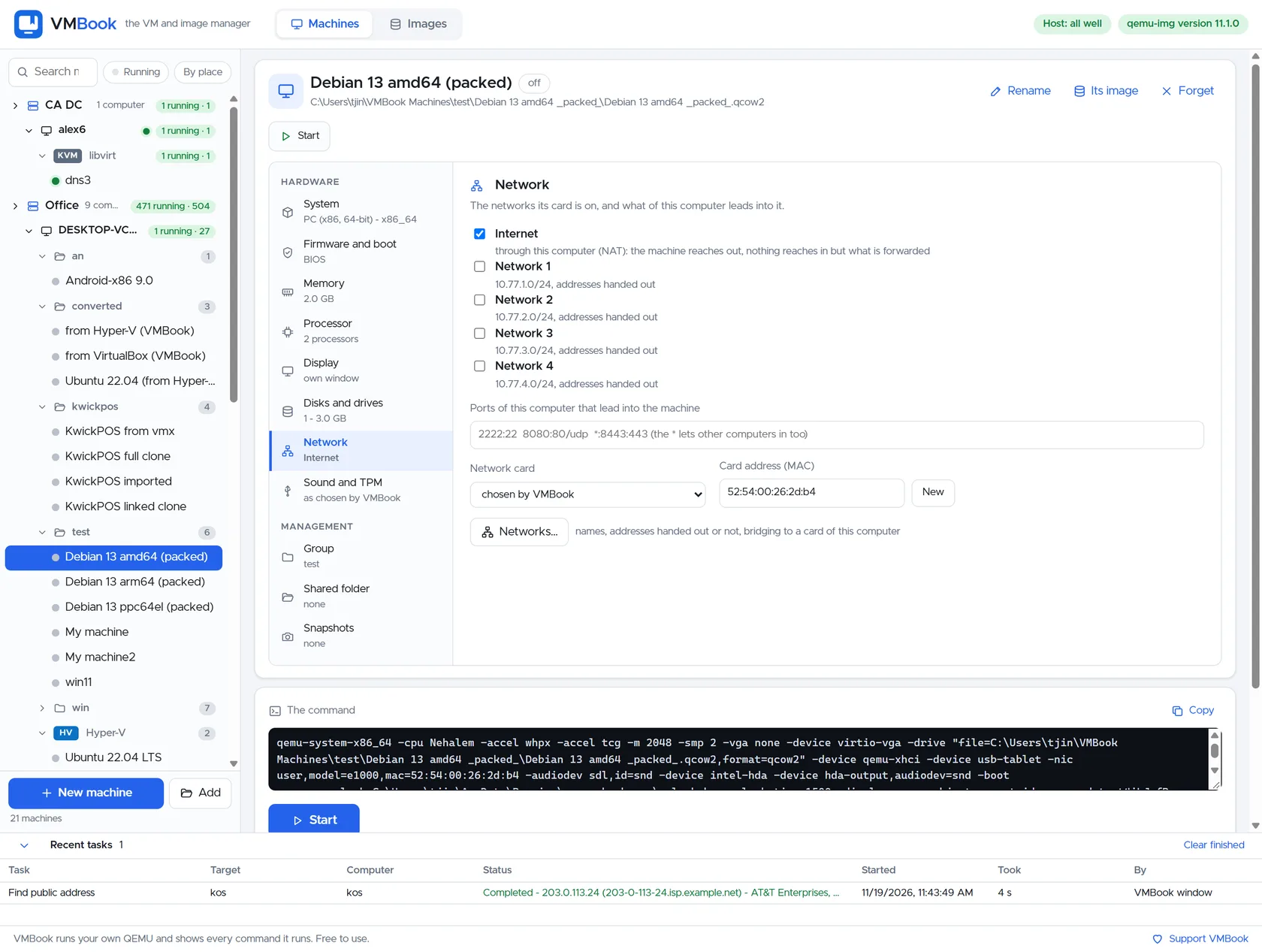
- Use isolated or clearly routed networks so inner DHCP does not leak onto the physical LAN.
- Test shutdown, snapshot and recovery at each layer independently.
- Document that benchmark and high-availability results from a nested lab do not predict bare-metal production.
Limits and checks
Device passthrough, confidential-computing features and live migration may be restricted or unsupported when nested. Nested snapshots create complex dependency stacks. VMBook does not claim every Hyper-V/KVM/VMware nesting combination; validate the exact CPU, host release and guest hypervisor.
Primary documentation
Frequently asked questions
What problem does this guide solve?
Nested virtualization exposes hardware virtualization features from a physical host through an outer guest so that the guest can run its own VMs. It is valuable for hypervisor training, CI and disposable cluster labs, but it adds another scheduling, networking and failure layer.
How does VMBook help?
VMBook can keep the outer machine explicit and show its processor, memory, network and owning platform. Use a dedicated group for nested labs, name the layers clearly and expose virtualization extensions only on hosts tested for the chosen combination. The visible command and native-provider boundary help identify where a setting must actually change.
What should I verify before using it?
Device passthrough, confidential-computing features and live migration may be restricted or unsupported when nested. Nested snapshots create complex dependency stacks. VMBook does not claim every Hyper-V/KVM/VMware nesting combination; validate the exact CPU, host release and guest hypervisor.

