
Why this becomes a problem
A homelab user may want Proxmox features without dedicating a machine or reinstalling an existing Windows host. An organization may already have Proxmox in one room, Hyper-V in another and developer QEMU machines on laptops. Forcing every host into one server distribution can be more disruptive than managing native platforms in place.
How VMBook approaches it
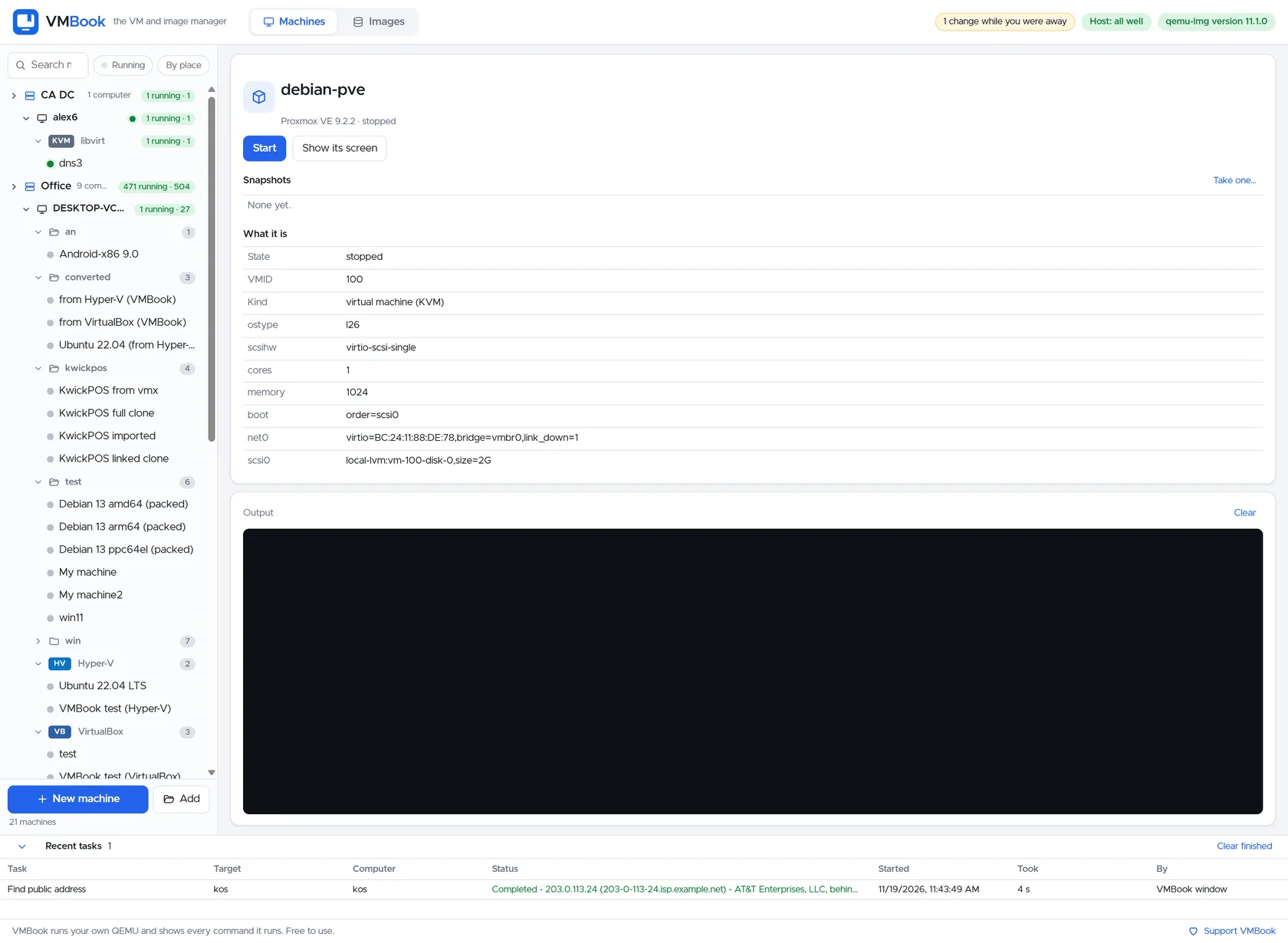
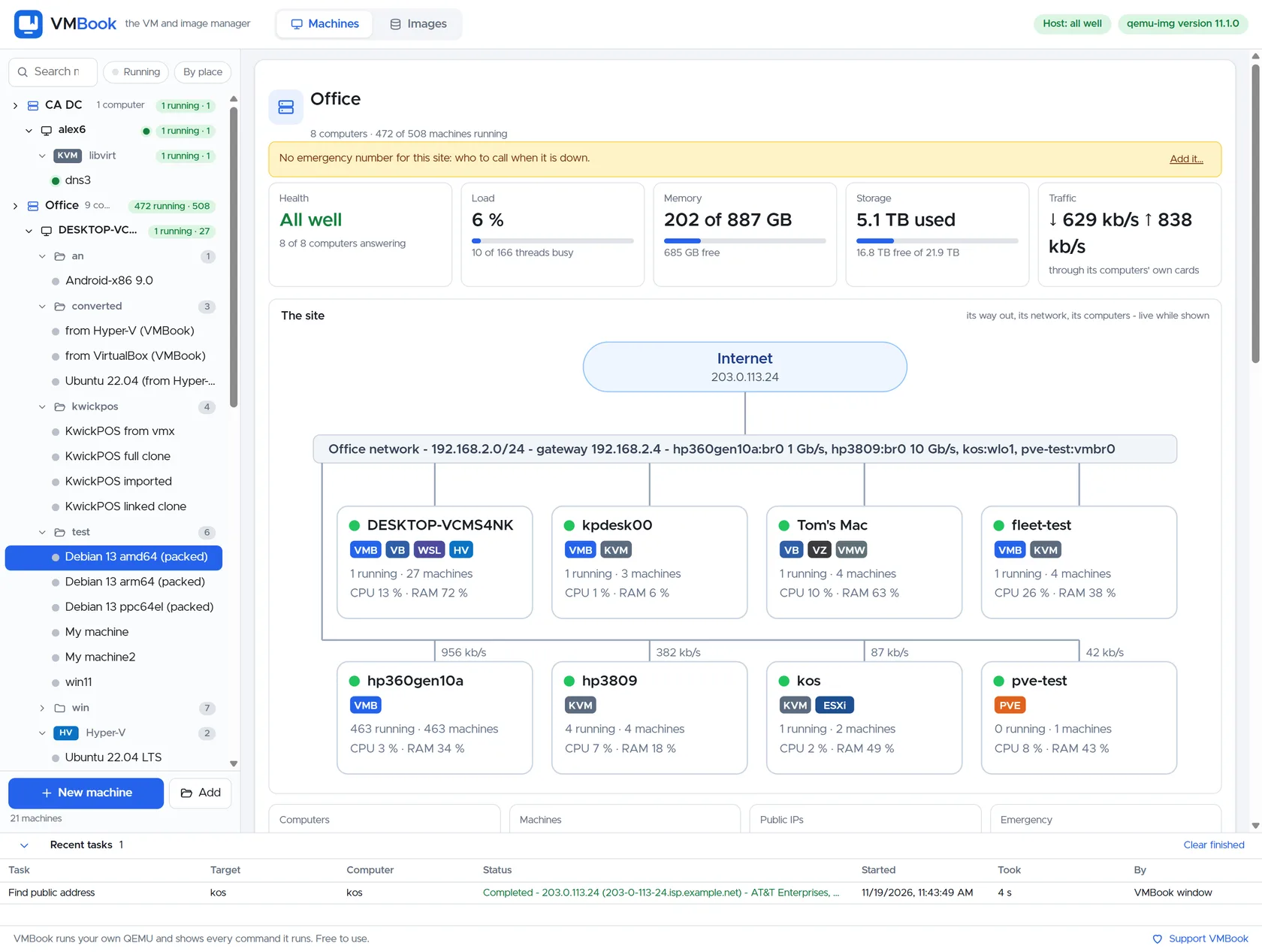
VMBook preserves the provider boundary. Proxmox machines remain on Proxmox; Hyper-V stays on Windows; libvirt stays on Linux; QEMU commands remain visible. Sites and computers form the shared book. This supports gradual adoption and heterogeneous labs, while Proxmox remains the stronger choice today for proven Linux cluster HA and integrated server storage.
Recommended workflow
- Decide whether the physical host may be reinstalled as a dedicated virtualization server.
- List required HA, storage, backup, firewall and container features.
- Test VMBook on an existing desktop or host without migrating production data.
- Connect a Proxmox test machine read-only or with limited lifecycle scope.
- Compare recovery operations and documentation, not only initial VM creation.
- Choose a primary owner for every machine to prevent conflicting changes.
Limits and checks
VMBook 0.1 does not claim parity with Proxmox cluster quorum, Ceph integration, HA scheduling or mature role-based access. Proxmox licensing and repository choices should be checked in current official documentation. A heterogeneous fleet trades platform standardization for flexibility and must be governed deliberately.
Primary documentation
Frequently asked questions
What problem does this guide solve?
Proxmox VE is a mature Linux server virtualization platform. VMBook is an alternative management approach when the requirement begins on existing desktops, spans native providers or needs one inventory across Proxmox and non-Proxmox computers. They can coexist; choosing between them depends on the layer being replaced.
How does VMBook help?
VMBook preserves the provider boundary. Proxmox machines remain on Proxmox; Hyper-V stays on Windows; libvirt stays on Linux; QEMU commands remain visible. Sites and computers form the shared book. This supports gradual adoption and heterogeneous labs, while Proxmox remains the stronger choice today for proven Linux cluster HA and integrated server storage.
What should I verify before using it?
VMBook 0.1 does not claim parity with Proxmox cluster quorum, Ceph integration, HA scheduling or mature role-based access. Proxmox licensing and repository choices should be checked in current official documentation. A heterogeneous fleet trades platform standardization for flexibility and must be governed deliberately.

