
Why this becomes a problem
A disk file is not a complete VM. Firmware mode, chipset, storage controller, sector assumptions, encryption and guest drivers all influence boot. Copying or converting a powered-on disk can create an inconsistent filesystem. Differencing disks and snapshots add dependencies that a single-file conversion may silently omit.
How VMBook approaches it
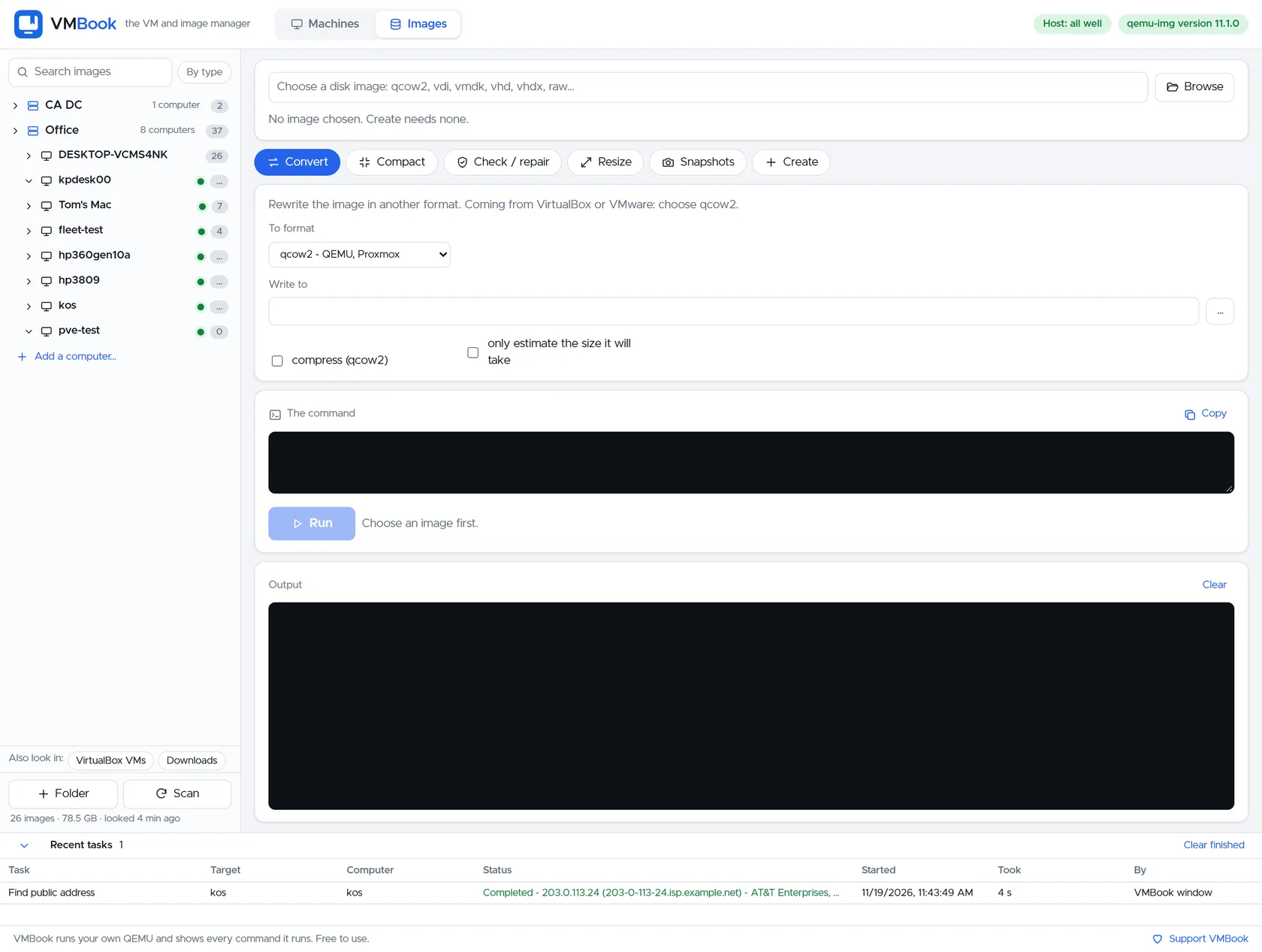
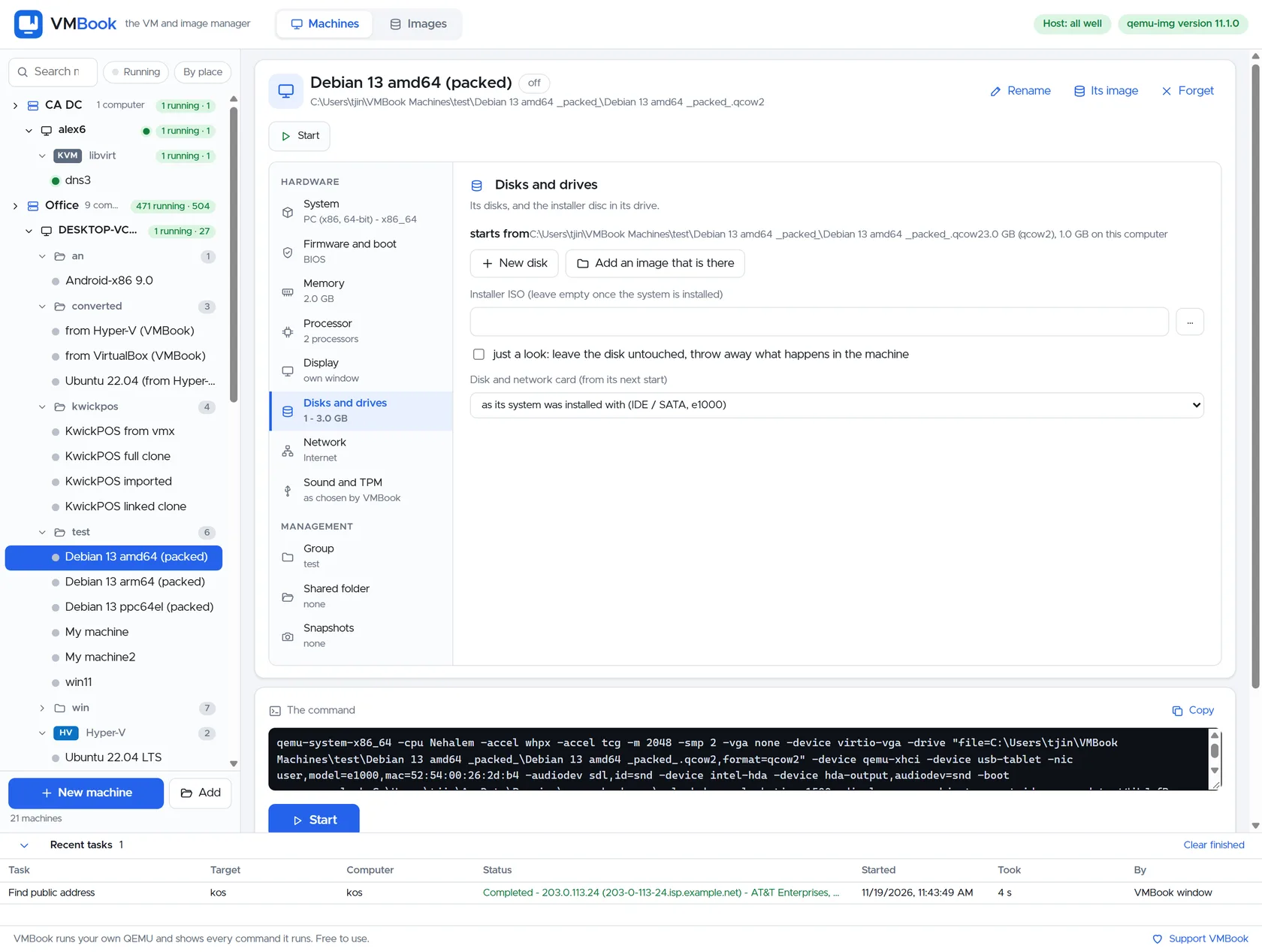
VMBook treats images as first-class objects and supports workflows around qcow2, VDI, VMDK, VHD/VHDX and raw. It can show the intended operation, estimate output and preserve the source while the operator creates a platform-appropriate copy. The machine definition is then rebuilt with explicit firmware and controllers rather than assuming the extension guarantees compatibility.
Recommended workflow
- Shut down the source guest and consolidate platform snapshots or checkpoints.
- Record firmware, partition style, controllers, encryption and guest architecture.
- Check the source image and create a new destination rather than converting in place.
- Attach the result to an isolated test VM with matching BIOS or UEFI.
- Install or enable destination storage and network drivers where required.
- Validate boot, applications, free space and data before retiring the original.
Limits and checks
Conversion does not bypass encryption, licensing, secure boot or operating-system activation. Sparse and thin images can expand during copying. VMware descriptor files and split disks require special care; Hyper-V checkpoint chains must be merged correctly. Always use vendor recovery guidance for irreplaceable workloads.
Primary documentation
- QEMU qemu-img documentation
- Microsoft VHDX specification
- VirtualBox disk image documentation
- VMware virtual disk documentation
Frequently asked questions
What problem does this guide solve?
Choose the native format of the platform that will own the machine. qcow2 fits QEMU features and sparse layers; VMDK belongs naturally to VMware; VDI is VirtualBox-native; VHDX is Hyper-V-native. Convert only when ownership changes, and keep the original until the new guest boots and its data is verified.
How does VMBook help?
VMBook treats images as first-class objects and supports workflows around qcow2, VDI, VMDK, VHD/VHDX and raw. It can show the intended operation, estimate output and preserve the source while the operator creates a platform-appropriate copy. The machine definition is then rebuilt with explicit firmware and controllers rather than assuming the extension guarantees compatibility.
What should I verify before using it?
Conversion does not bypass encryption, licensing, secure boot or operating-system activation. Sparse and thin images can expand during copying. VMware descriptor files and split disks require special care; Hyper-V checkpoint chains must be merged correctly. Always use vendor recovery guidance for irreplaceable workloads.

