
Why this becomes a problem
USB devices assume low-latency, stateful and often exclusive access. Smart-card readers, license keys, serial adapters, cameras, scanners and storage behave differently. A brief network interruption can look like physical removal, while automatic reconnection to the wrong guest can create a security or data-integrity incident. Bulk storage may work over distance but perform poorly; isochronous audio and video are more sensitive to jitter.
How VMBook approaches it
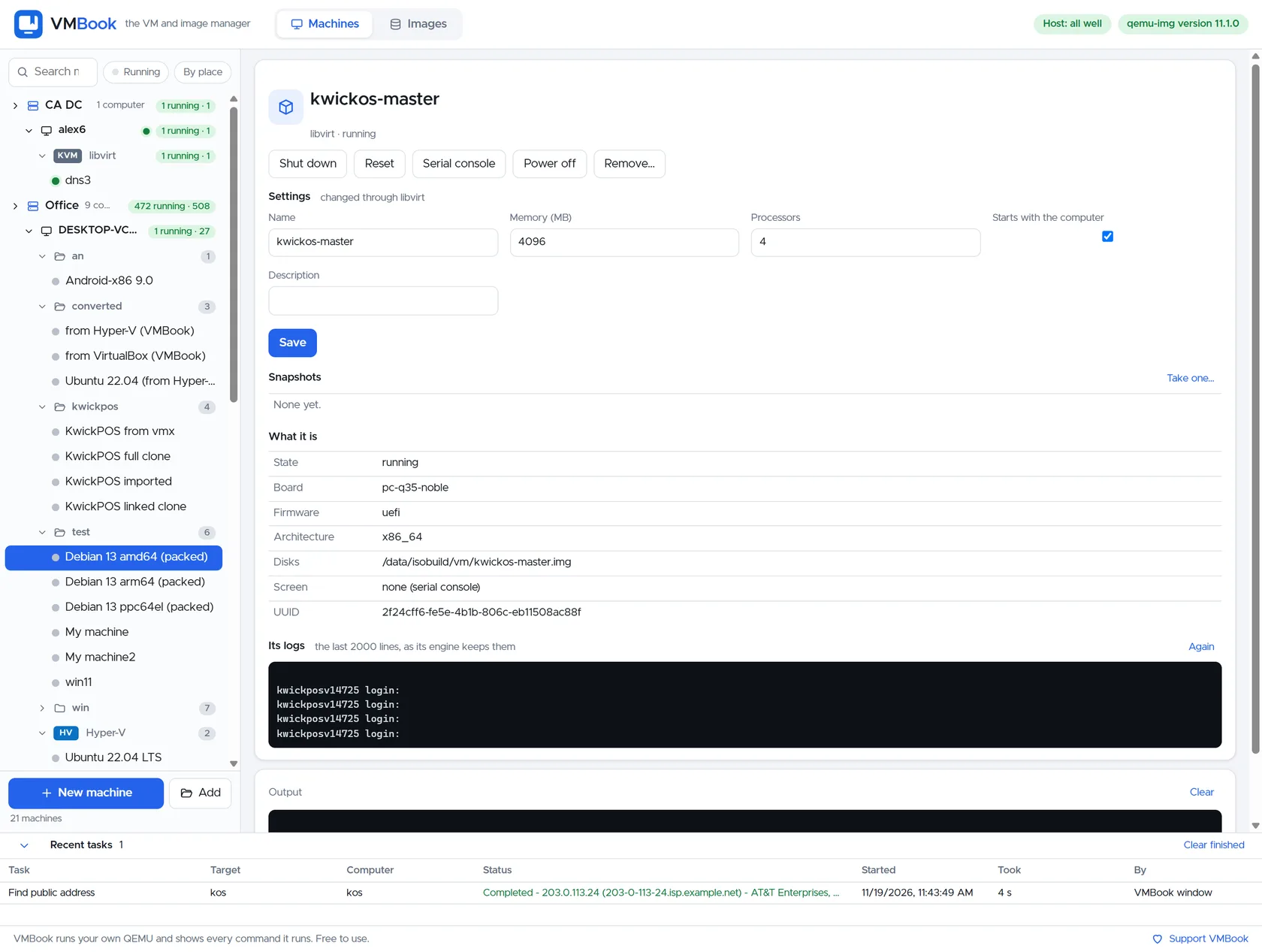
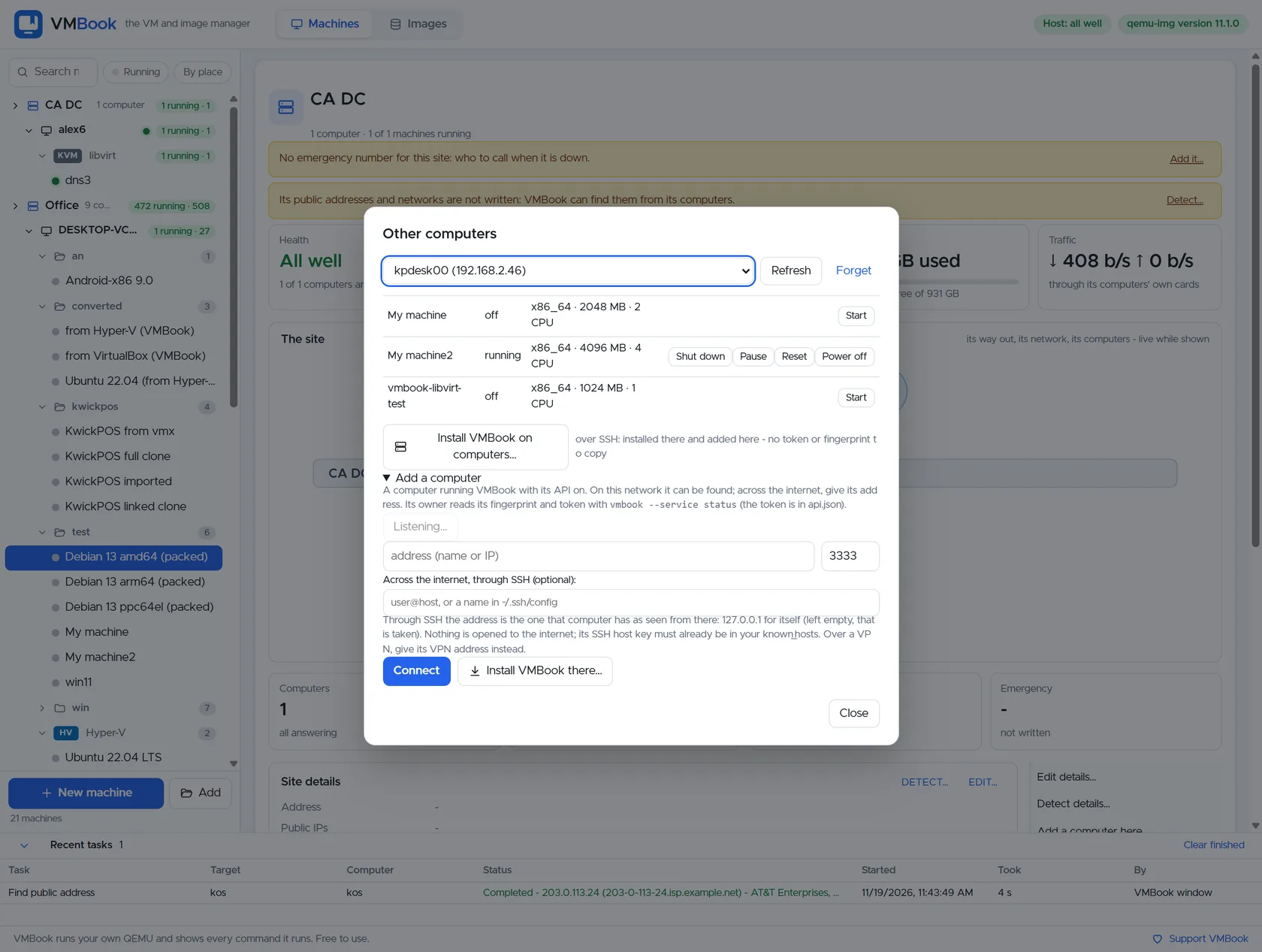
VMBook should keep remote USB attached to a named computer and machine rather than treating it as an invisible global resource. The host platform remains responsible for actual assignment. An operator can identify the remote owner, confirm the guest is stopped when required, record the selected USB path and preserve a separate console route if the device is needed for recovery. Version 0.1 does not claim a universal USB broker.
Recommended workflow
- Identify where the device is physically connected and whether it must survive operator logout.
- Record vendor/product identifiers and confirm the device is not mounted or used by the host.
- Choose guest-console redirection for interactive support, USB/IP for a controlled network export, or native passthrough for a stable host-attached device.
- Restrict the transport to a trusted management network or authenticated encrypted tunnel.
- Test unplug, network loss, guest reboot and host reboot before relying on automatic reconnection.
- For storage, flush and unmount cleanly; for licensing or security devices, verify vendor support and audit requirements.
- Keep a local recovery method when the USB device controls networking, encryption or boot.
Limits and checks
Do not expose the Linux USB/IP service or unauthenticated redirection to the public internet. A passed-through device is often unavailable to the host and other guests. Live migration and snapshots may not preserve USB state. High-bandwidth cameras, audio devices and specialist hardware may require local placement or vendor-supported network appliances.
Primary documentation
- Linux USB/IP documentation
- QEMU USB emulation documentation
- SPICE USB redirection
- Microsoft Remote Desktop device redirection
Frequently asked questions
What problem does this guide solve?
Remote USB is not one feature. USB redirection forwards a client-attached device through a display protocol; USB over IP exports it across a network; hypervisor passthrough assigns a host USB device to one guest; BMC virtual media presents an installation image through out-of-band hardware. Choose the model based on who physically holds the device and what must happen after a disconnect.
How does VMBook help?
VMBook should keep remote USB attached to a named computer and machine rather than treating it as an invisible global resource. The host platform remains responsible for actual assignment. An operator can identify the remote owner, confirm the guest is stopped when required, record the selected USB path and preserve a separate console route if the device is needed for recovery. Version 0.1 does not claim a universal USB broker.
What should I verify before using it?
Do not expose the Linux USB/IP service or unauthenticated redirection to the public internet. A passed-through device is often unavailable to the host and other guests. Live migration and snapshots may not preserve USB state. High-bandwidth cameras, audio devices and specialist hardware may require local placement or vendor-supported network appliances.

