
Why this becomes a problem
Virtualization makes servers easy to create but can concentrate failure. Hundreds of guests may depend on one storage system, management account or network route. A backup job can succeed while omitting an encryption key or application-consistent database state. During an outage, undocumented boot order and address dependencies turn fast image copies into a slow service recovery.
How VMBook approaches it
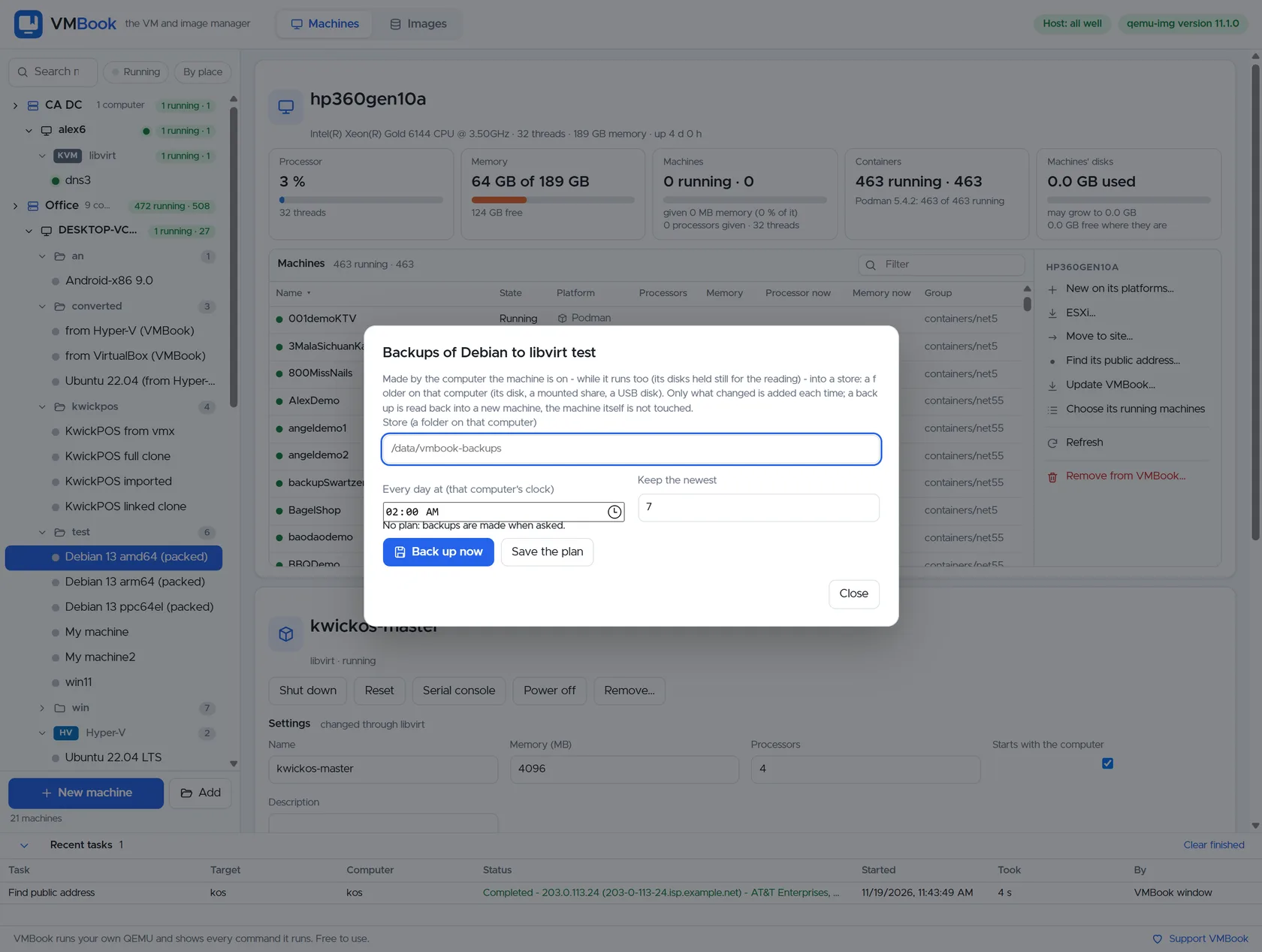
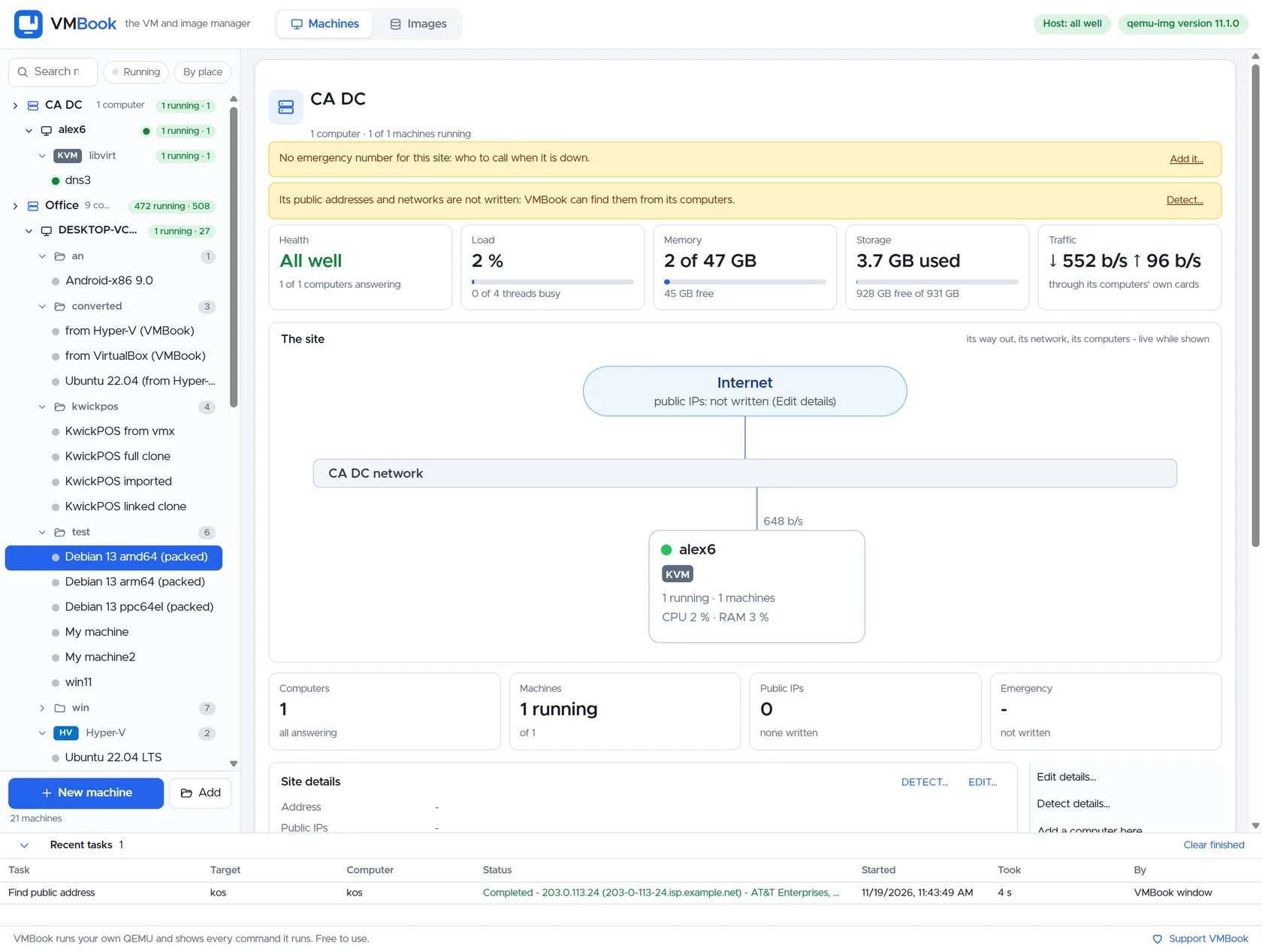
VMBook’s hierarchy makes failure scope visible: site, computer, platform and machine. Image and backup workflows can be tied to the owning system, while another site provides an explicit recovery destination. The practical goal is not a green backup badge; it is a timed restore drill that proves a named service can run safely with the expected data and network controls.
Recommended workflow
- Define recovery time and recovery point objectives for each service, not just each VM.
- Map boot dependencies such as DNS, identity, databases, storage and gateways.
- Back up guest data, machine definitions, firmware variables and required secrets independently of the source host.
- Maintain a recovery network that cannot accidentally conflict with production addresses.
- Restore representative workloads regularly and record actual elapsed time and manual decisions.
- Test loss of credentials and management services as well as storage or host failure.
- Review the plan after platform upgrades, migrations and organizational changes.
Limits and checks
Snapshots on the source storage are not disaster recovery. Replication can copy corruption or ransomware quickly. Cross-hypervisor recovery may change drivers, firmware and licensing. VMBook 0.1 does not claim automated orchestrated failover; use it to make ownership and recovery work visible while validating every critical service with platform-specific tools.
Primary documentation
- NIST contingency planning guide
- VMBook backup screenshot gallery
- Microsoft Hyper-V disaster recovery guidance
Frequently asked questions
What problem does this guide solve?
VM disaster recovery is the ability to restore an application service after losing more than a guest process. The plan must cover the VM data, definition, firmware, encryption keys, networks, DNS, identity and the people authorized to recover it on another computer or site.
How does VMBook help?
VMBook’s hierarchy makes failure scope visible: site, computer, platform and machine. Image and backup workflows can be tied to the owning system, while another site provides an explicit recovery destination. The practical goal is not a green backup badge; it is a timed restore drill that proves a named service can run safely with the expected data and network controls.
What should I verify before using it?
Snapshots on the source storage are not disaster recovery. Replication can copy corruption or ransomware quickly. Cross-hypervisor recovery may change drivers, firmware and licensing. VMBook 0.1 does not claim automated orchestrated failover; use it to make ownership and recovery work visible while validating every critical service with platform-specific tools.

