
Why this becomes a problem
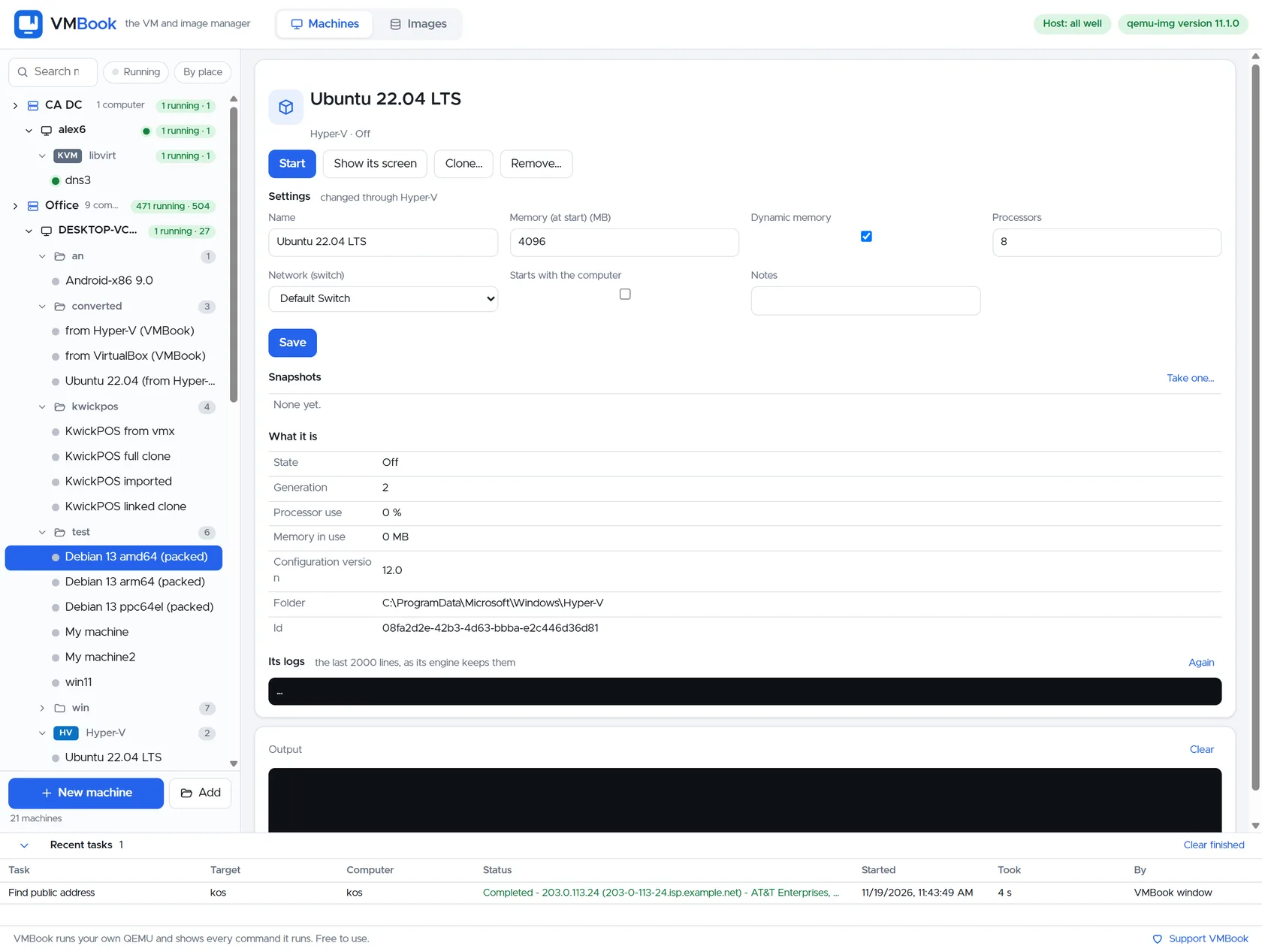
Snapshots feel instant, so they are often kept for months and treated as protection. But a qcow2 overlay still depends on its backing file, a Hyper-V checkpoint can depend on AVHDX parents, and platform snapshots usually remain on the same storage as the VM. Long chains increase operational complexity, while an untested backup can provide false confidence of a different kind.
How VMBook approaches it
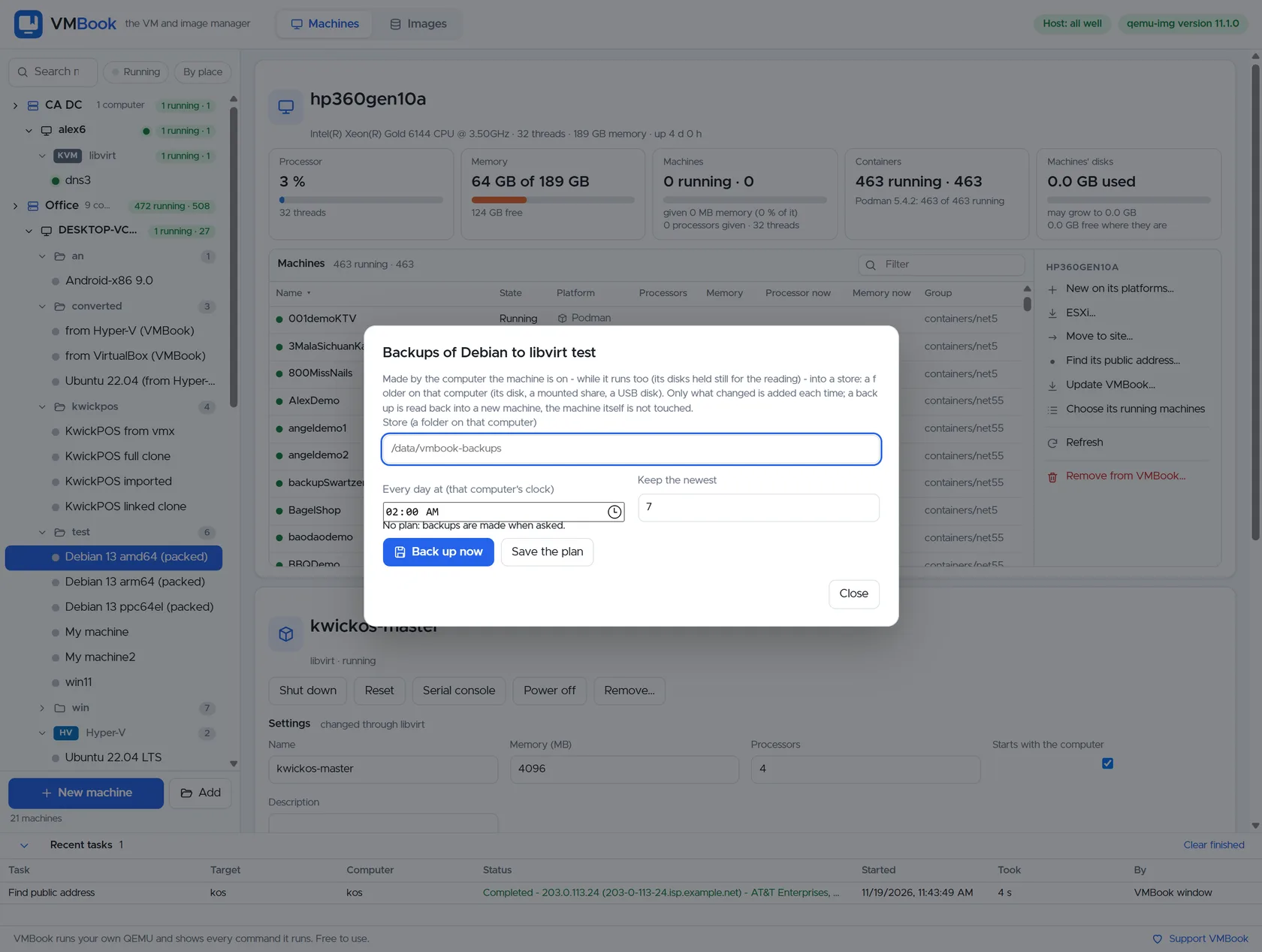
VMBook exposes machine ownership and image operations separately. Operators can see snapshots in the machine workflow, inspect image chains and run an explicit backup job with destination, retention and scope. That distinction makes the recovery promise visible: rollback is not presented as disaster recovery, and a backup is not considered useful until restoration has been tested.
Recommended workflow
- Use a snapshot immediately before a bounded software or configuration change.
- Name it with owner, purpose and expiry time.
- Delete or consolidate it after validation instead of allowing an unbounded chain.
- Back up machine definitions and valuable guest data to a separate system or site.
- Keep at least one recovery copy outside credentials and storage controlled by the source host.
- Restore into an isolated network and verify firmware, disks, applications and data consistency.
Limits and checks
Crash-consistent snapshots may not protect application transactions. Memory snapshots can contain secrets and depend on compatible virtual hardware. Backup retention consumes capacity and may have legal requirements. VMBook 0.1 backup workflows must be validated with the actual platform and workload before they become a production recovery commitment.
Primary documentation
Frequently asked questions
What problem does this guide solve?
A snapshot is a short-term state or dependency inside a VM storage chain. A backup is an independent recoverable copy stored outside the failure boundary. Use snapshots for controlled rollback around a change; use backups for deletion, corruption, host loss, ransomware and retention.
How does VMBook help?
VMBook exposes machine ownership and image operations separately. Operators can see snapshots in the machine workflow, inspect image chains and run an explicit backup job with destination, retention and scope. That distinction makes the recovery promise visible: rollback is not presented as disaster recovery, and a backup is not considered useful until restoration has been tested.
What should I verify before using it?
Crash-consistent snapshots may not protect application transactions. Memory snapshots can contain secrets and depend on compatible virtual hardware. Backup retention consumes capacity and may have legal requirements. VMBook 0.1 backup workflows must be validated with the actual platform and workload before they become a production recovery commitment.

