
Why this becomes a problem
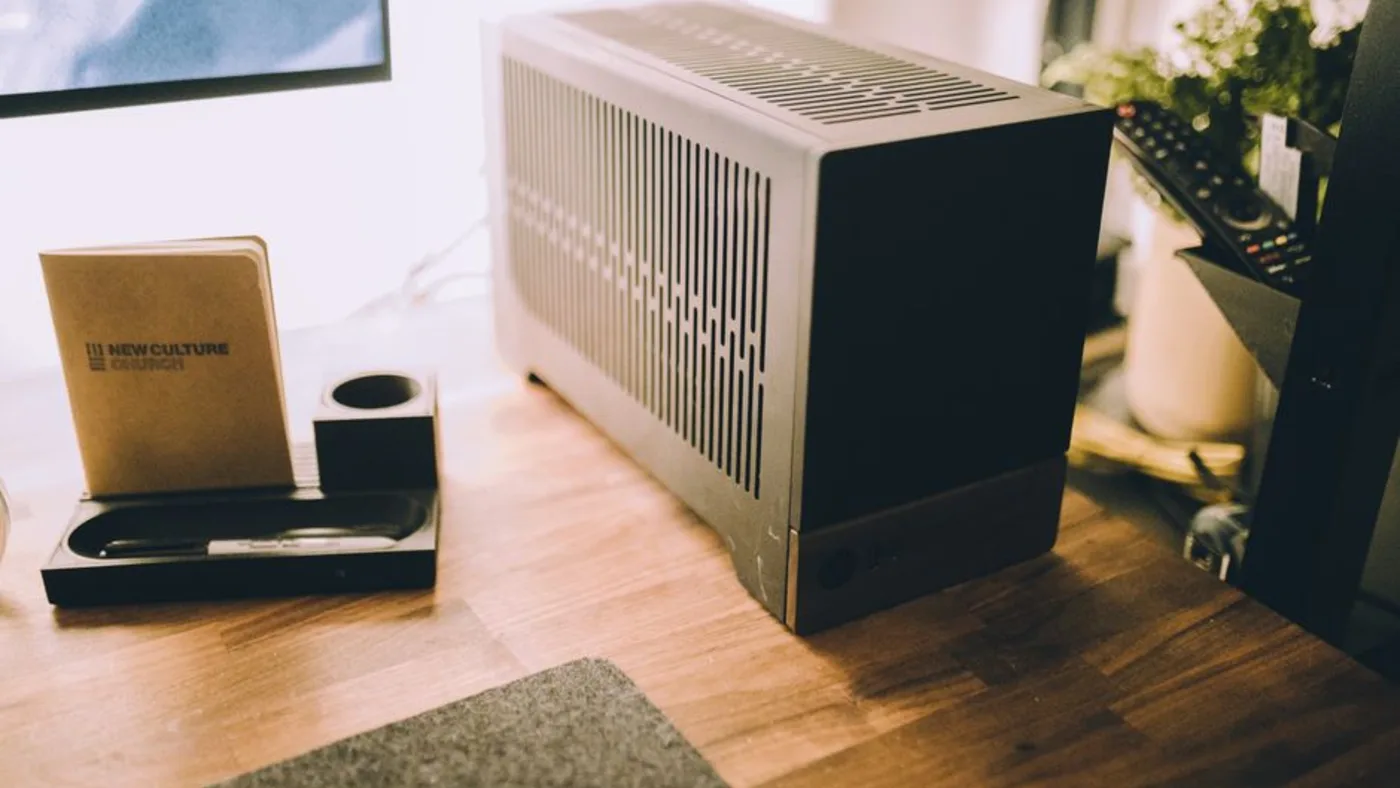
Small systems can hide constraints behind attractive CPU specifications. Memory may be soldered, storage lanes limited, network adapters unsupported by a chosen hypervisor and cooling unable to sustain all-core load. Three nodes also triple firmware, cabling and failure points. A cluster dashboard cannot recover data that exists only on a failed local SSD.
How VMBook approaches it
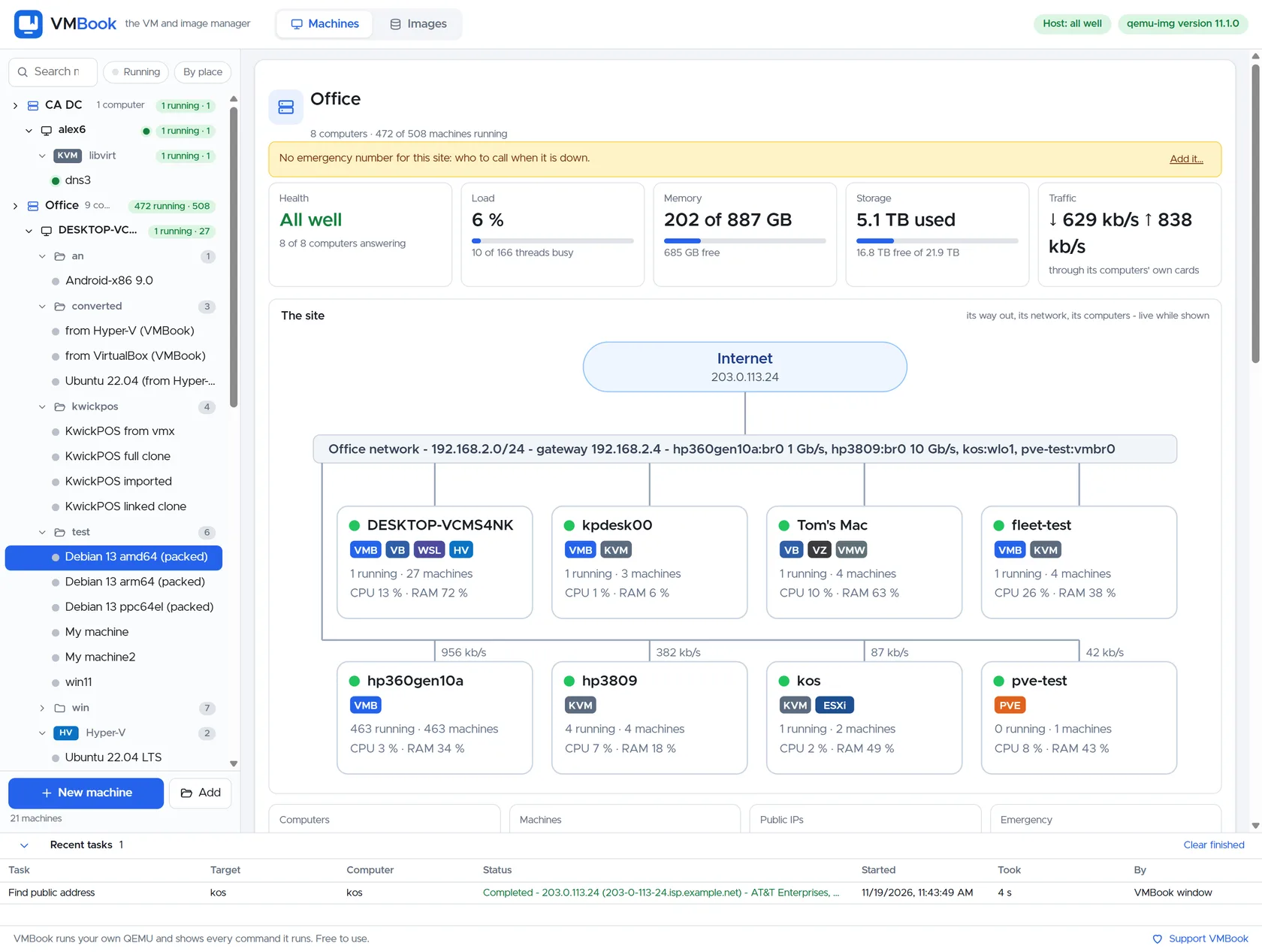
VMBook can group compact computers into a site while leaving each host on its appropriate platform. A Windows mini PC can keep Hyper-V and WSL2, a Linux node can use KVM/libvirt, and an Arm host can remain architecture-specific. This heterogeneous model favors labs and edge operations that value visibility over pretending every node is interchangeable.
Recommended workflow
- Inventory memory limits, storage interfaces, NICs, firmware controls and idle power before buying multiples.
- Start with one node and validate virtualization, thermals and network drivers under sustained load.
- Use at least separate trusted management and guest-lab network paths.
- Decide whether workloads require shared storage, replicated application data or simply restorable backups.
- Add nodes with explicit roles and keep enough spare capacity for planned maintenance.
- Test loss of a node, switch, storage device and management service separately.
Limits and checks
VMBook does not turn heterogeneous mini PCs into a mature HA cluster. Consumer hardware may lack ECC memory, redundant power, BMC or stable long-term firmware. Use application-level replication or a proven cluster platform when automatic failover and strict recovery objectives are requirements.
Primary documentation
Frequently asked questions
What problem does this guide solve?
A mini PC cluster is useful when several quiet, low-power nodes provide more flexible maintenance and architecture coverage than one large workstation. It is not automatically highly available: availability depends on storage, quorum, networking, power and tested restart procedures.
How does VMBook help?
VMBook can group compact computers into a site while leaving each host on its appropriate platform. A Windows mini PC can keep Hyper-V and WSL2, a Linux node can use KVM/libvirt, and an Arm host can remain architecture-specific. This heterogeneous model favors labs and edge operations that value visibility over pretending every node is interchangeable.
What should I verify before using it?
VMBook does not turn heterogeneous mini PCs into a mature HA cluster. Consumer hardware may lack ECC memory, redundant power, BMC or stable long-term firmware. Use application-level replication or a proven cluster platform when automatic failover and strict recovery objectives are requirements.

