
In practice
What VMBook implements
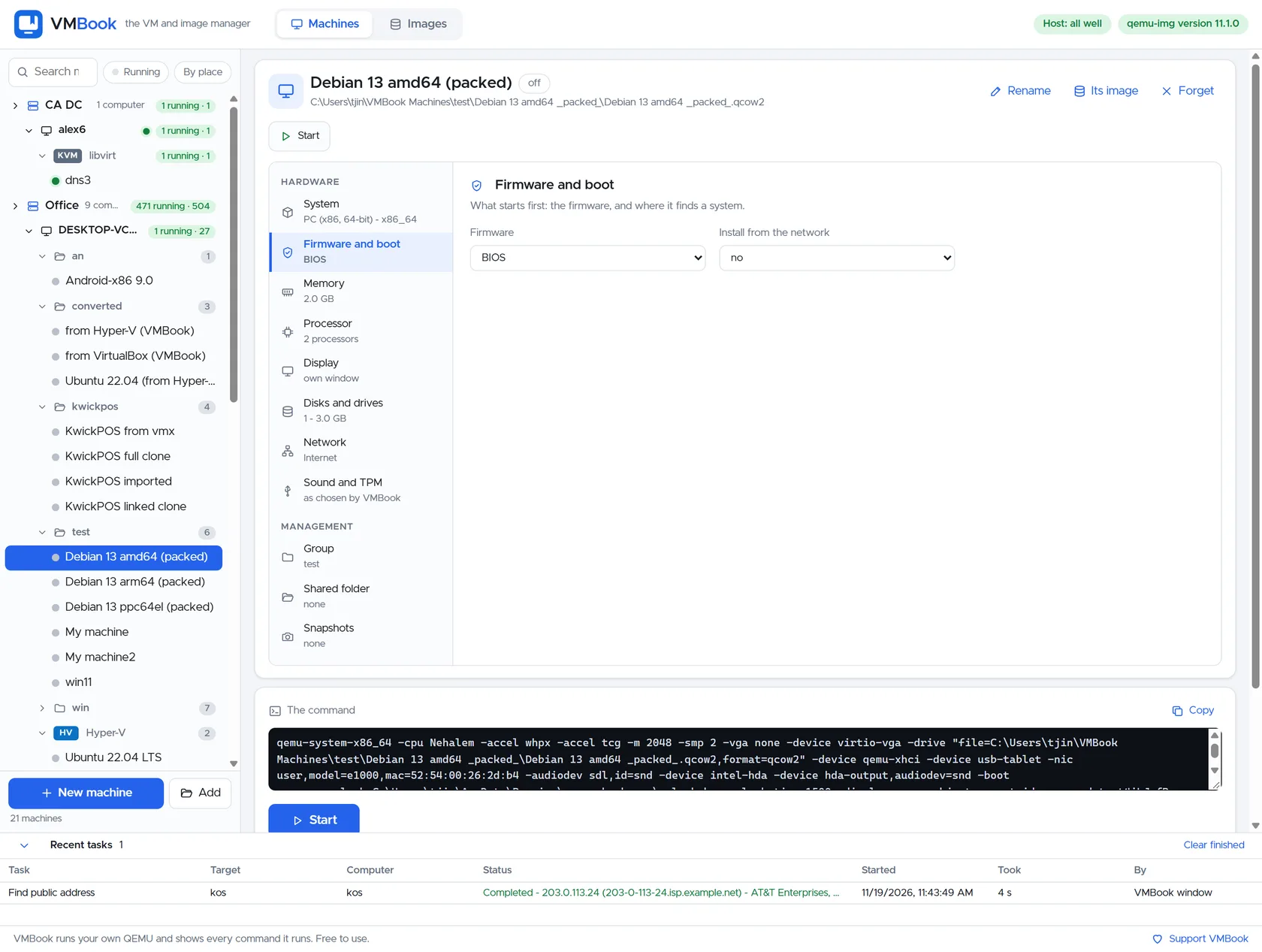
VMBook can inventory Docker and Podman beside VMs while preserving the distinction between a container engine and a hypervisor. The distinction matters operationally because firmware, disk state, acceleration and ownership determine whether a virtual machine can be moved or recovered safely.

Different isolation boundaries
A container packages processes and files while sharing the host kernel. A VM presents virtual hardware and runs its own kernel, usually reducing the shared-kernel attack surface. That is not an absolute security guarantee: isolation still depends on the VMM, device models, configuration and patching, while containers can add user namespaces, seccomp and SELinux or AppArmor controls.
Images mean different things
A container image is a layered application filesystem plus metadata. A VM disk image contains block devices, partitions, boot files and an installed operating system. Container commit, VM snapshot and backup are therefore not interchangeable operations even when all three create a reusable artifact.
Use both deliberately
Containers fit stateless services, build jobs and repeatable application packaging. VMs fit kernel testing, Windows guests, untrusted appliances, legacy operating systems and workloads needing virtual hardware. Many environments run container engines inside VMs to combine deployment convenience with a separate kernel boundary.
Evaluate it
Next step for Containers vs Virtual Machines
Review the tested systems for evidence related to Containers vs Virtual Machines, then use the free build in an isolated environment with copies of the images involved in your test.