
In practice
What VMBook implements
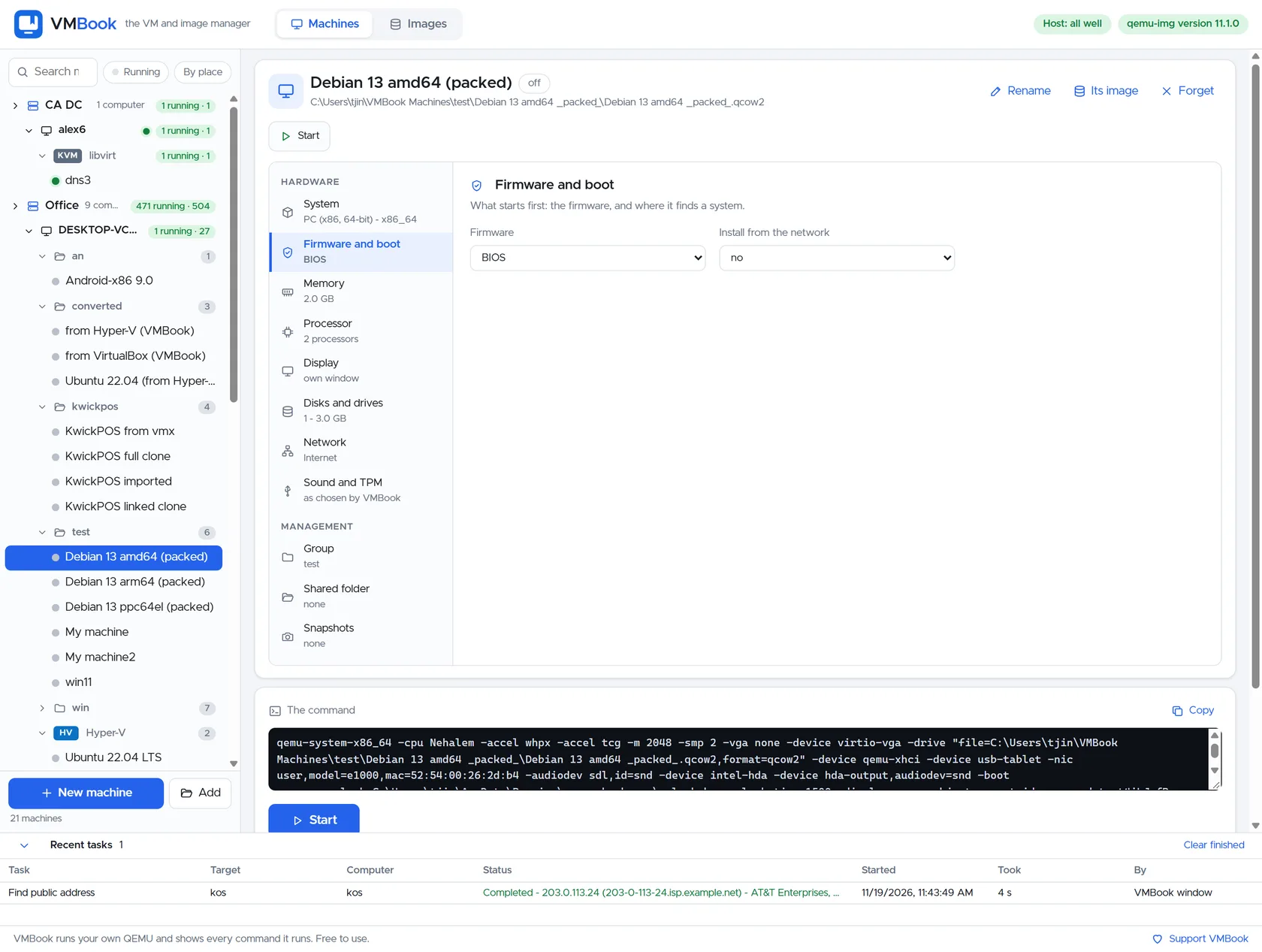
VMBook detects local engines, lists containers and images, and provides lifecycle, statistics, logs and image-based creation workflows. This capability is kept inspectable: VMBook shows the machine or image state involved and leaves the underlying QEMU operation visible.
Containers without category confusion
VMBook detects Docker and Podman engines and their sockets, then lists local containers and images. Containers remain application-level workloads; a QEMU or Hyper-V virtual machine remains a complete virtual computer with its own kernel.
Implemented operations
Start, stop, restart, pause, resume and kill containers; inspect statistics, logs and settings; remove or commit a container; and create one from an image with command, ports, environment, network and restart policy. Exact availability follows the installed engine.
One operational inventory
Putting containers and VMs in one product is useful for a lab, branch or server room where both compete for CPU, memory, storage and operator attention. It does not claim that a container can replace every VM isolation or guest-OS requirement.
Evaluate it
Next step for Docker and Podman Container Management
Review the tested systems for evidence related to Docker and Podman Container Management, then use the free build in an isolated environment with copies of the images involved in your test.