
In practice
What VMBook implements
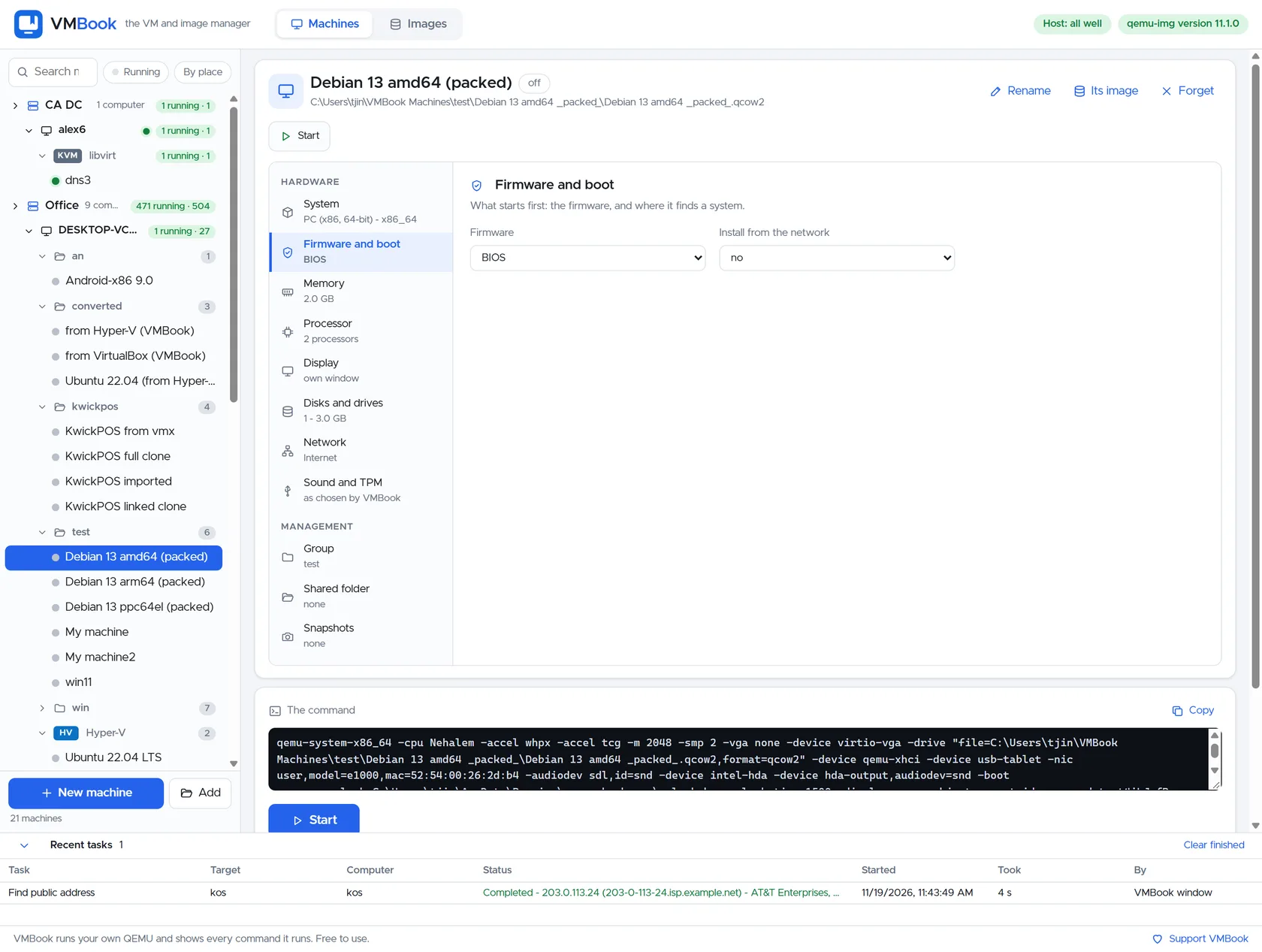
VMBook can select hardware acceleration for matching host and guest architectures while QEMU translation enables ARM, RISC-V and POWER experiments. The distinction matters operationally because firmware, disk state, acceleration and ownership determine whether a virtual machine can be moved or recovered safely.

Same architecture
When host and guest use a compatible instruction architecture—and hardware acceleration, permissions and hypervisor policy allow it—a hypervisor can execute most ordinary guest instructions directly. Sensitive configured events exit to the hypervisor. An x86-64 guest on an x86-64 host may use WHPX or KVM while virtual devices still require emulation or paravirtual drivers.
Different architecture
An x86-64 computer cannot execute ARM64 or RISC-V instructions directly. QEMU’s translator decodes guest instructions and produces host instructions, making otherwise incompatible systems possible at a substantial performance cost. Firmware, board model and device availability matter as much as the CPU translation.
Choose by purpose
Use virtualization for sustained production performance on matching architectures. Use emulation for software portability tests, operating-system development, firmware work and historical systems where correctness and reach matter more than throughput. Never present a cross-architecture boot result as evidence of native-like performance.
Evaluate it
Next step for Emulation vs Virtualization
Review the tested systems for evidence related to Emulation vs Virtualization, then use the free build in an isolated environment with copies of the images involved in your test.