
The answer in one minute
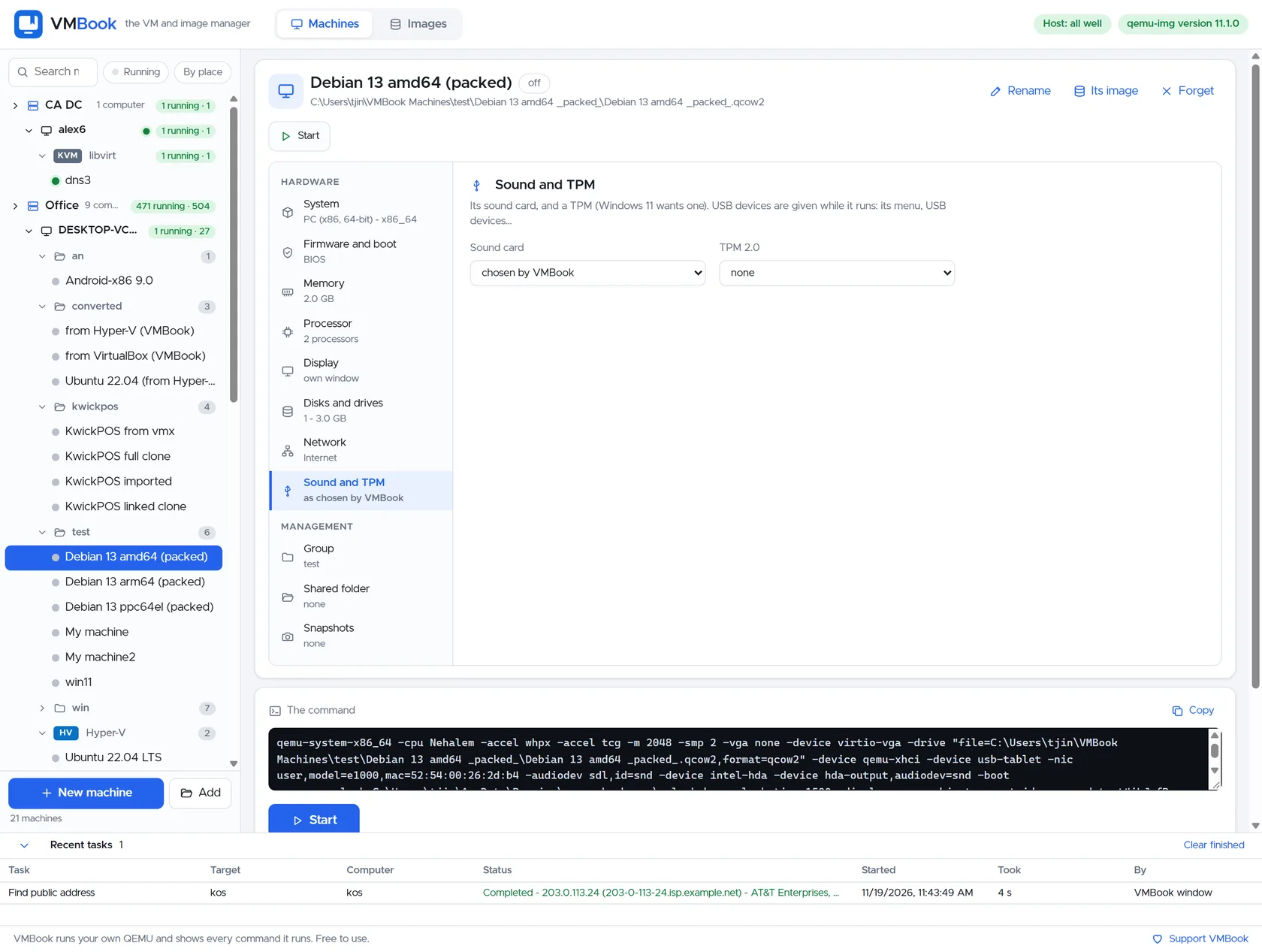
Microsoft’s current Windows 11 VM guidance calls for a Generation 2-style machine, at least 64 GB storage, 4 GB memory, two virtual processors, Secure Boot and TPM. A guest vTPM is a virtual device and should not be confused with the physical TPM in the host. Secure Boot is UEFI policy backed by enrolled keys; merely selecting UEFI does not enable it. VMBook can attach swtpm on supported non-Windows hosts, but its current Windows-host QEMU path has no VMBook-managed TPM, and VMBook does not yet expose a complete native Secure Boot configuration.
UEFI starts the machine.
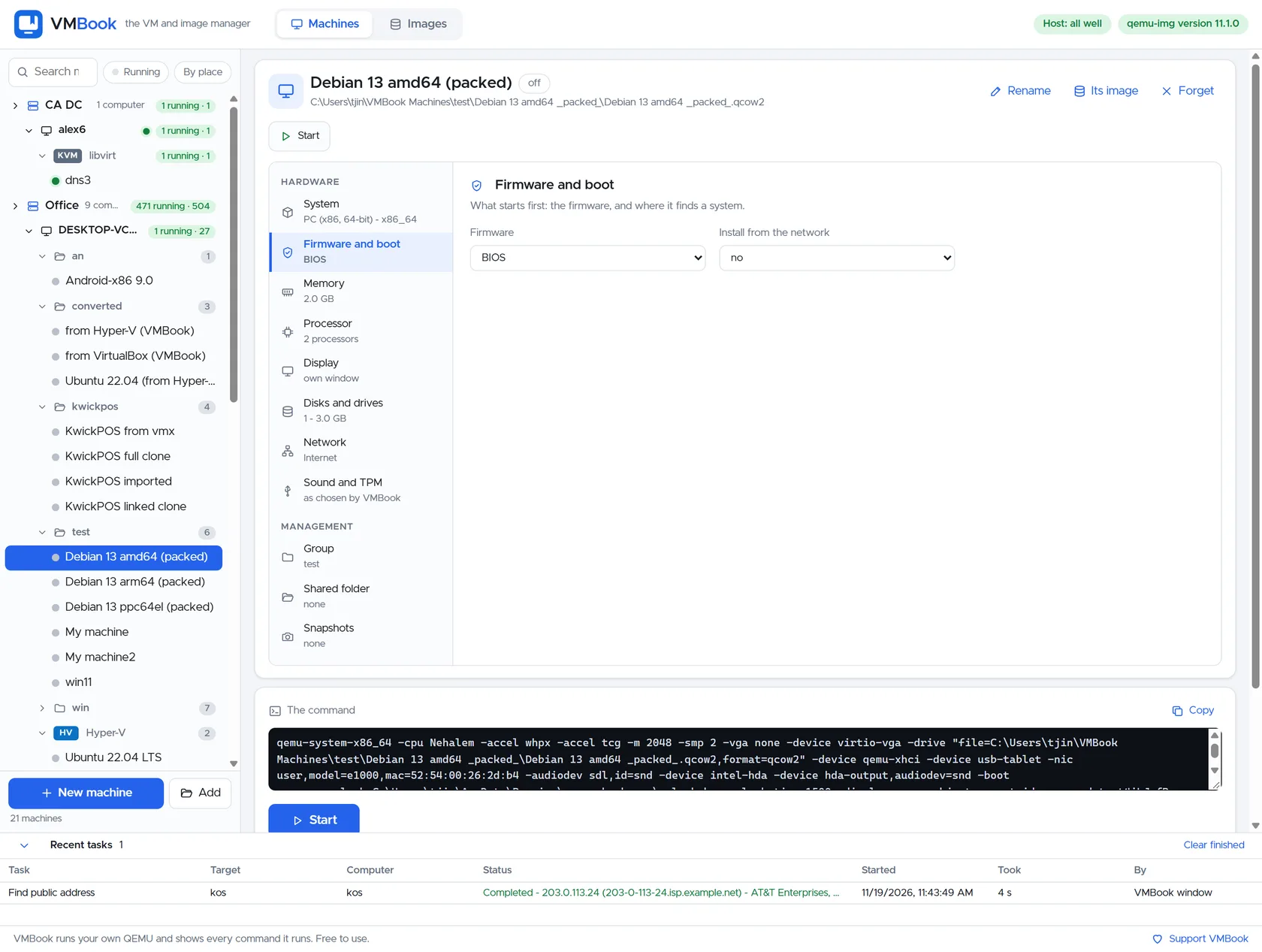
UEFI supplies modern firmware services and persistent variables. It can exist with Secure Boot disabled.
Secure Boot verifies the chain.
Firmware checks signed boot components against enrolled keys. A generic UEFI boot is not automatically a verified boot.
vTPM stores protected state.
The guest sees a virtual TPM whose state belongs to that VM. Host TPM presence alone does not create this device.
Current VMBook boundary
What the present build proves—and what it does not.
| Path | Current behavior | Honest conclusion |
|---|---|---|
| Linux host + native QEMU | VMBook can launch swtpm and attach its socket when the host provides the required software. | A guest TPM path exists; test persistence, backup and recovery on the exact host. |
| Windows host + native QEMU | The current VMBook composition does not attach a TPM on Windows. | Do not claim TPM-compliant Windows 11 from this path. |
| Native Secure Boot | VMBook selects UEFI firmware and keeps per-machine variables, but does not expose a complete Secure Boot key and policy workflow. | UEFI boot is implemented; full Secure Boot configuration is not a current claim. |
| Unattended Windows 11 | The recipe can bypass TPM, Secure Boot, RAM, CPU and storage setup checks. | Installation and boot evidence do not establish hardware-requirement compliance. |
| Native Hyper-V machine | Hyper-V remains authoritative for Generation, Secure Boot, vTPM and key protectors. | Inspect and configure those controls in Microsoft’s native provider workflow. |
Do not collapse the layers
A host TPM, guest vTPM and Secure Boot answer different questions.
The host TPM can protect host secrets. A hypervisor may emulate an independent TPM 2.0 for the guest even when the host TPM is absent or a different version; Microsoft explicitly documents this for Hyper-V. Secure Boot instead belongs to virtual UEFI and its trust database. BitLocker or measured-boot policy can depend on the resulting virtual platform state.
This distinction becomes critical during migration. Copying VHDX or qcow2 storage does not necessarily copy TPM state, enrolled firmware keys or a provider’s key protector. Preserve authorized recovery material before first boot on different virtual hardware.
Compatibility is not certification
Bypassing setup checks changes the installer decision, not the machine.
VMBook’s unattended recipe writes Microsoft setup compatibility flags so a test installation can proceed on virtual hardware that lacks the normal gates. That is useful for development and compatibility work. It does not add a TPM, enable Secure Boot, guarantee Windows servicing or convert the result into a supported security configuration.
Describe such evidence precisely: “Windows 11 24H2 reached the desktop with setup checks bypassed” is defensible. “Windows 11 is fully supported with TPM and Secure Boot” is not.
Acceptance test
Record the security state before relying on it.
Use an isolated VM and keep its provider-specific definition with the test record. For encrypted or regulated workloads, involve the organization’s Windows and security owners.
- Record host OS, QEMU or provider version and VMBook build.
- Record guest architecture, firmware and persistent-variable path.
- Confirm whether Secure Boot is actually enabled and which keys or template it uses.
- Confirm a TPM 2.0 device exists inside the guest and identify who owns its state.
- Reboot twice and verify the TPM and boot policy persist.
- Test backup, restore and migration without losing protected state.
- Store BitLocker or other recovery material outside the VM.
- Label any installer bypass explicitly in the compatibility record.
Primary sources
Microsoft’s published VM requirements
Microsoft: Windows 11 requirementsMicrosoft: Hyper-V Generation 2 security featuresMicrosoft: Generation 1 or Generation 2Continue with the machine
Follow firmware, migration and Windows ownership.
UEFI vs BIOS for virtual machinesMoving Hyper-V machines to QEMUVMBook with Microsoft Hyper-VPublished compatibility evidenceUse exact language
State what was installed, what was enabled and what was verified.
That precision is more useful than a broad “Windows 11 supported” badge—and safer for every operator who relies on it.