
Implemented behavior
What this capability actually does
Debian 13 ready-image and named network-install paths have laboratory evidence; fleet-wide media distribution and broader installer regression coverage remain open.

The user pain
Creating a VM often begins with hunting for an ISO, matching its architecture, downloading gigabytes repeatedly, attaching media, configuring cloud-init or building a separate PXE service.
VMBook’s development flow offers three explicit paths—ready image, network installer or disc image—and can create, start and open the resulting machine on another connected computer.
What was observed
A Debian 13 ready-image machine reached login about 35 seconds after the action in the recorded run. Debian, Alpine, openSUSE, Rocky and netboot.xyz network paths are represented; boot files are cached on the target computer instead of repeatedly crossing the controller link.
Market value
The user chooses the operating system and destination, while VMBook keeps architecture, checksum, firmware, disk and first-boot identity visible. This can reduce first-machine time without hiding the machine contract.
Current boundary
Fleet-wide peer distribution of install media, offline package caches, Windows unattended integration in this same flow and wider installer regression coverage remain open work.
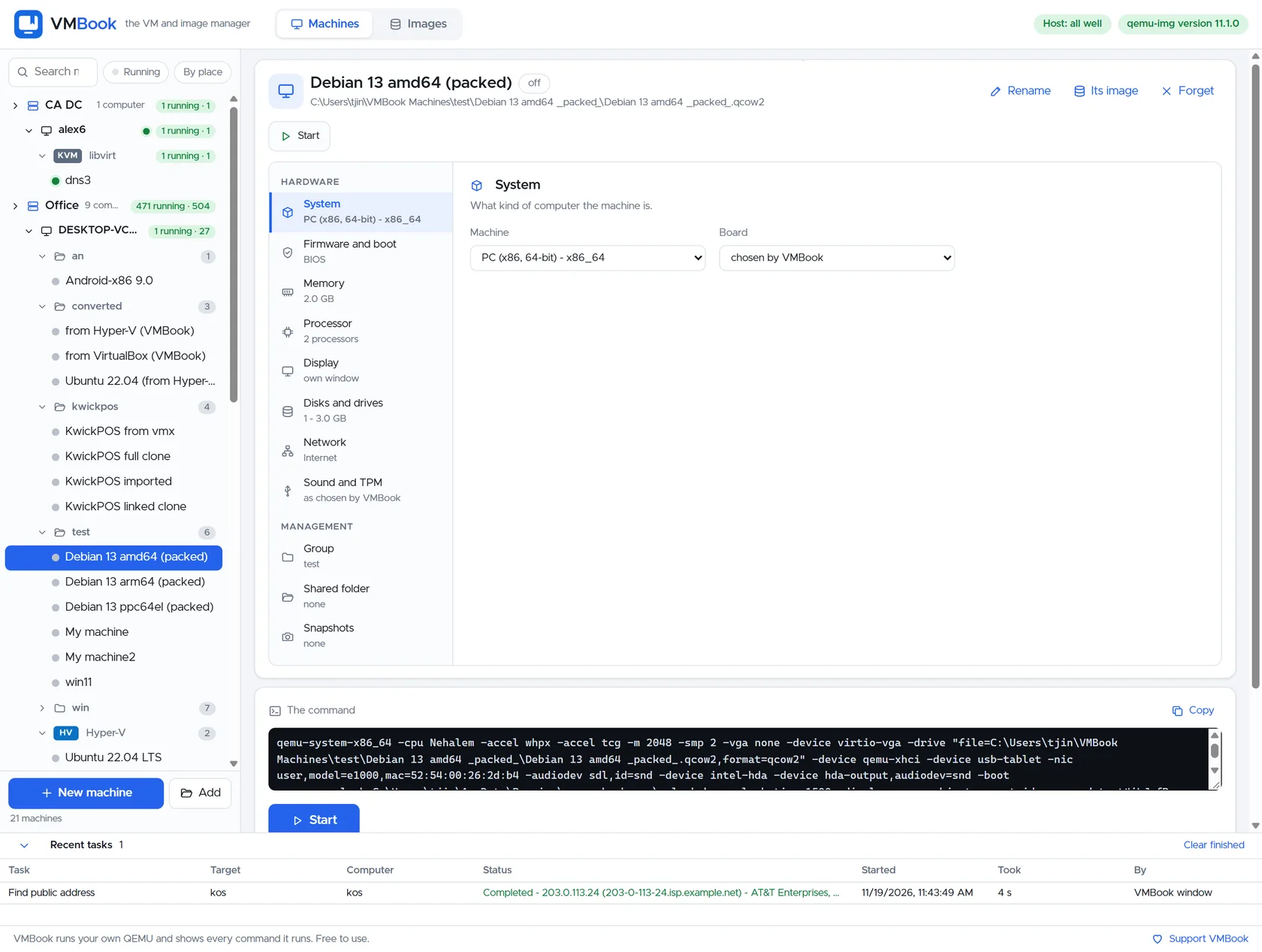
Inspect the implementation evidence
Verify the capability
Match the screen and documentation to the host, provider and release you intend to use. Begin with a disposable machine and keep the native provider visible while you test.