
Implemented behavior
What this capability actually does
The development guard path rejects hardware the target cannot supply and requires an explicit Confirm or Cancel decision; public-release validation is still pending.

The user pain
Changing a disk controller, firmware mode, processor model or network device can leave an otherwise healthy operating system unable to boot or reach the network. Most control panels make the field easy to edit but leave the operator to discover the consequence afterward.
VMBook’s development guard compares the current and proposed machine contract, explains the likely guest consequence and refuses hardware the selected computer cannot provide before anything is saved.
What the review shows
The old value, proposed value, whether the choice fits the host and guest, what benefit is expected, and what may happen to the system already installed on the disk. The operator must explicitly Confirm or Cancel.
Competitive opening
Traditional hypervisor forms are good at validating their own field syntax. VMBook can differentiate by reasoning across provider, host capability, guest drivers, firmware and migration history—then retaining that explanation in the task and audit record.
Current boundary
The guard is present in the development tree and used by machine and cluster-setting paths. It is not yet a signed public release, and every provider still needs its own consequence rules and regression evidence.
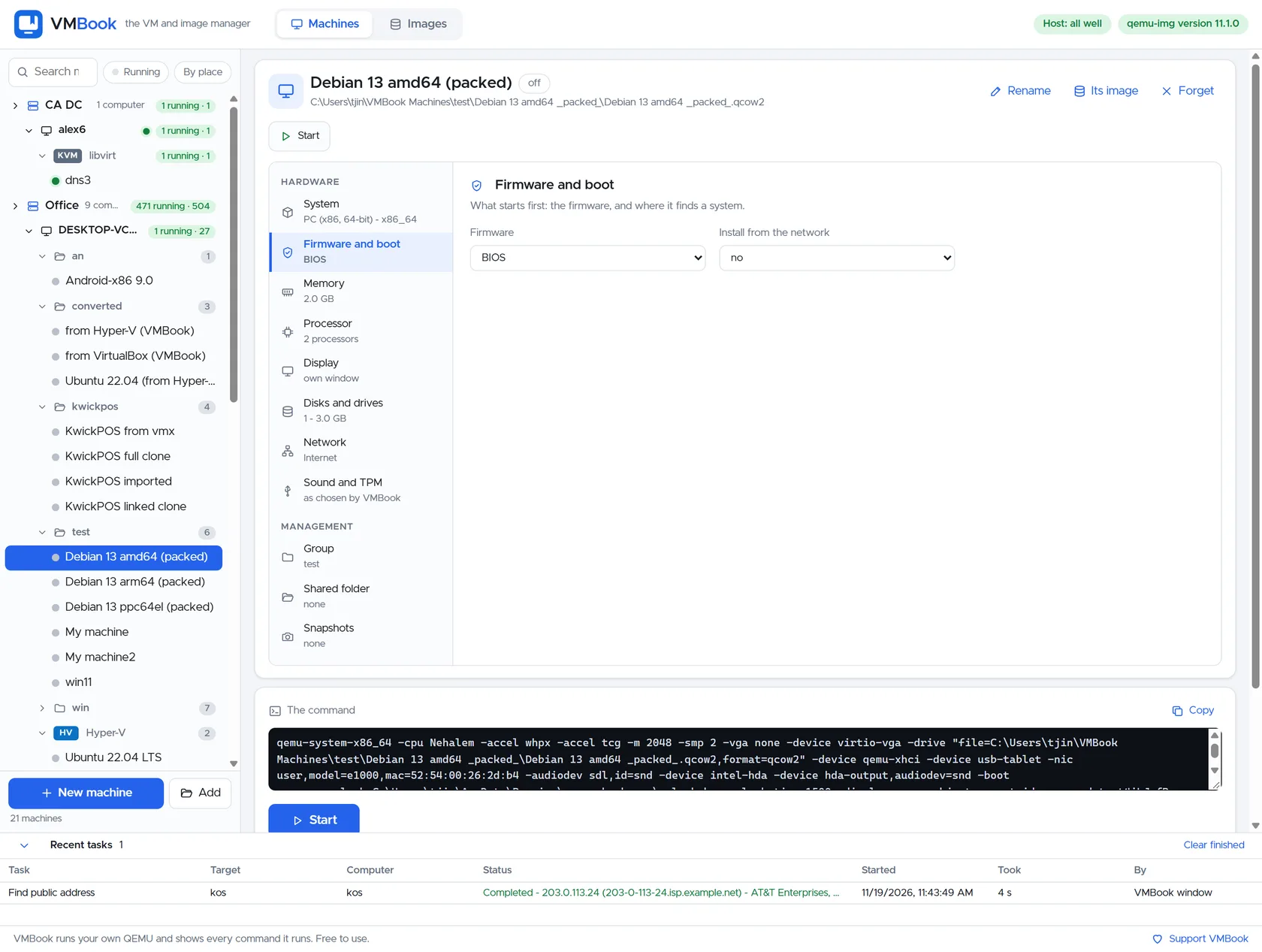
Inspect the implementation evidence
Verify the capability
Match the screen and documentation to the host, provider and release you intend to use. Begin with a disposable machine and keep the native provider visible while you test.